Spooky Ghostface Halloween AI Photo Prompts
Welcome to the spookiest corner of Prompt Seen. This page collects our Halloween AI photo prompts for this season, the ones where your own face stays exactly yours while a tall masked figure appears quietly behind you. Every collection below is free. Pick a style, open its page, copy a prompt, and paste it with your photo in ChatGPT or Gemini. In seconds an ordinary selfie turns into a frame from a 90s horror film, ready for Halloween night.
What Is This Halloween Photo Trend?
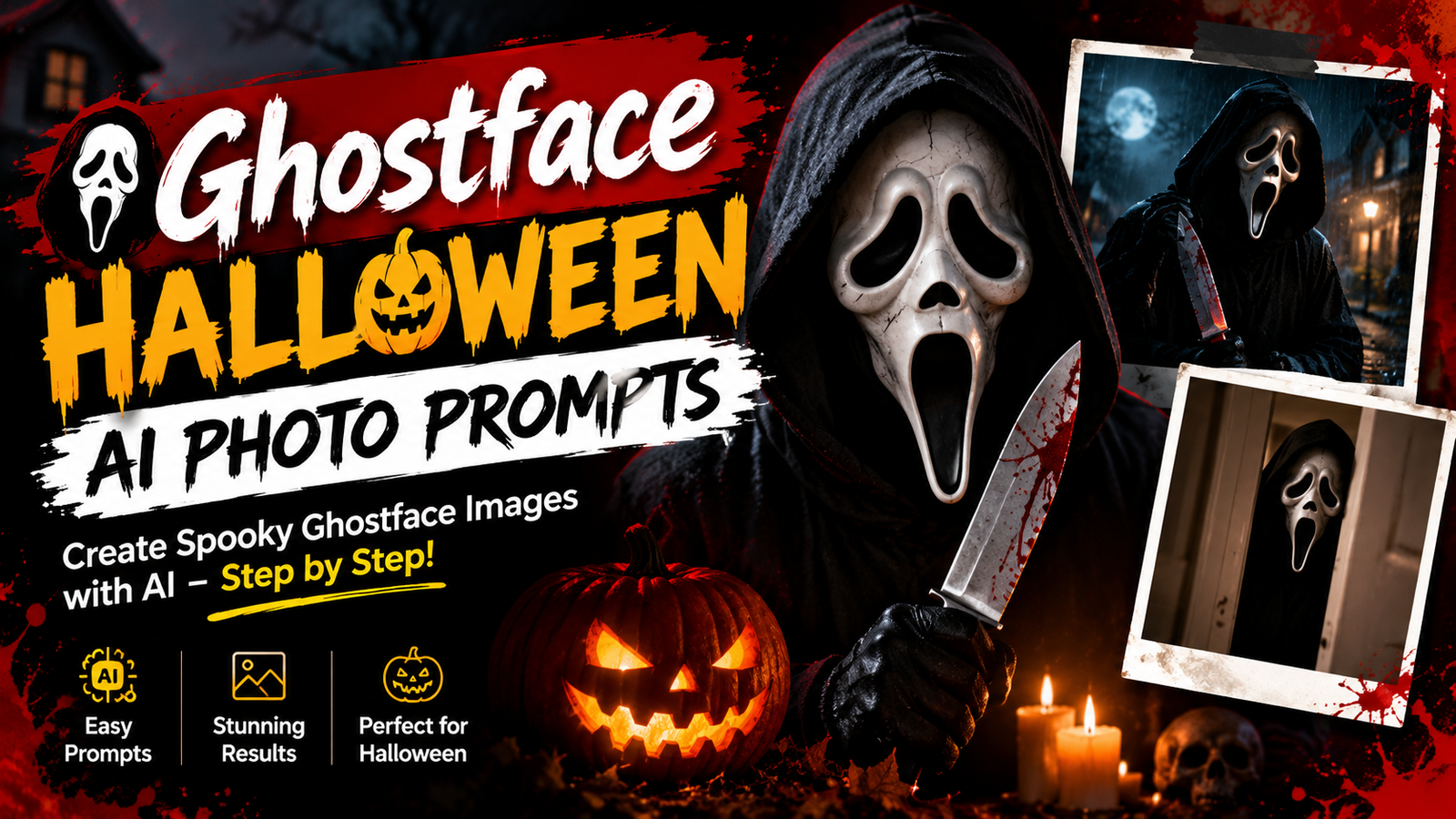
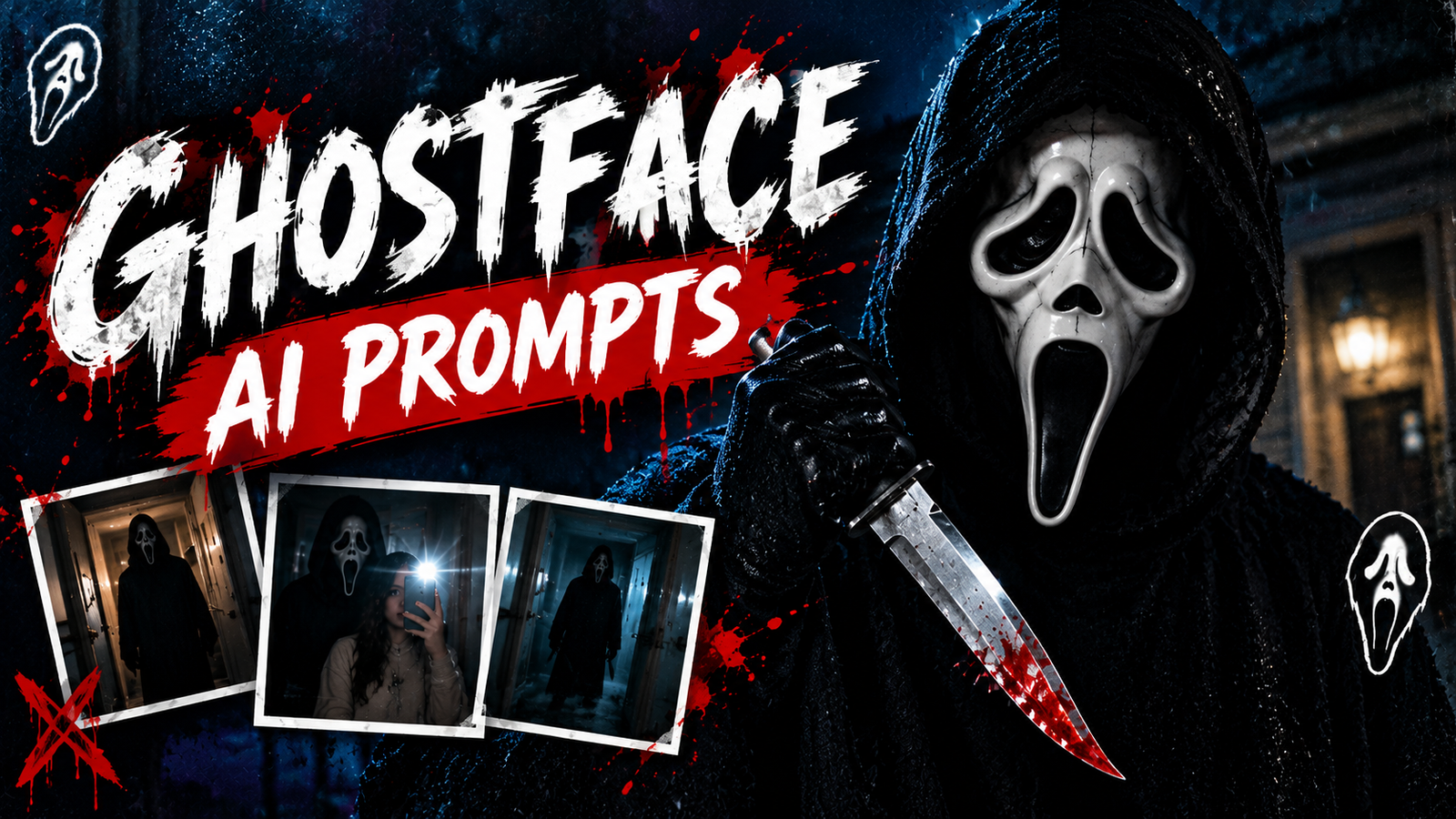
The trend is simple and that is why it works. You take one normal photo of yourself and the AI rebuilds the scene around you as a late 90s horror movie still. Your face, your hair and your expression stay untouched, while the room, the light and the mood change completely. Behind you, half hidden in a doorway or a dark hallway, stands a tall figure in a black hooded robe and a long white mask. Nothing jumps out and nothing screams. The figure just stands there, and that quiet presence is what makes the photo so chilling and so shareable.
Why This Look Fits Halloween So Well
Three things come together in this look. First, timing: in October everyone is hunting for spooky profile pictures and Halloween posts, so a ready made horror portrait fits the season perfectly. Second, nostalgia: the grainy film texture, the dim lamp light and the old bedroom details remind people of the horror films they grew up watching. Third, it is personal. This is not a random scary picture from the internet, it is your own face inside the scene, which makes friends stop scrolling and ask how you made it. That mix of fear, memory and identity is what makes these photos so shareable every Halloween.
Ghostface AI Prompts
View Prompts →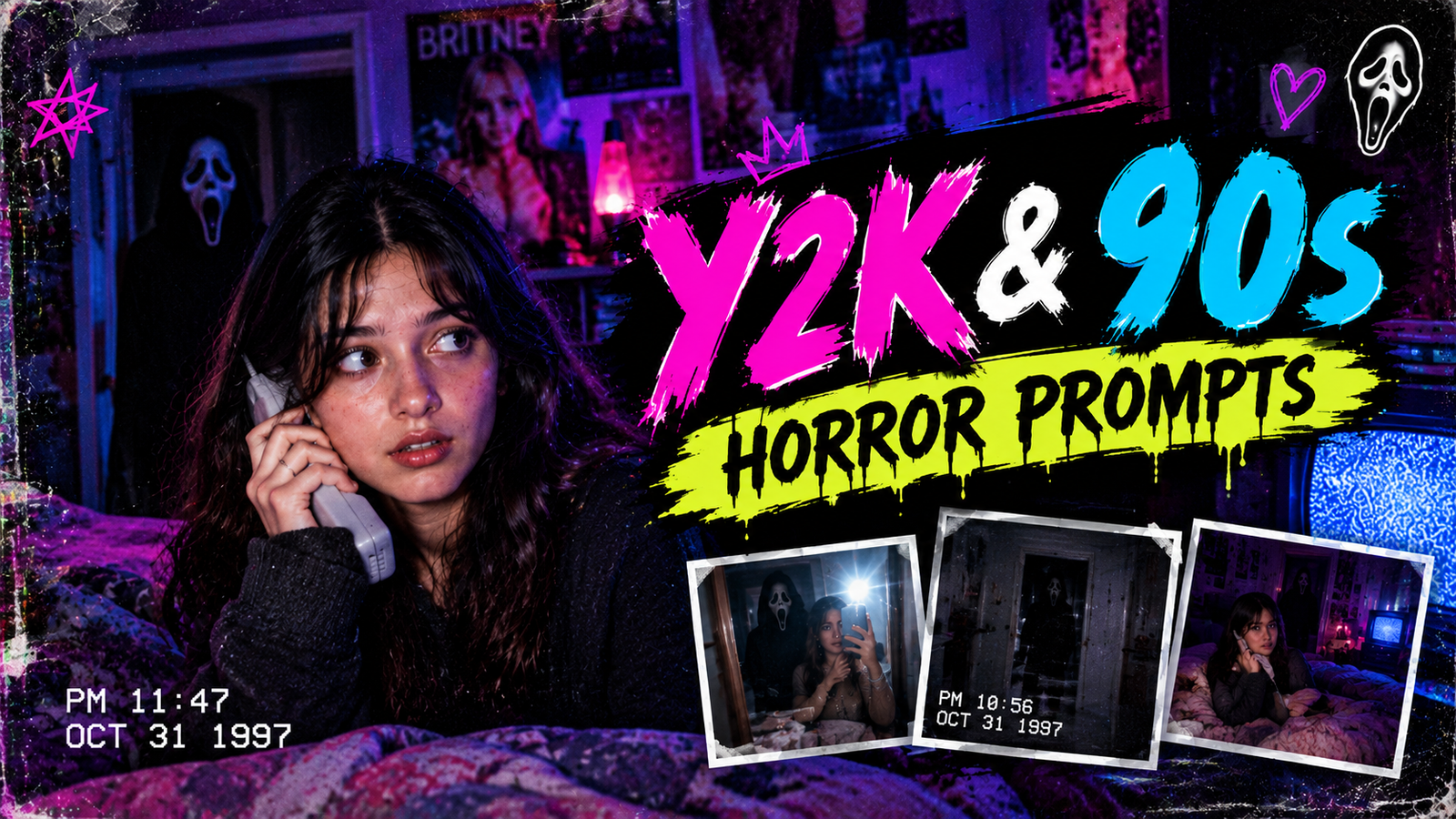
Y2K & 90s Horror Prompts
View Prompts →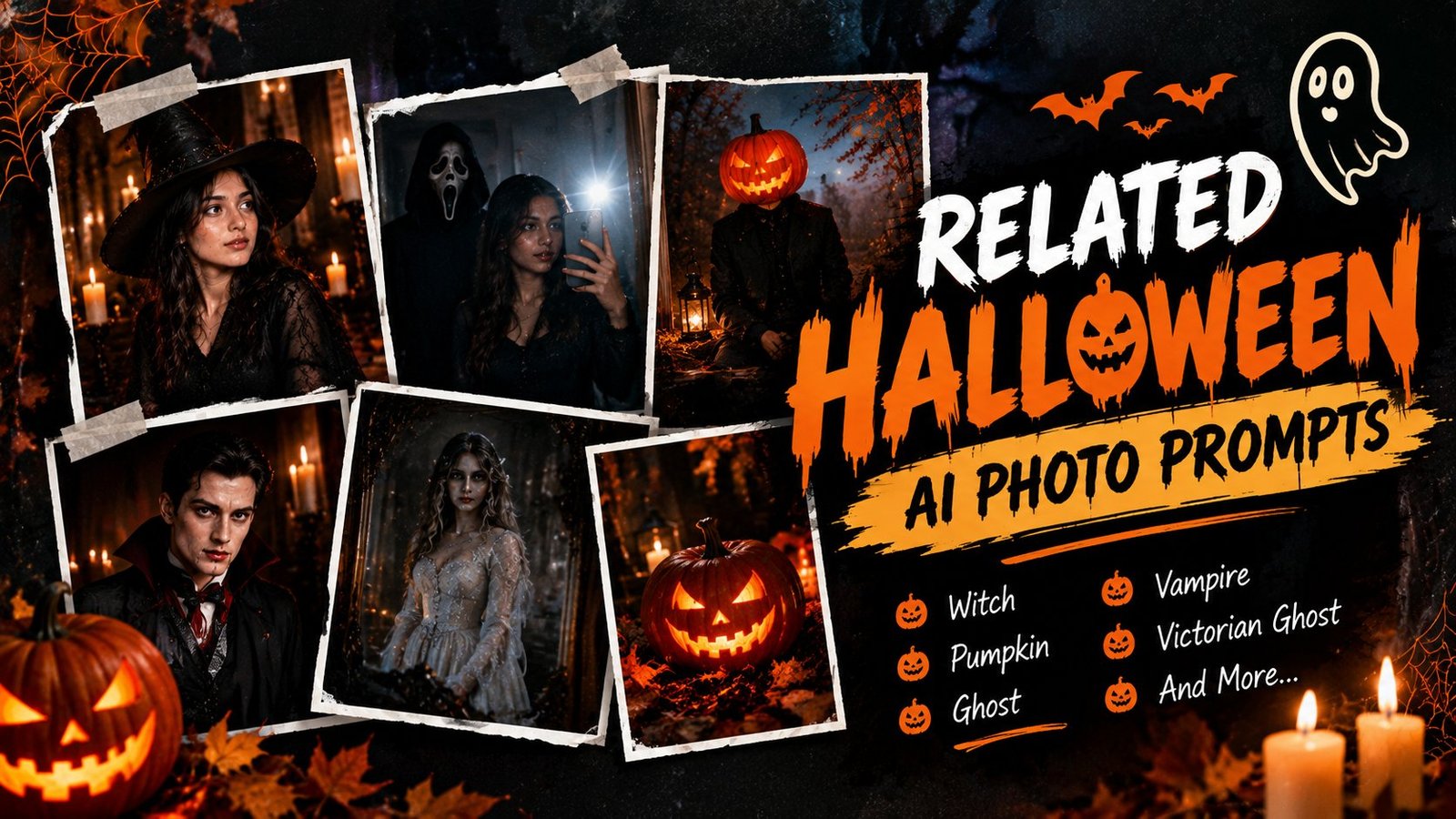
Related Halloween AI Photo Prompts
View Prompts →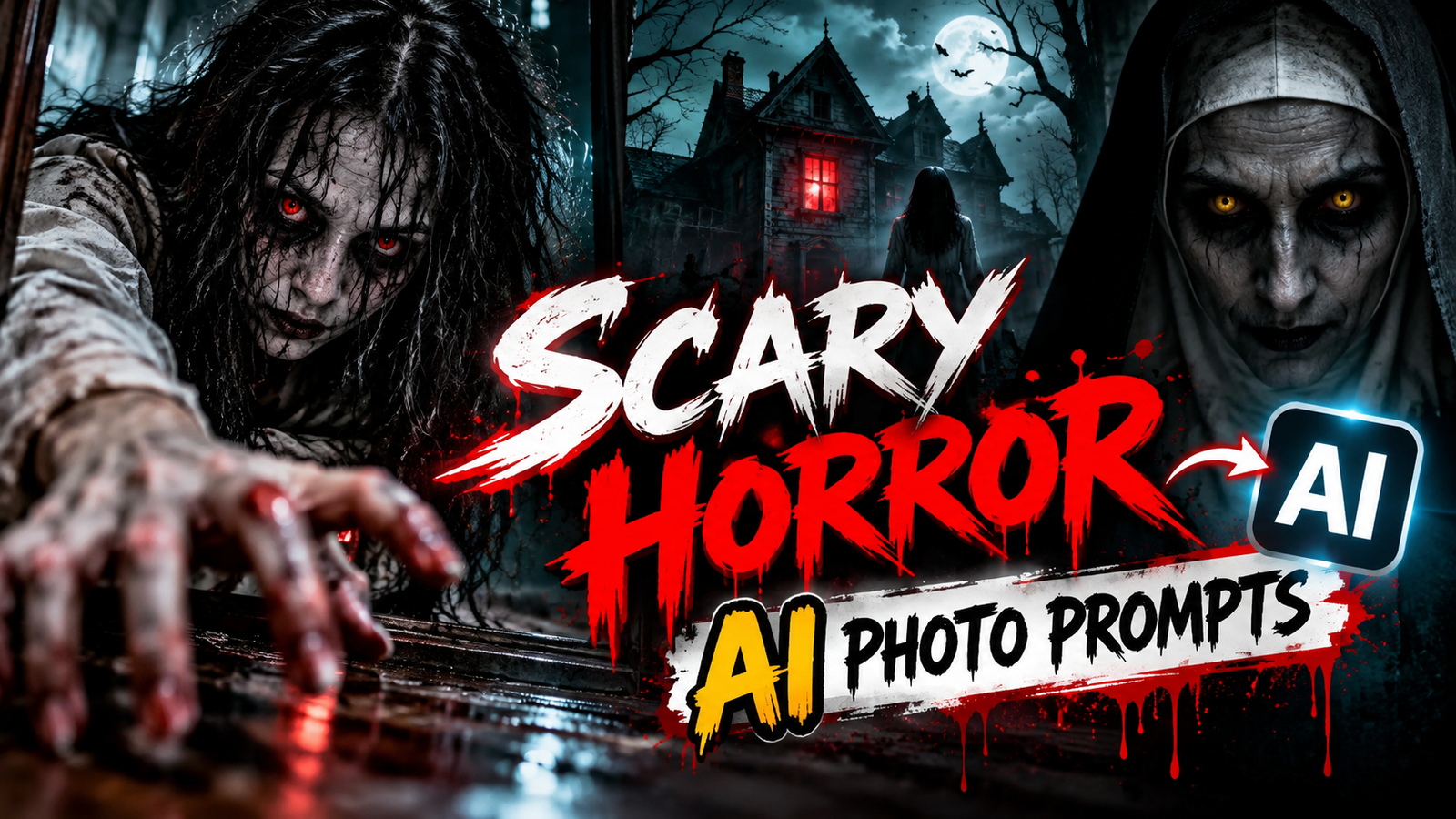
Scary Horror AI Photo Prompts
View Prompts →
Halloween CapCut Templates
View Prompts →
Halloween Boy AI Photo Prompts
View Prompts →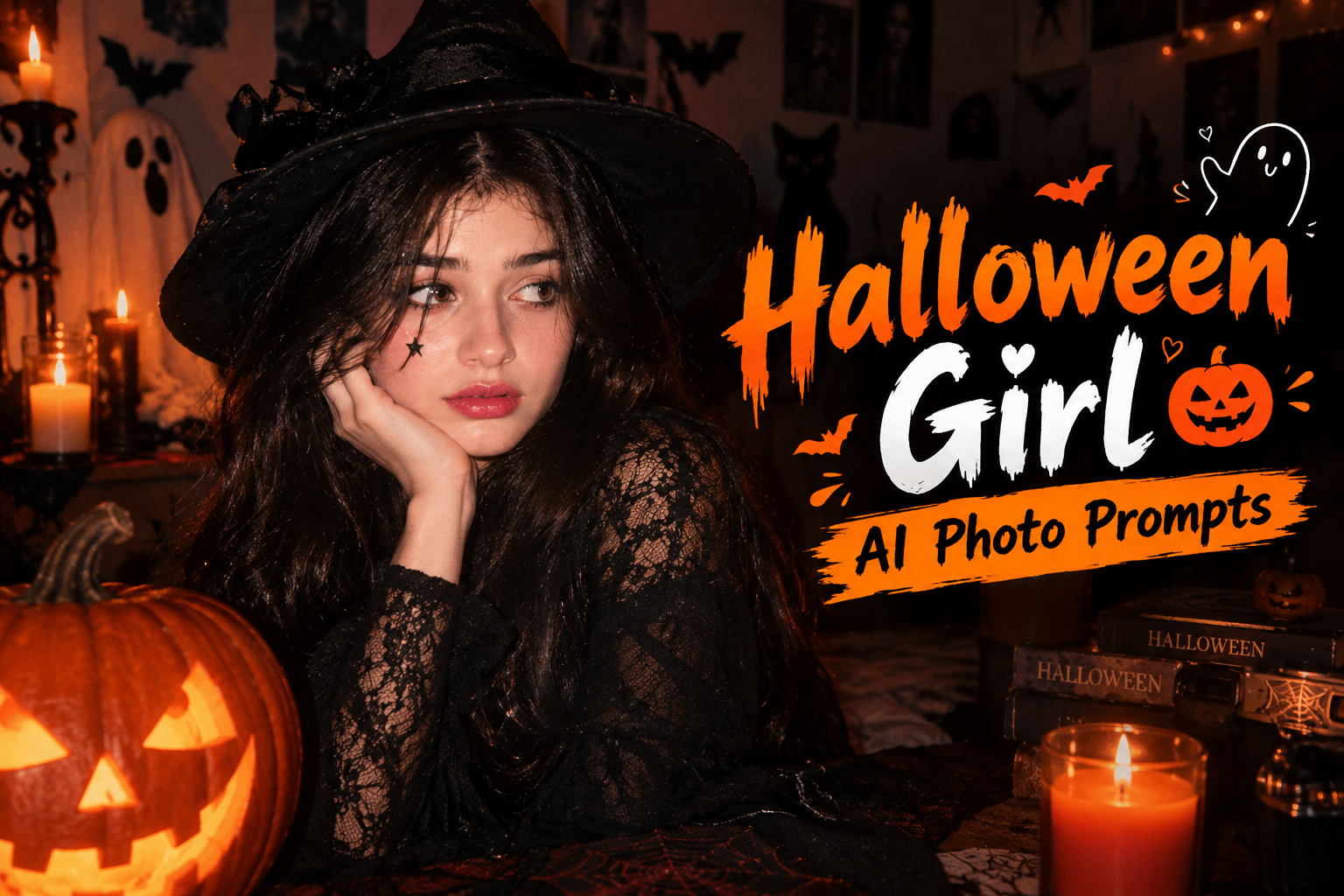
Halloween Girl AI Photo Prompts
View Prompts →Explore the Collections on This Page
Seven collections live under this one Halloween roof, and each one has its own mood. You will find the masked doorway scenes that started the trend, the grainy Y2K and 90s horror looks, and a mixed shelf of haunted mirrors, witches and vampires. The horror shelf goes darker, with a ghost girl, a candlelit nun, a cracked doll and a demon transformation. The CapCut shelf turns your photos into vertical video edits, while the boy and girl shelves keep things personal, with zombie, werewolf, masquerade and ghost bride looks built around your own face. Pick the mood that matches your night, open its collection, and copy the prompt you like.
Pick Your Scare Level
Light and playful. Start with the related shelf or the girl looks, spooky enough to post, gentle enough for everyone.
The classic viral mood. The masked doorway scenes and the Y2K looks are the trend at its purest.
Full horror. The scary shelf and the demon transformation are for the brave, best posted after dark.
Tips for a Photo That Actually Looks Real
Start with a clear selfie. Use a front facing photo in good light with your face fully visible. Sunglasses, caps and group photos confuse the AI, and a clean face is what lets the result still look like you.
Tell the AI to lock your face. The strongest line in any of these prompts is the one that protects your identity, words like keep my face exactly the same. If a result changes your face, that line is the first thing to check.
Keep the figure in the background. The look works when the figure stands far behind you, slightly out of focus and half in shadow. A figure too close or too sharp turns the photo from cinematic to cartoon.
Describe the light, not just the scene. Words like dim lamp light, film grain and VHS texture do more for this style than any other detail. They are what make the photo feel like a real 90s film frame.
Refine in small steps. If the first result is close but not right, change one thing at a time, deeper shadow, smaller figure, warmer light, and generate again. Small honest tweaks beat rewriting the whole prompt.