
Halloween CapCut Templates
Six ready made Halloween edit ideas for CapCut, each written as a copy paste prompt. Pick the style you like, from a beat synced pumpkin edit to a ghost transition in a foggy forest, copy its prompt, and use it to shape your own vertical video. Every template here is built for a 9:16 phone screen, the size that fills TikTok, Reels and Shorts.
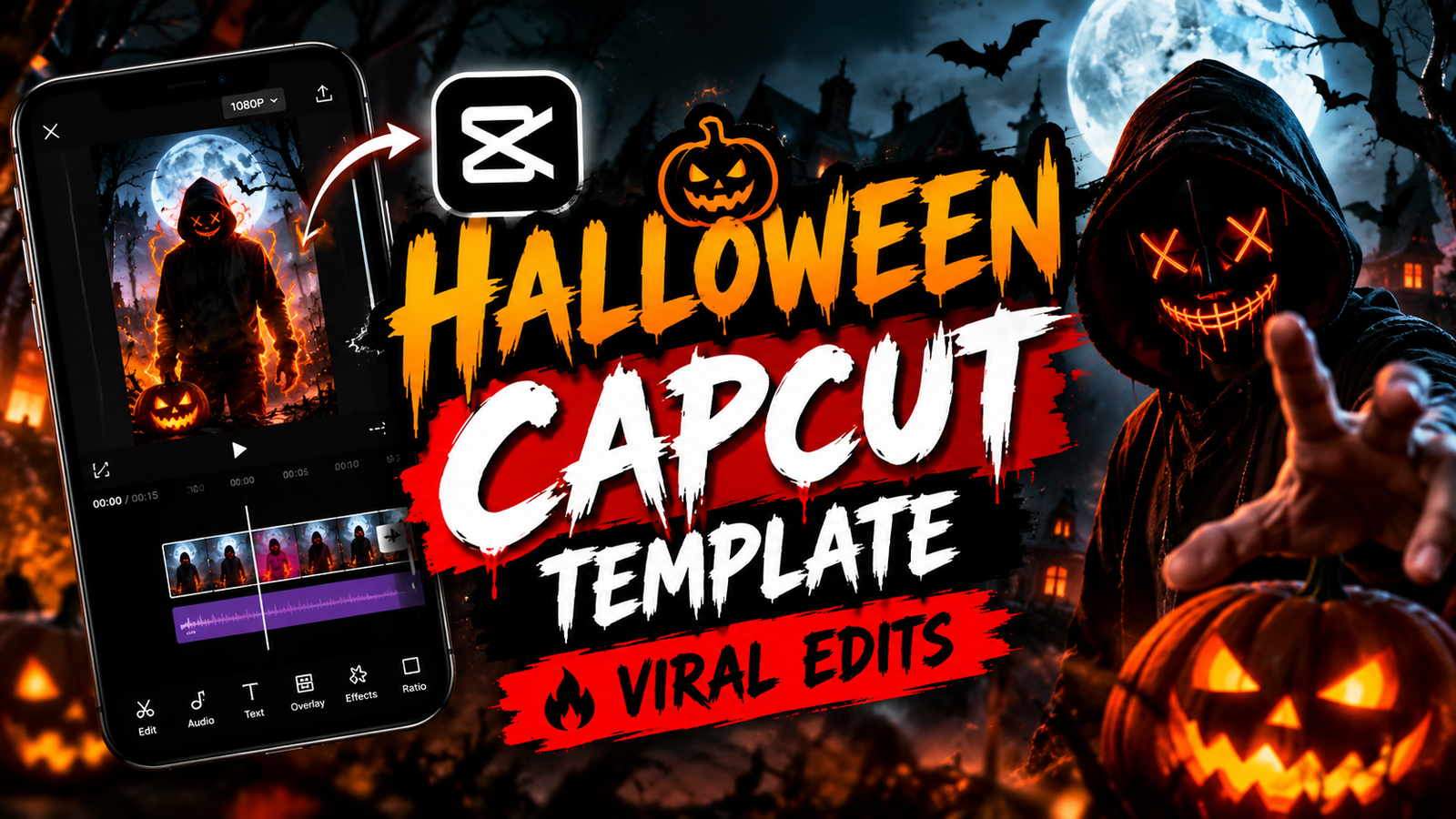
Why a Template Prompt Beats Editing From Scratch
Starting from an empty timeline is the slow part of every edit. A template prompt hands you the whole structure at once, the cuts, the effects and the ending, so you spend your time choosing photos instead of dragging clips around. These six prompts each describe a complete edit, including where the flash lands, how the smoke moves and how the final frame freezes, which makes the result look planned instead of random.
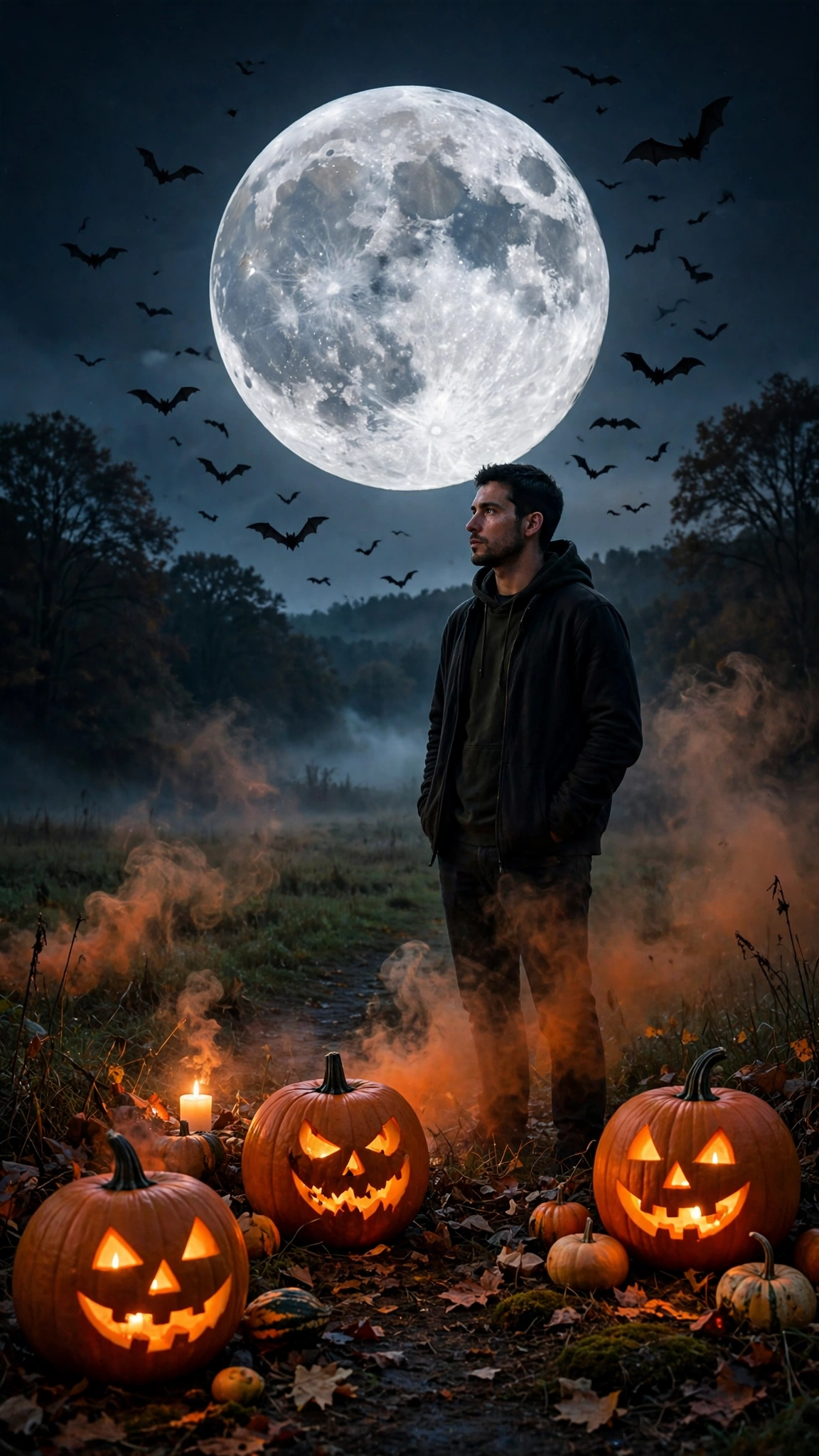
1. Halloween CapCut Template
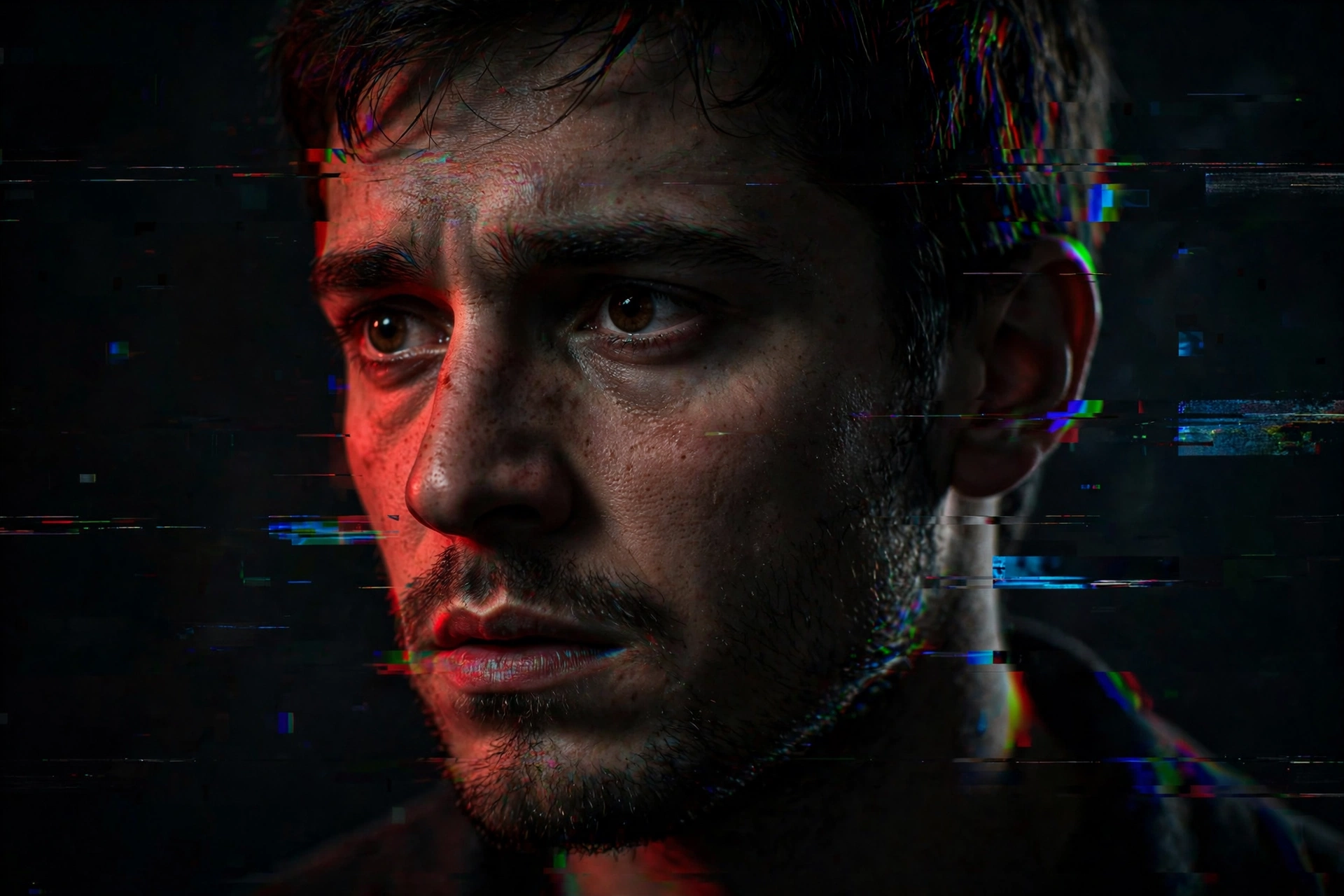
2. Horror Glitch CapCut Template
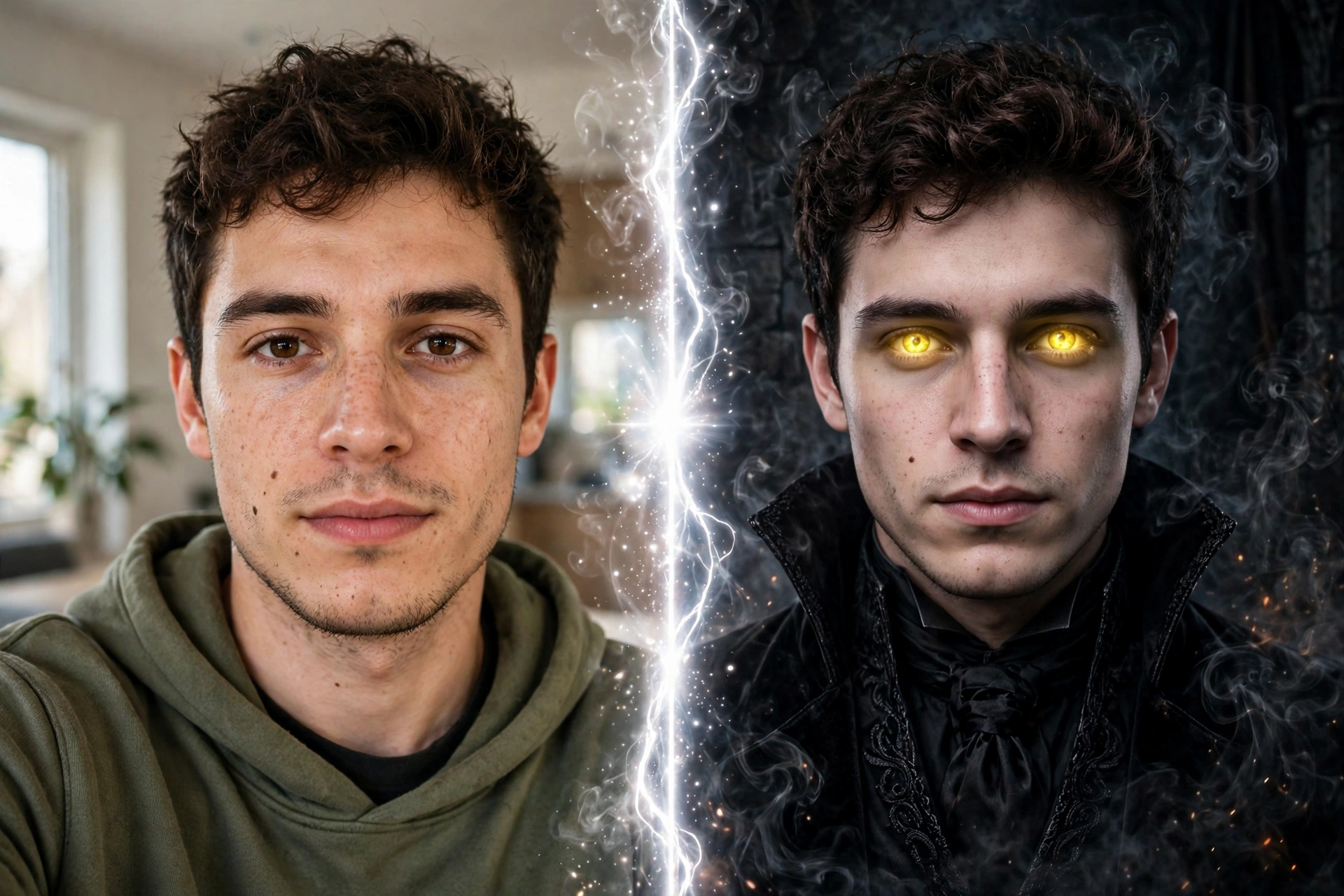
3. Halloween Transformation Template
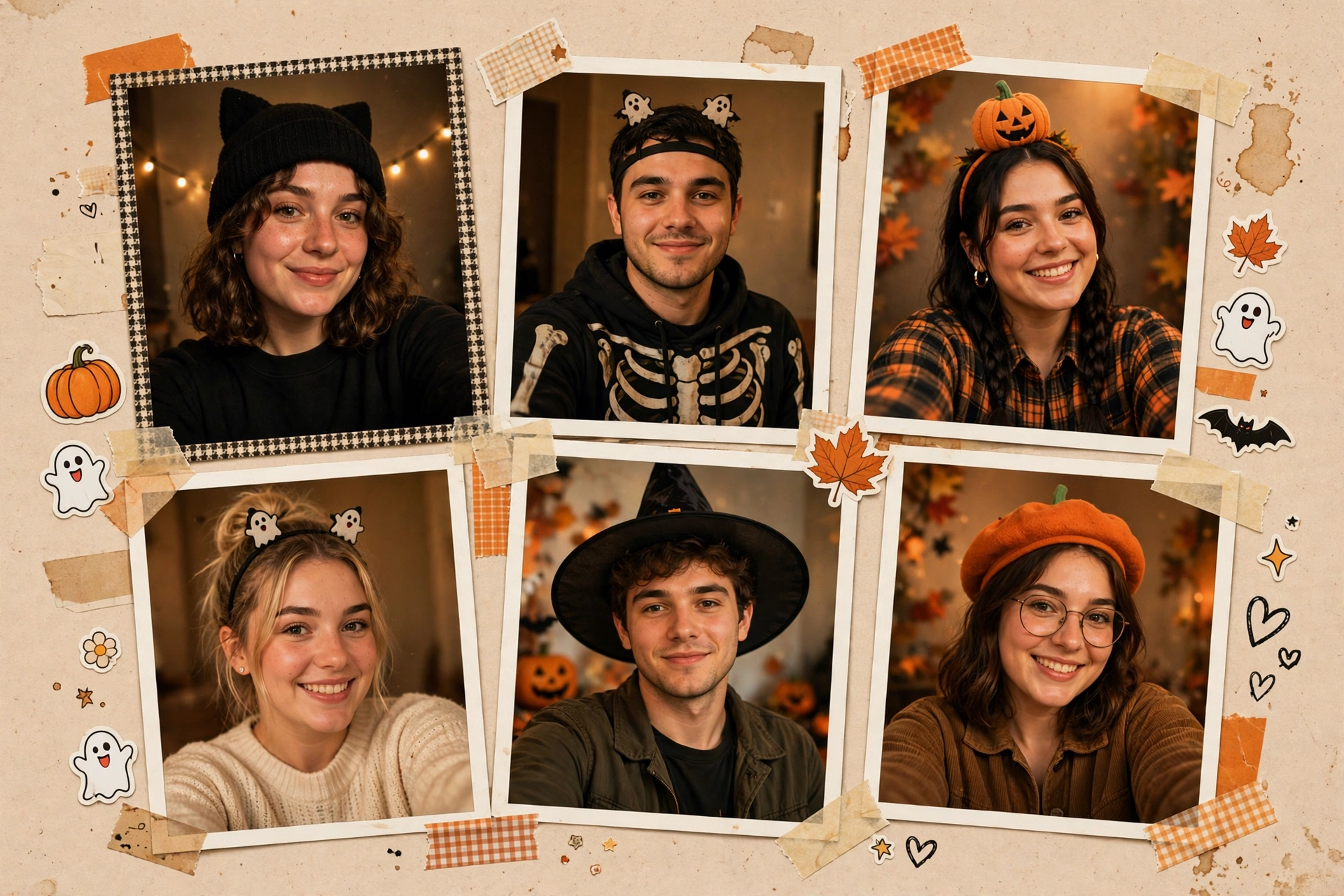
4. Halloween Photo Dump Template
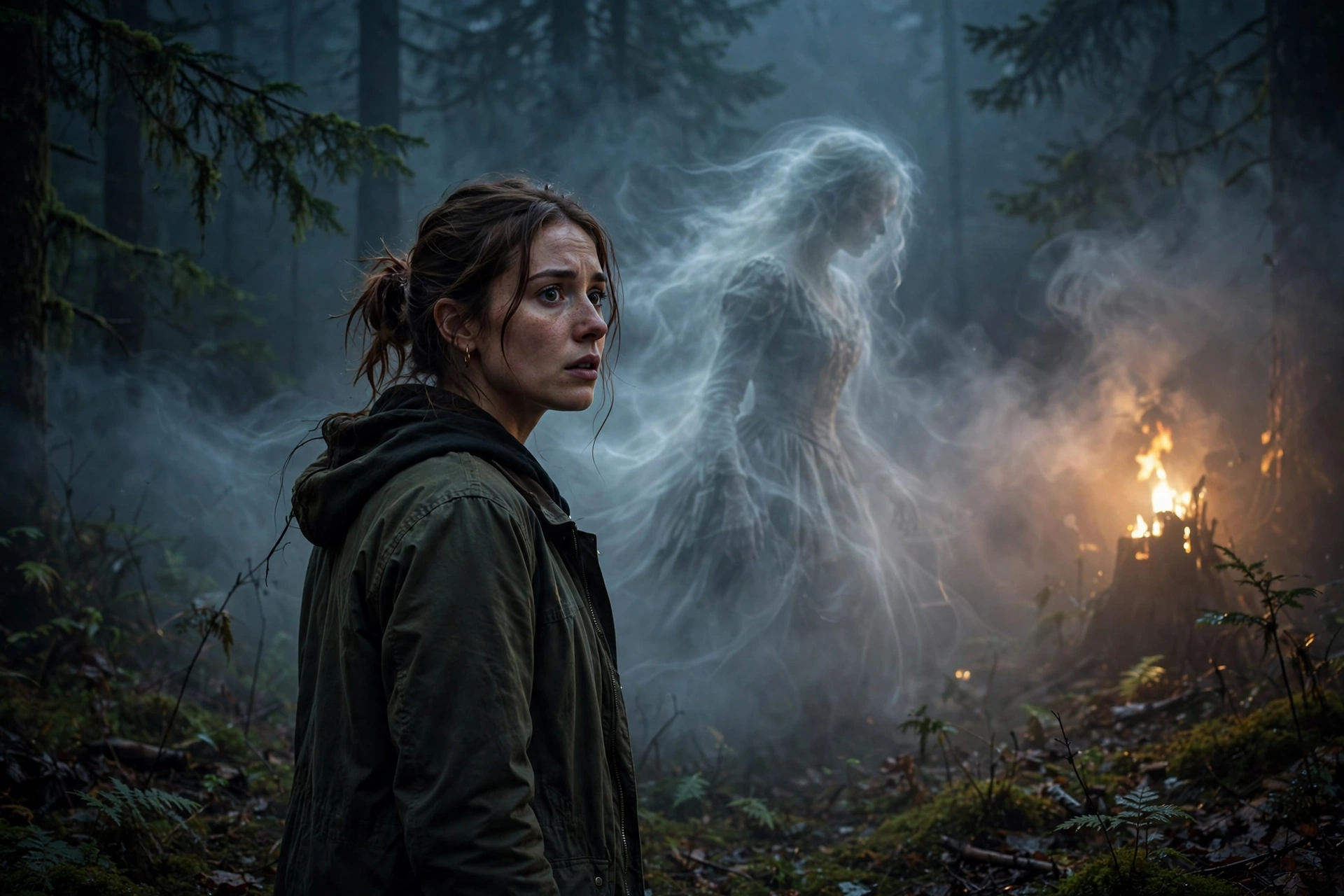
5. Ghost Transition CapCut Template
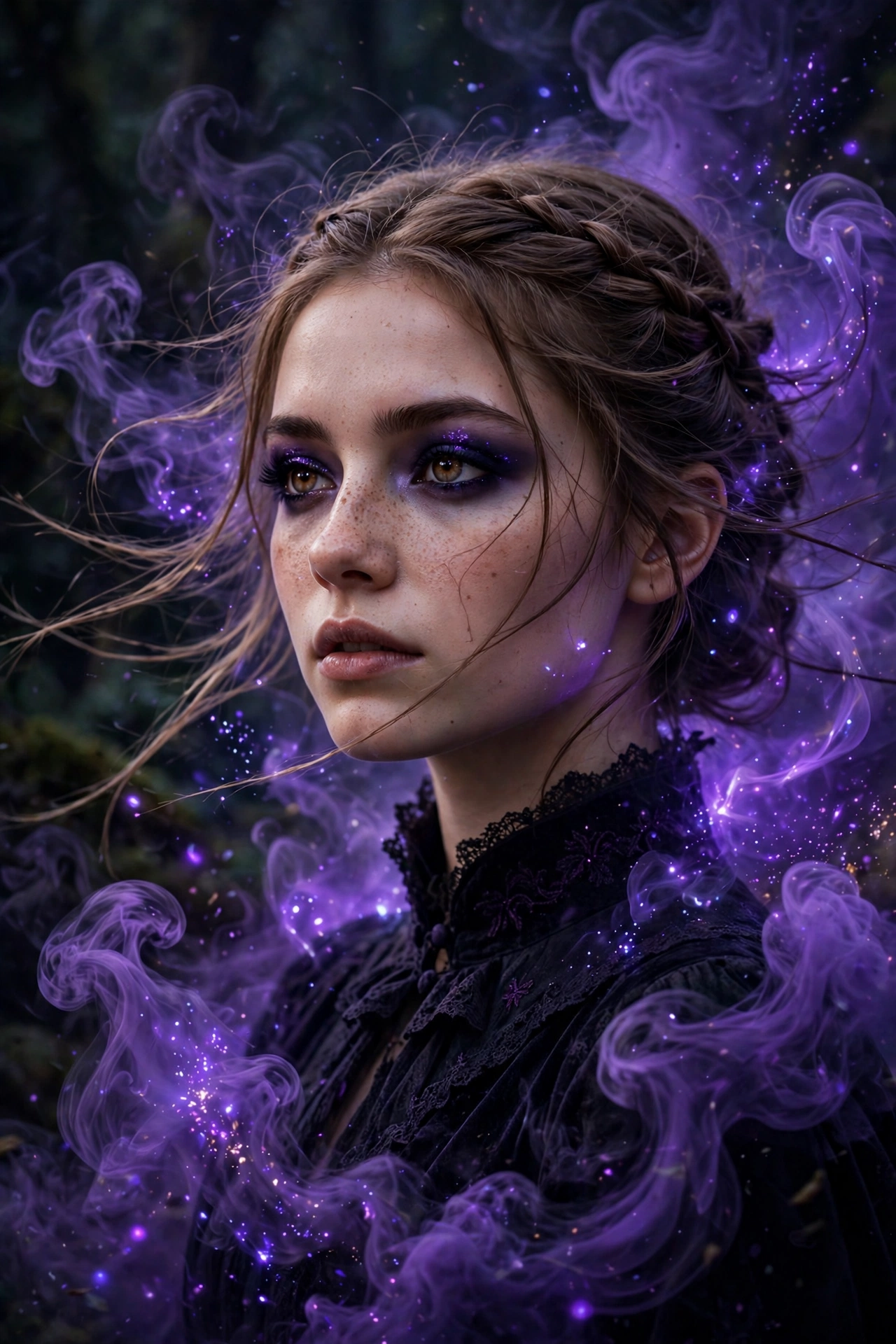
6. Enchantress Filter CapCut Template
How to Use These Prompts in CapCut
1. Open CapCut and start a new project with your Halloween photos or clips.
2. Copy the prompt of the template you like from this page.
3. Paste the prompt into the AI video or script tool you use, or follow it as your editing recipe, adding the effects it names in the same order.
4. Match your cuts to the beat of your chosen song, because every template here is built around beat sync.
5. Export in 9:16 at the highest quality your phone offers, and post with the moonlit or freeze frame moment as your cover.
Picking the Right Template for Your Footage
If you have one strong selfie, the transformation and enchantress templates turn it into a full video on their own. If you have many photos from a party or a shoot, the photo dump template was made for exactly that pile. For outdoor night footage, the ghost transition and the main Halloween template use fog and moonlight best. And when your clip is dark and plain, the glitch template adds all the energy by itself.
Make the First Second Count
Most viewers decide in the very first second whether your edit deserves the next fourteen. These habits help every template on this page earn that second.
Start on the change. Begin your clip at the transformation or the reveal, not before it, and let curiosity pull people into the story.
End where you began. If your last frame matches your first, the video loops on its own, and loops are what the platforms reward.
Save your best frame for the cover. The moonlit frame or the freeze frame is the picture that earns the tap in the first place.