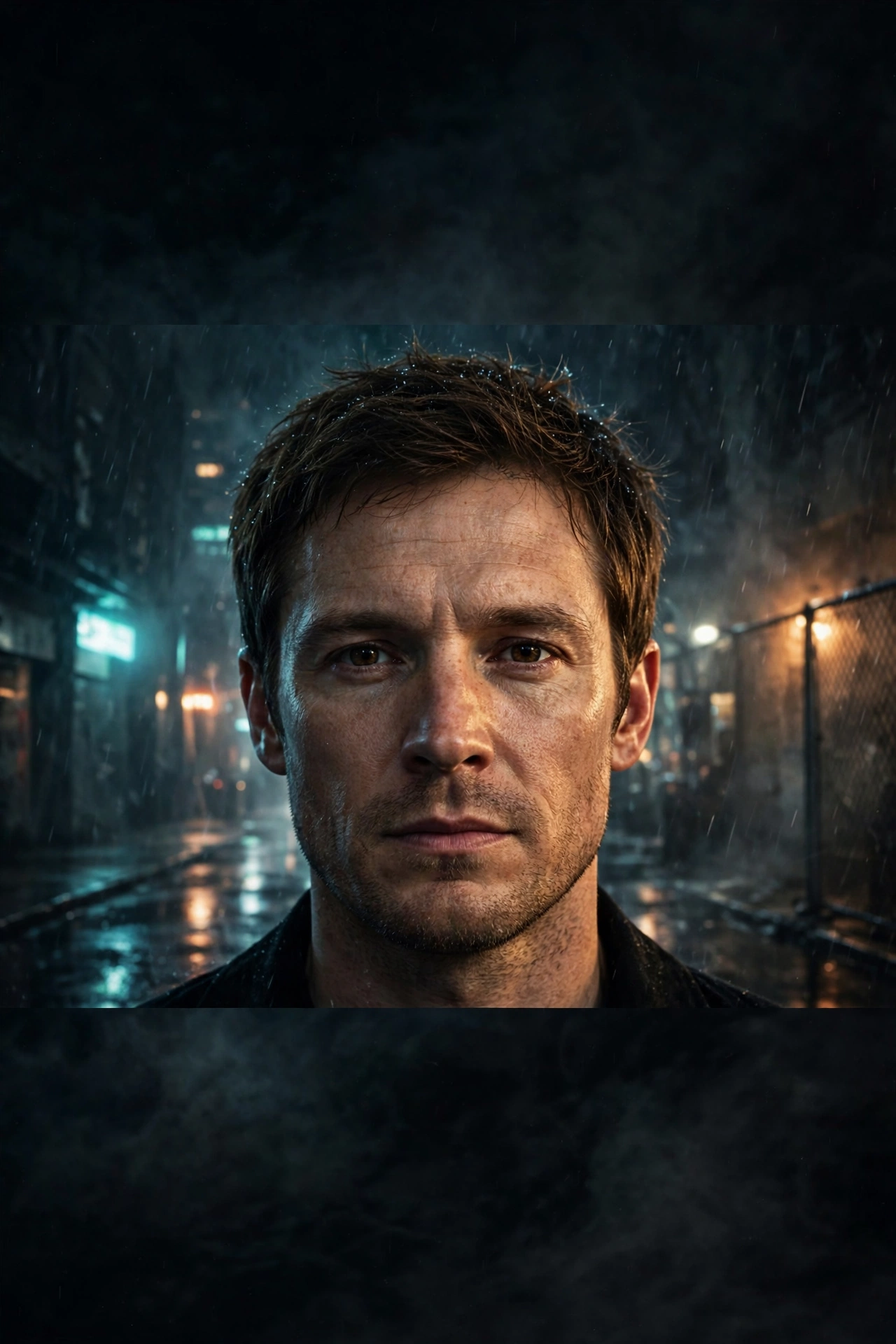
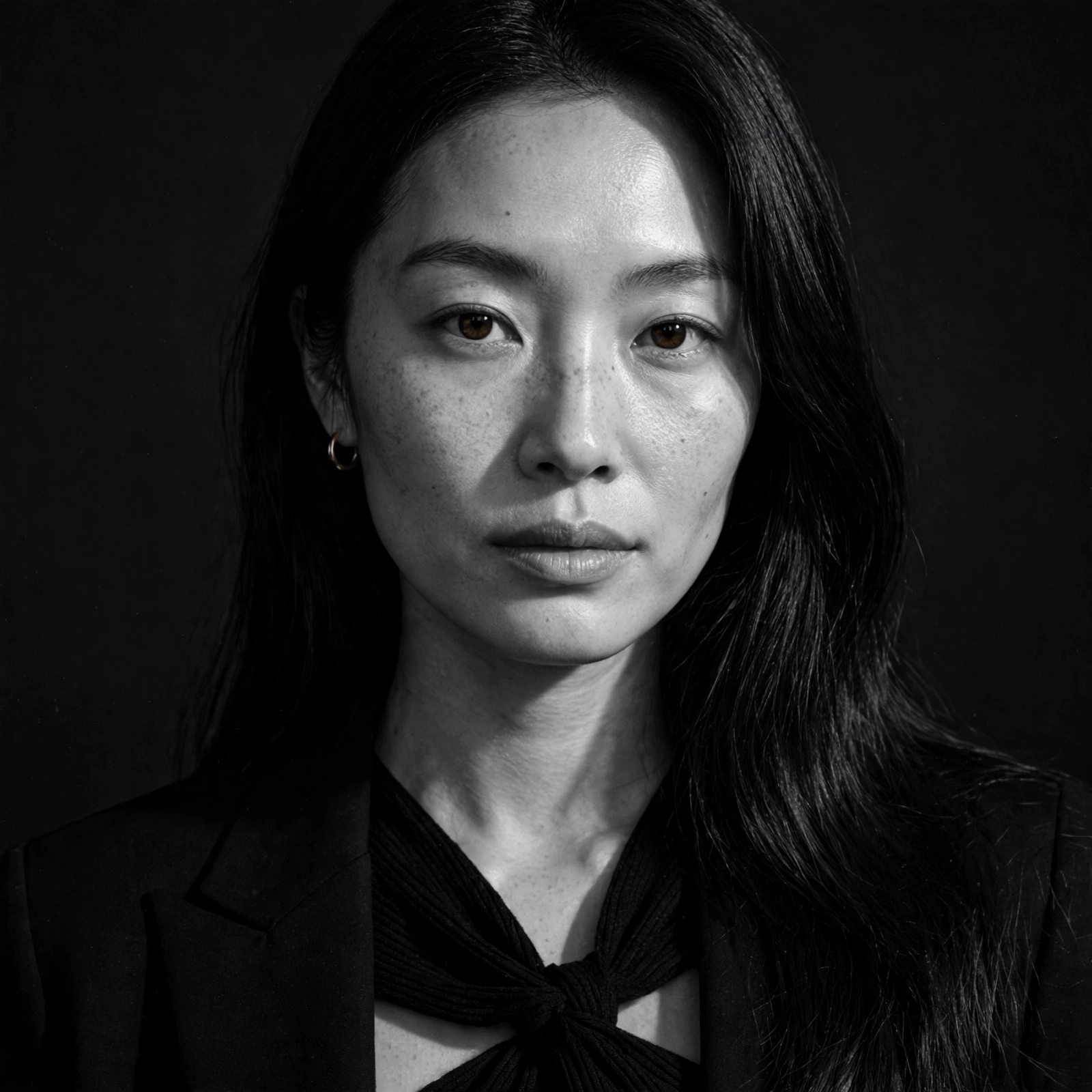
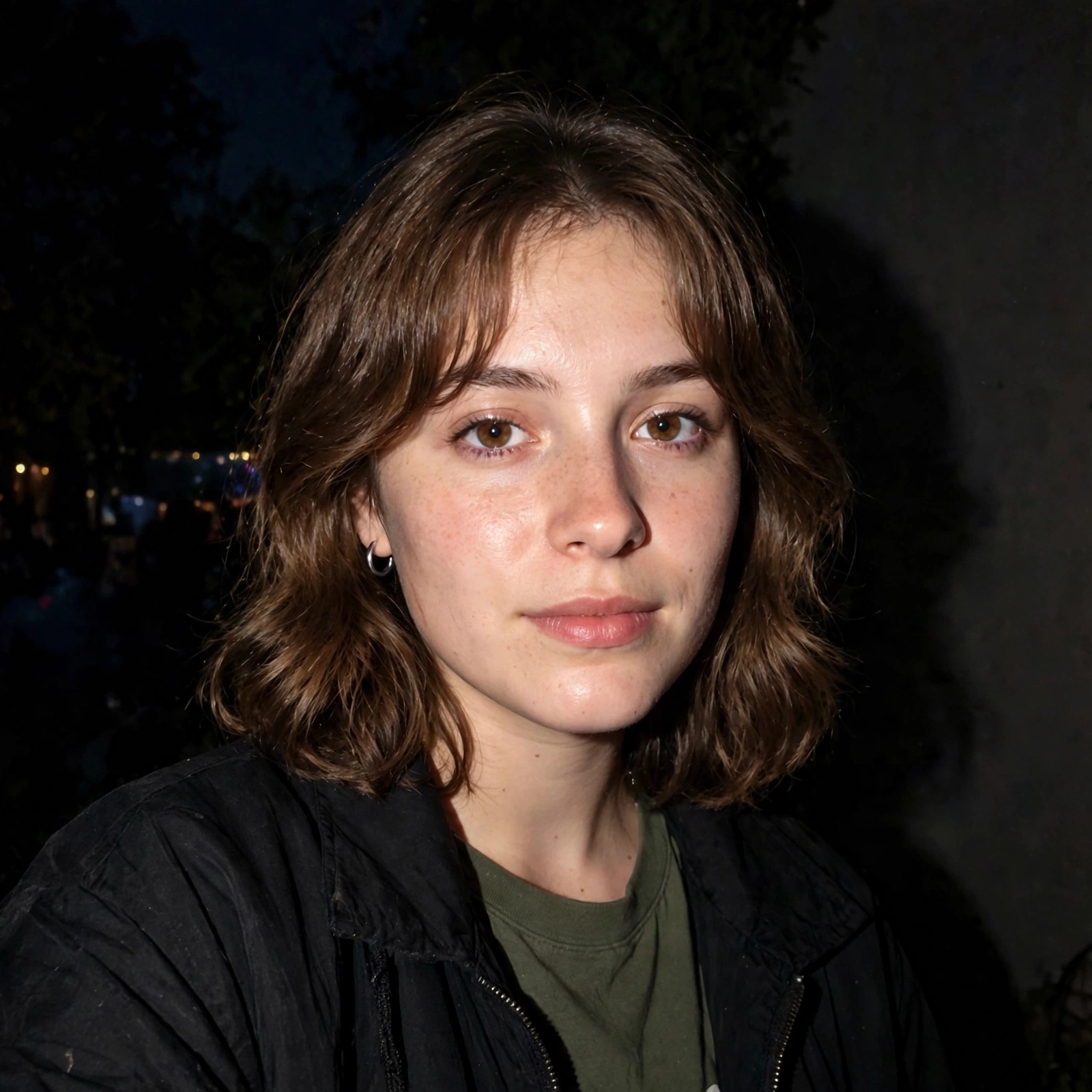
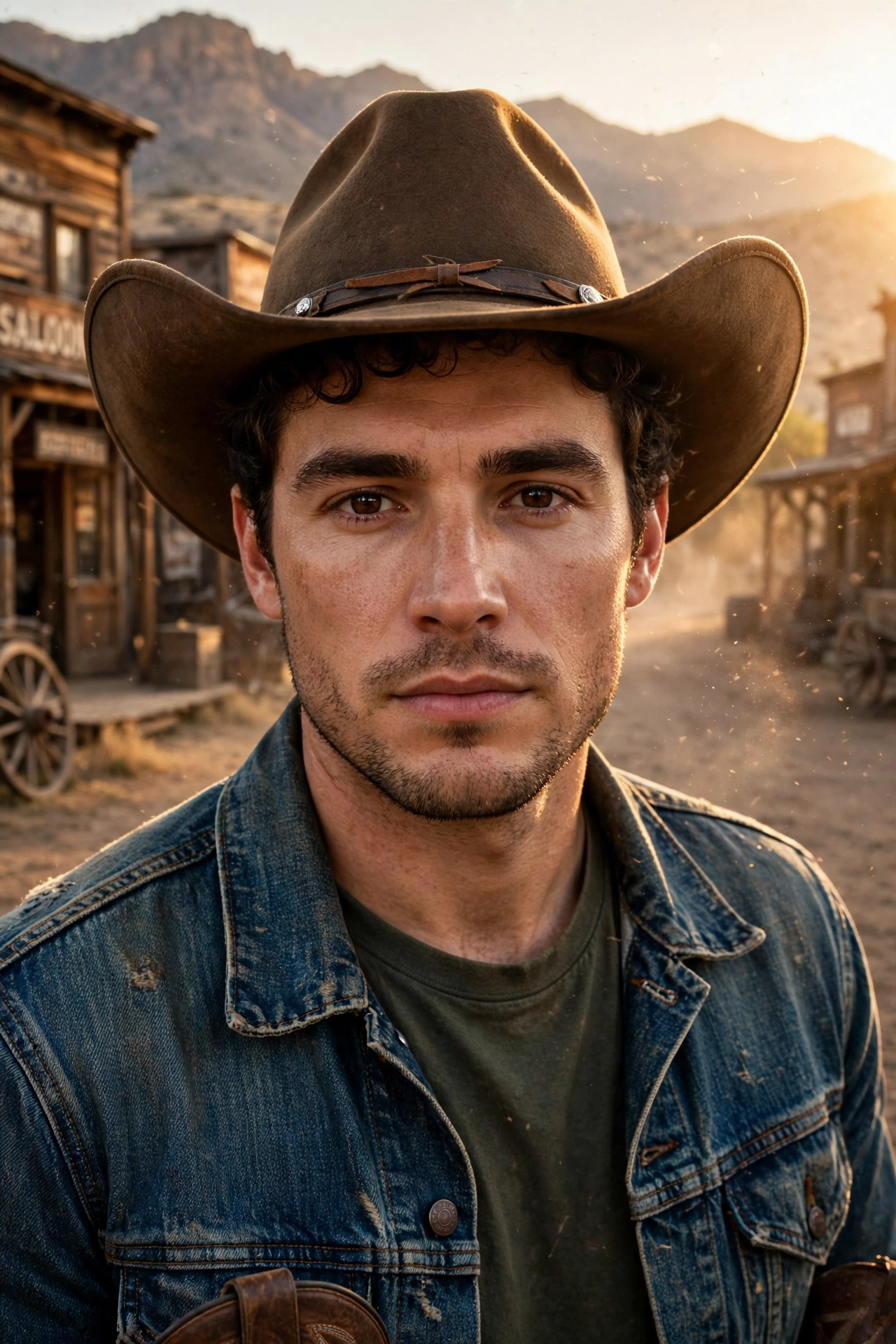
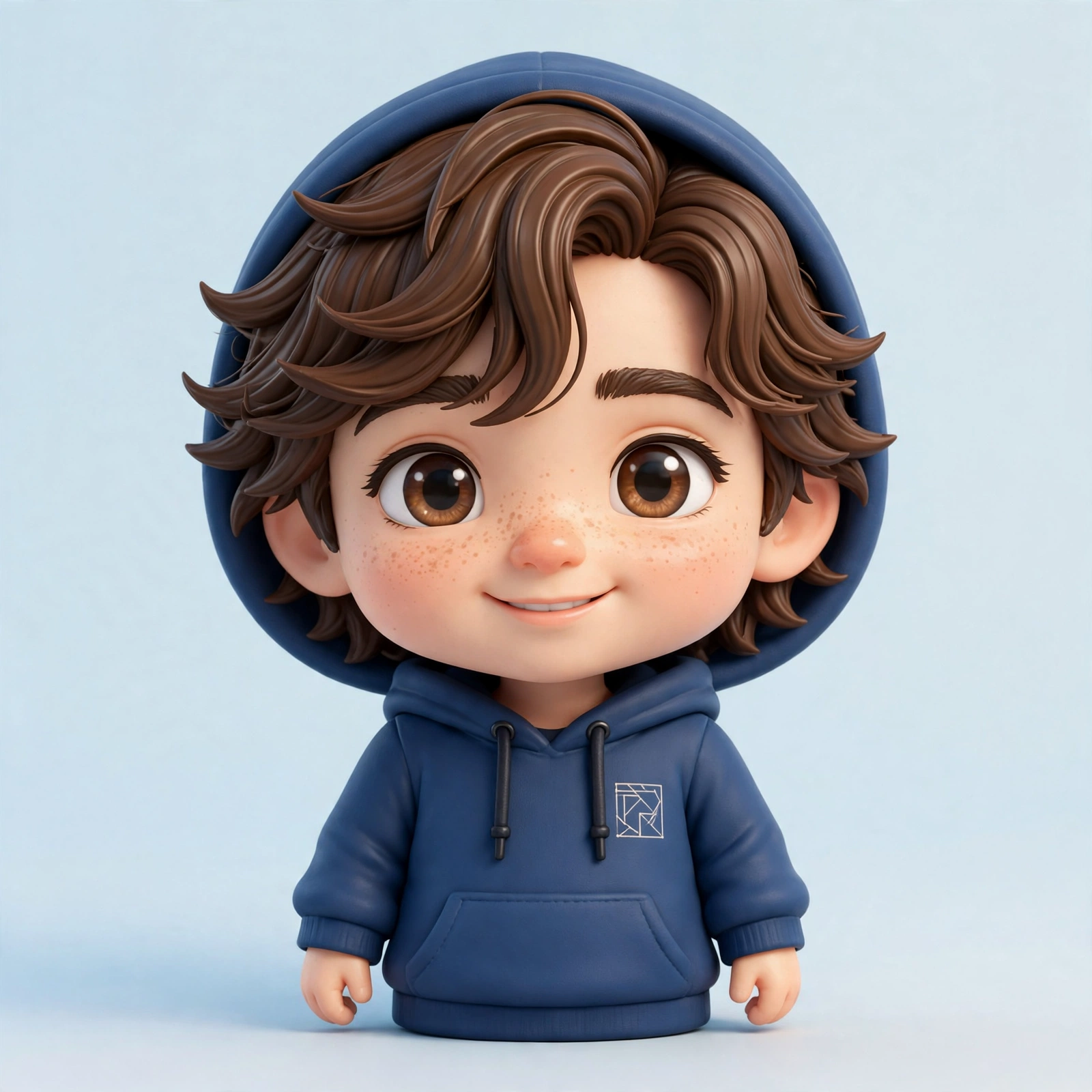
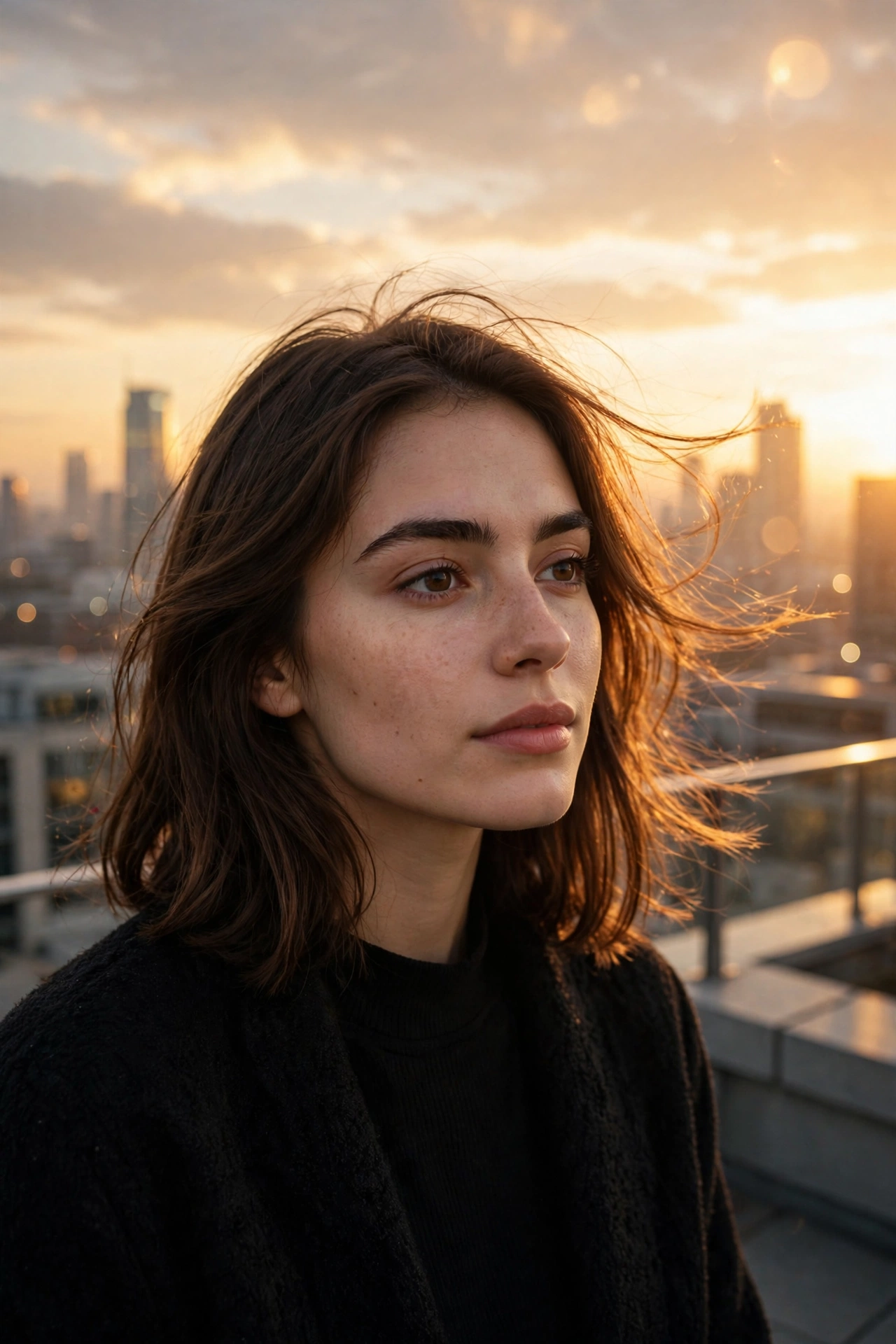
This page brings you the latest AI photo prompts of 2026, the newest styles people are creating with their own photos right now. Every prompt here is free to copy. Just paste it with your photo in ChatGPT or Gemini, and your ordinary picture turns into a stunning AI look while your face stays completely yours. We update this page whenever a new style starts trending, so the prompts you find here are always fresh.
Why These Prompts Work: Just Copy, Paste and Create
The purpose of these prompts is simple: to turn your normal photo into an amazing AI photo without any editing skills or paid apps. You just copy a prompt from this page and paste it with your own photo in ChatGPT or Gemini. The prompt works like ready instructions for
1. 🕶️ 80s Retro Street Portrait
AI Prompt
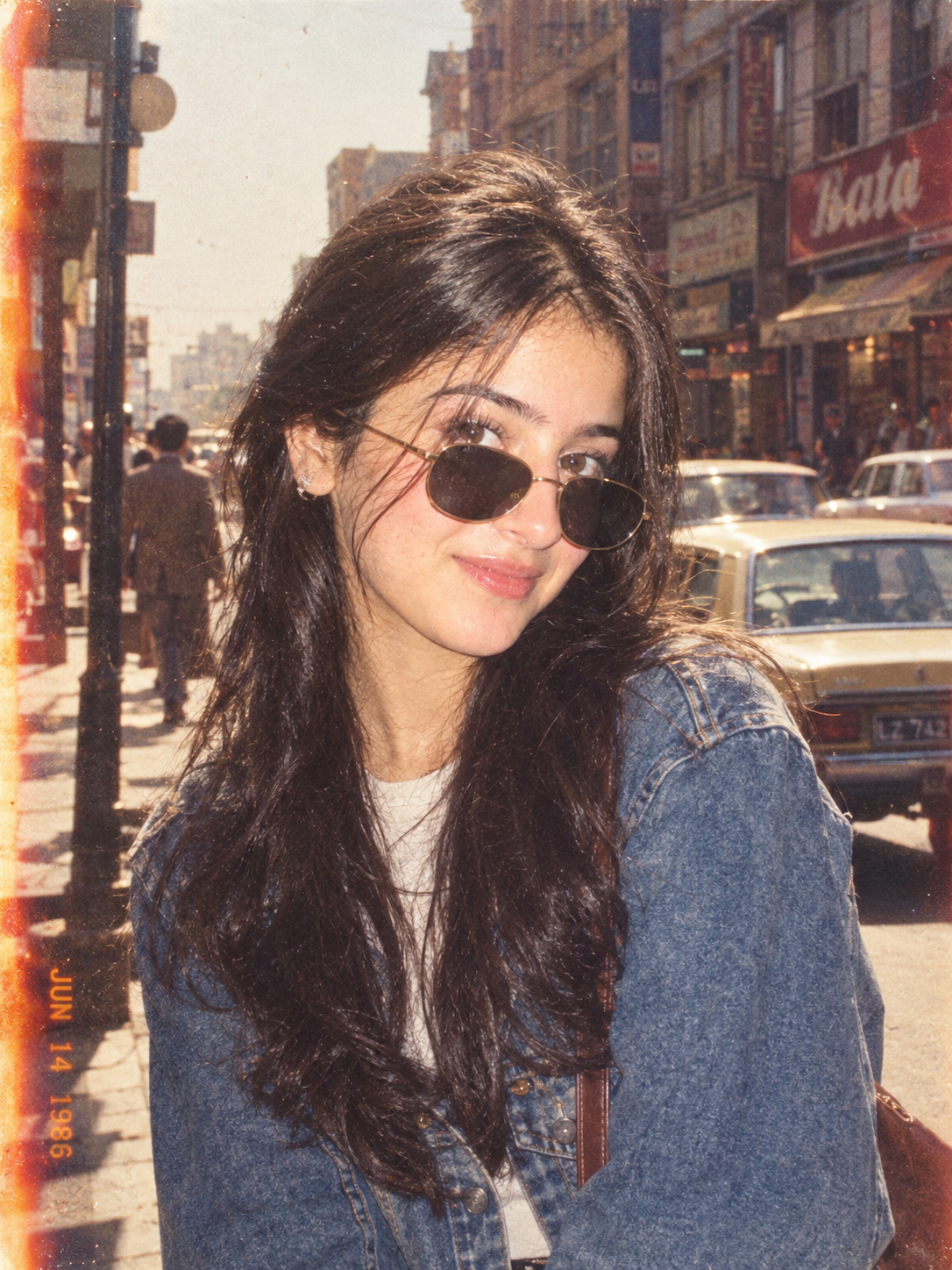
Transform my uploaded photo into an authentic 1980s street portrait.
Keep my face, identity, facial structure, skin tone, eyes, nose, lips, hairstyle, and natural expression clearly recognizable. Do not replace my face or make me look like another person.
Dress me in realistic 1980s fashion with a denim jacket, vintage sunglasses, period-appropriate hairstyle, and casual styling. Place me on a lively 1980s city street with vintage cars, old storefronts, warm afternoon sunlight, and subtle background activity.
Make it look like a real photograph taken on a 35mm analog camera in 1986, with natural film grain, slightly faded colors, soft contrast, subtle light leaks, realistic skin texture, and authentic photographic imperfections.
Avoid modern clothing, modern cars, excessive retouching, plastic skin, facial distortion, or an obvious AI-generated appearance.
2. 📼 90s Disposable Camera
AI Prompt
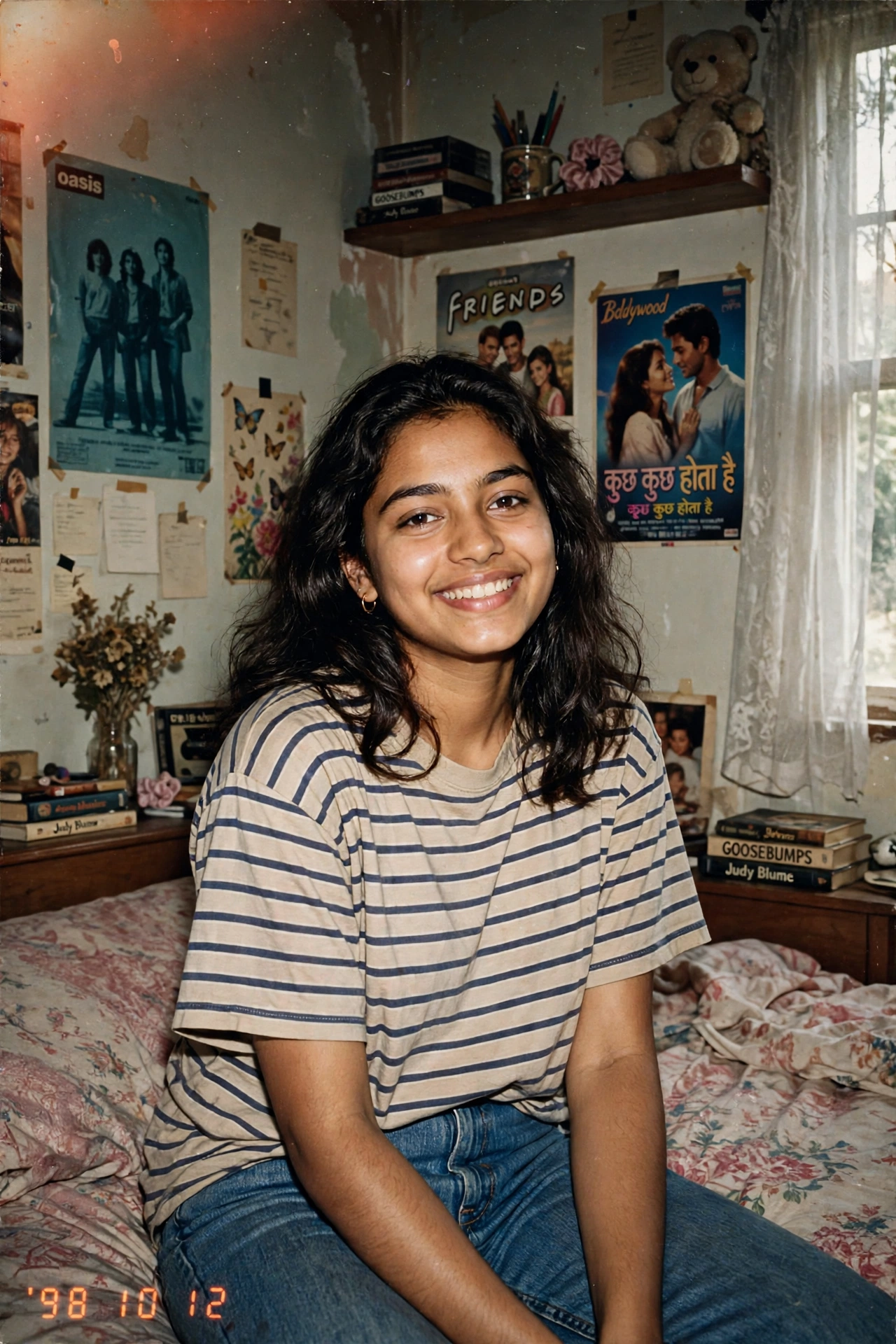
Turn my uploaded photo into an authentic late-1990s disposable-camera photograph.
Preserve my exact identity, face, facial structure, skin tone, eyes, nose, lips, hairstyle, and natural expression.
Give me casual 1990s clothing and place me in a relaxed everyday setting such as a bedroom, street, café, or house party.
Use direct camera flash, slightly uneven exposure, warm faded colors, subtle red-eye characteristics, visible film grain, mild motion blur, soft focus, and realistic disposable-camera imperfections.
The final image should feel like a genuine photograph from 1998 found inside an old photo album, not a modern image with a vintage filter.
Do not change my face or make my skin unnaturally smooth.
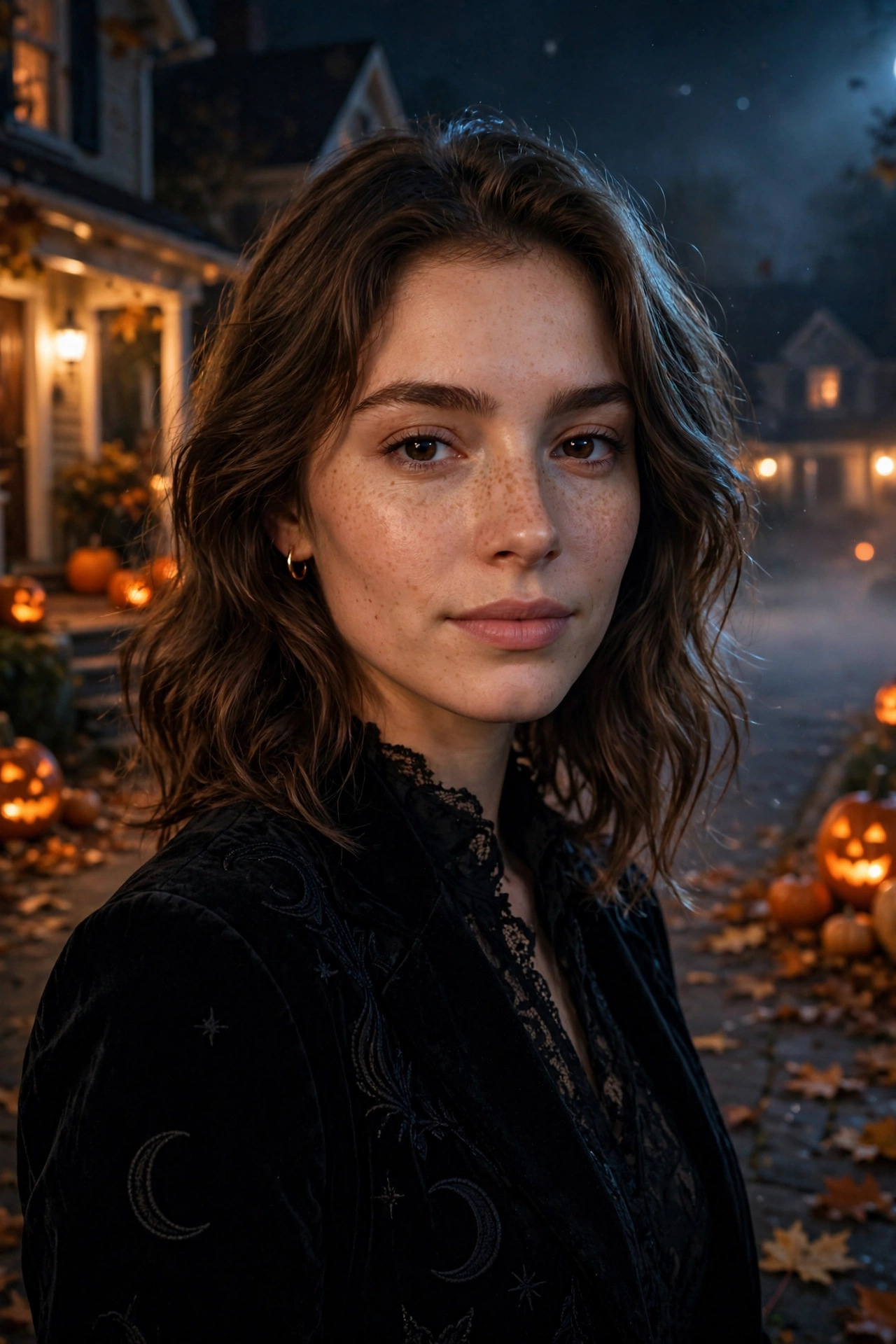
3. 👻 Halloween Cinematic Portrait
AI Prompt
Transform my uploaded photo into a cinematic Halloween night portrait.
Keep my identity, facial structure, skin tone, eyes, nose, lips, hairstyle, and natural expression recognizable and unchanged.
Dress me in an elegant dark Halloween outfit and place me on a quiet street at night with glowing pumpkins, warm porch lights, subtle fog, autumn leaves, and a mysterious atmosphere.
Use realistic cinematic lighting, soft moonlight, warm orange highlights, natural skin texture, shallow depth of field, subtle film grain, and professional movie-style photography.
Keep the scene spooky but stylish and photorealistic. Avoid excessive gore, distorted anatomy, cartoon effects, or changing my face.
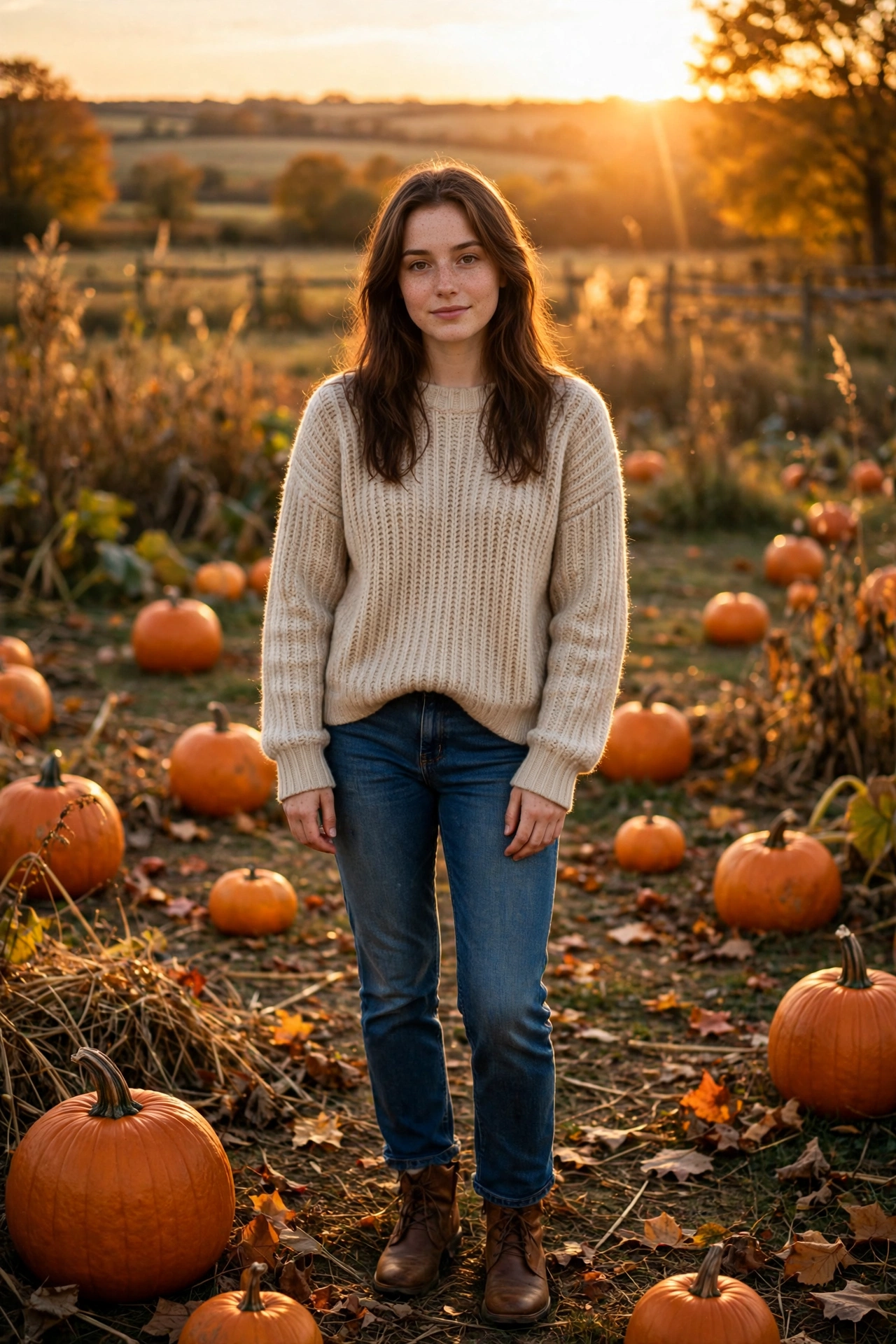
4. 🎃 Pumpkin Patch Portrait
AI Prompt
Edit my uploaded photo into a realistic autumn pumpkin-patch portrait.
Keep my exact face, identity, facial features, skin tone, hairstyle, and natural expression unchanged.
Place me standing in a beautiful pumpkin patch during golden hour. Add pumpkins, autumn leaves, warm sunlight, subtle countryside details, and a soft glowing sunset in the background.
Dress me in stylish autumn clothing such as a cozy sweater, jeans, and boots.
Use realistic golden-hour photography, natural skin texture, soft lens flare, shallow depth of field, warm cinematic colors, and subtle film grain.
Make the result look like a professional autumn portrait, not an artificial AI image.
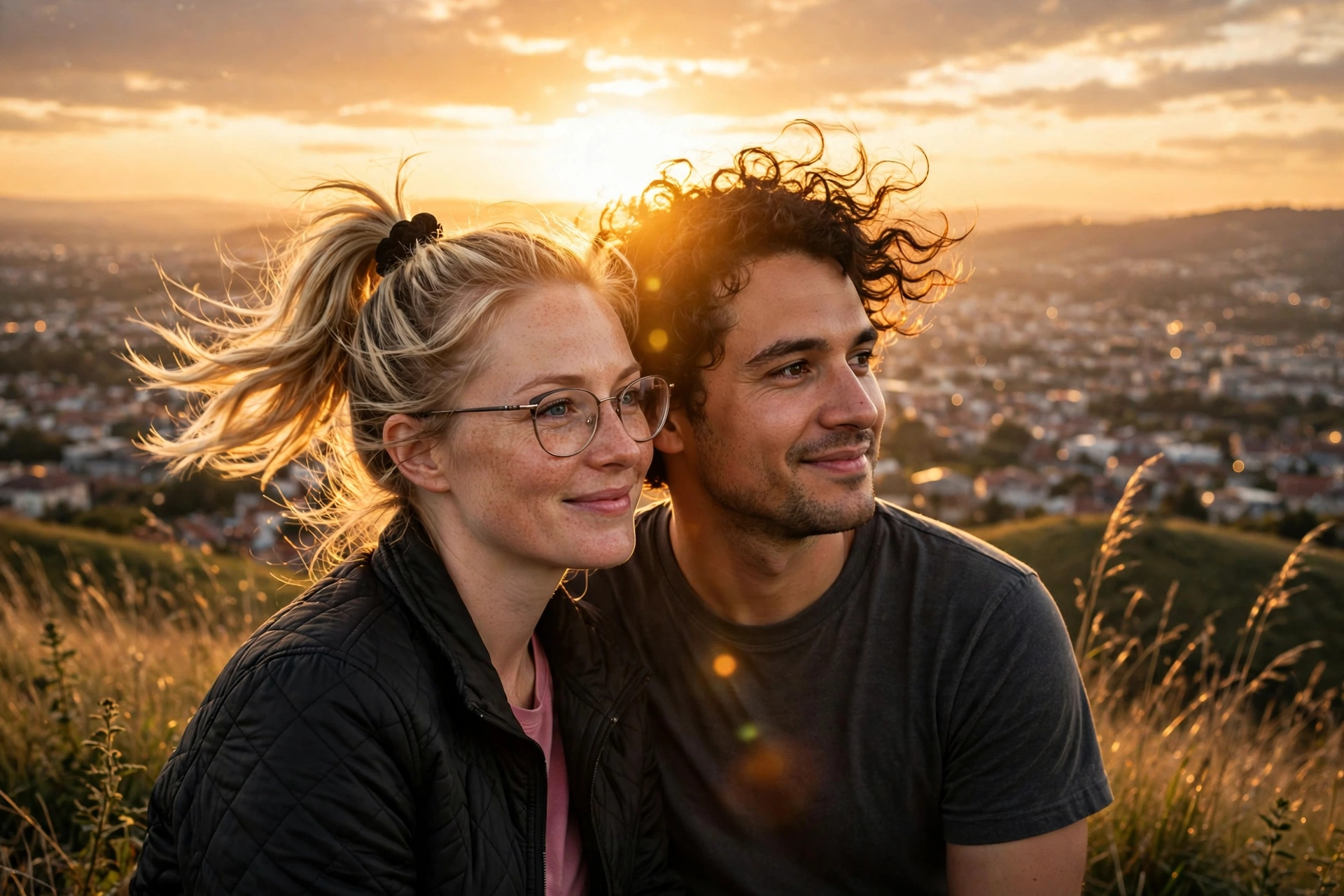
5. 💑 Cinematic Couple Sunset
AI Prompt
Transform our uploaded couple photo into a cinematic sunset portrait.
Keep both people’s faces, identities, facial structures, skin tones, hairstyles, and natural expressions clearly recognizable. Do not replace or redesign either face.
Place us together on a beautiful hilltop overlooking a city during golden hour. Add warm sunlight behind us, subtle lens flare, soft clouds, natural wind in our hair and clothing, and a realistic atmospheric background.
Create a natural romantic pose without making it look staged.
Use professional 35mm cinematic photography, realistic skin texture, shallow depth of field, soft film grain, warm golden lighting, and subtle cinematic color grading.
Keep both people photorealistic and recognizable.
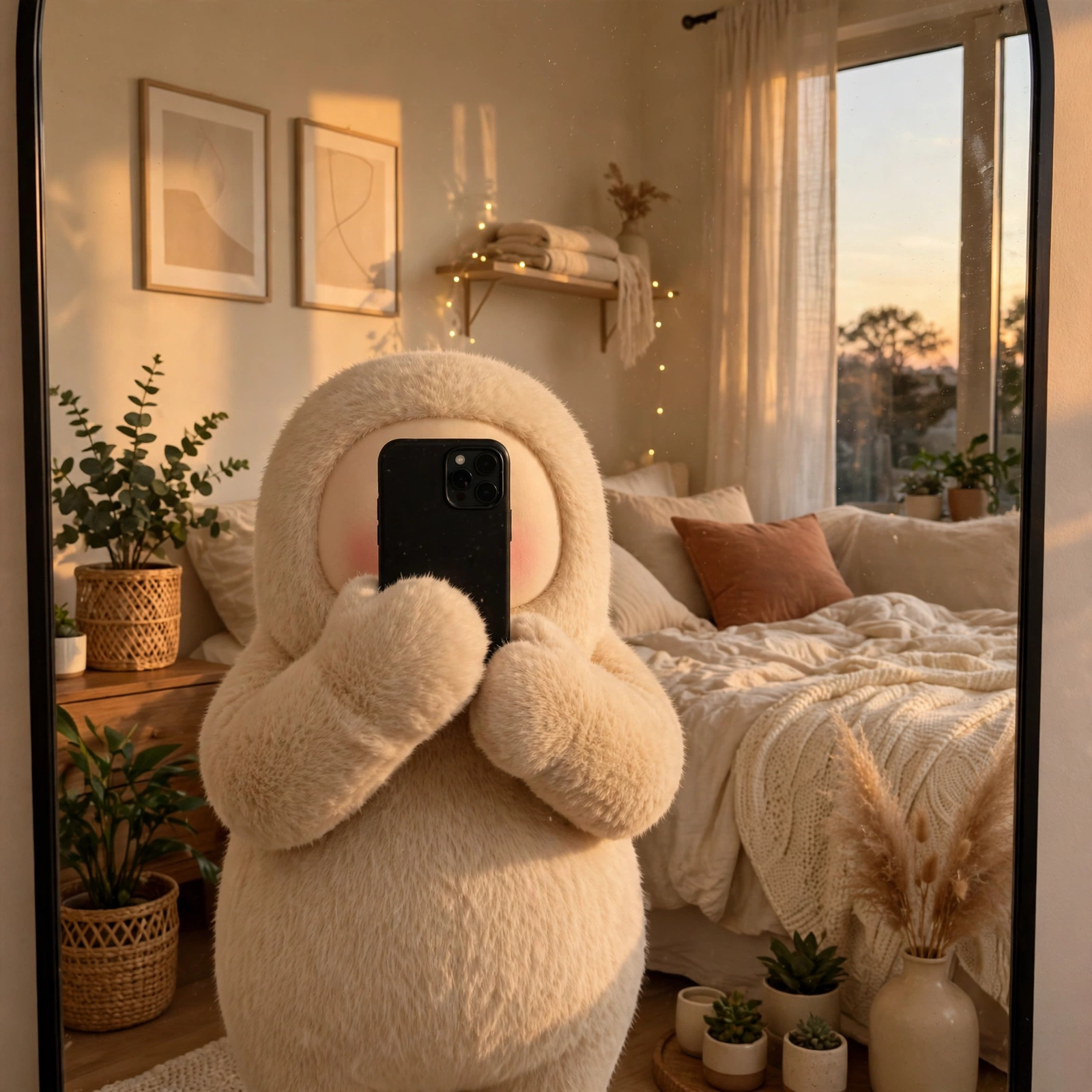
6. 🪞 Aesthetic Hide-Face Mirror Selfie
AI Prompt
Transform my uploaded photo into a trendy aesthetic hide-face mirror selfie.
Keep my body proportions, hairstyle, clothing style, accessories, and overall appearance natural and recognizable. Keep the smartphone naturally covering my face so the selfie remains a genuine hide-face mirror photo.
Place me in a stylish cozy bedroom with warm ambient lighting, a large modern mirror, soft bedding, plants, minimal wall decorations, and subtle evening sunlight.
Use realistic smartphone-camera photography, natural shadows, slight reflections, realistic fabric textures, soft warm tones, and a casual Instagram aesthetic.
Make the image look like a genuine candid mirror selfie rather than a professional studio photograph.
7. 🇮🇳 70s Indian Retro
AI Prompt
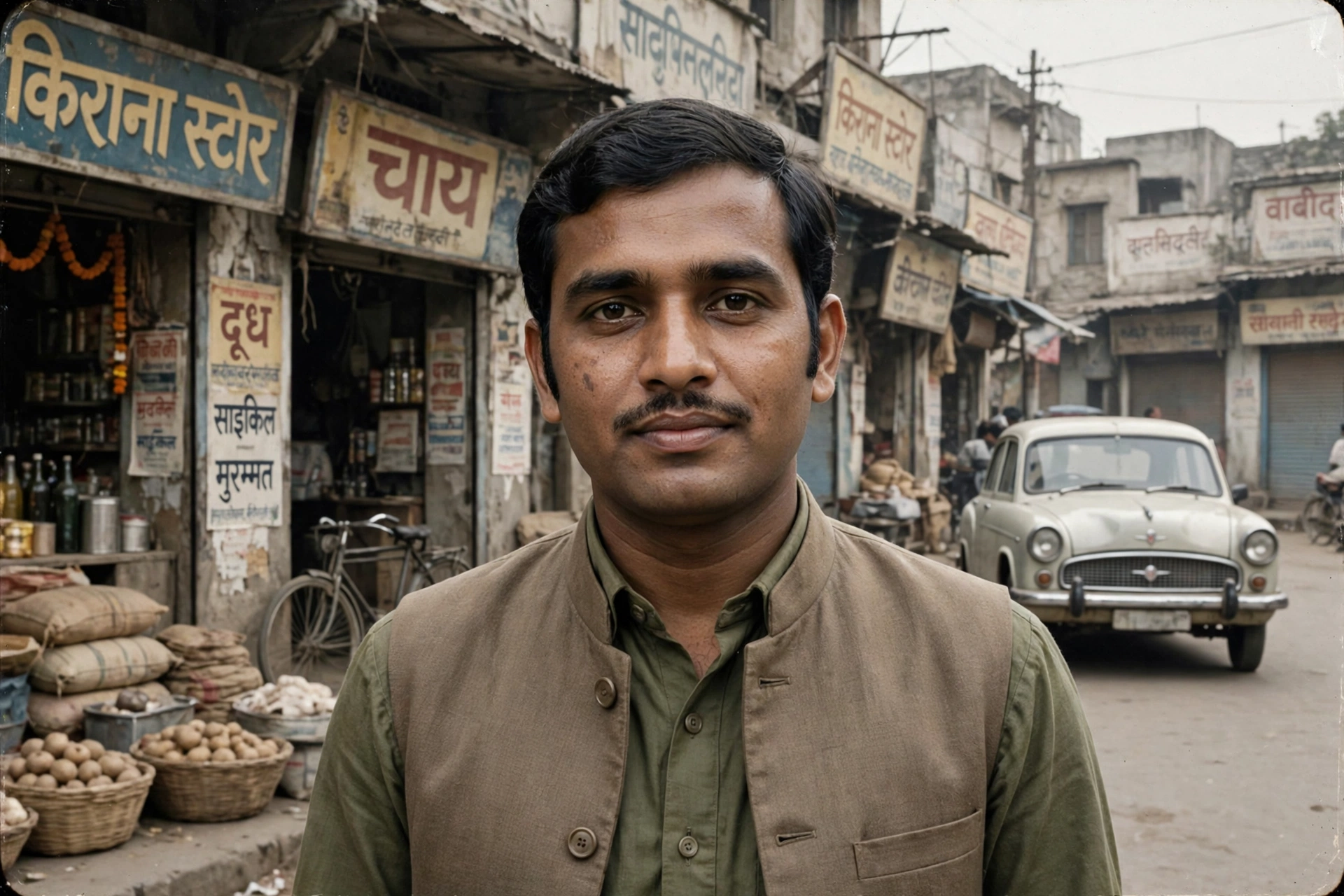
Transform my uploaded photo into an authentic 1970s Indian photograph.
Preserve my exact identity, facial structure, skin tone, eyes, nose, lips, hairstyle, and natural expression.
Dress me in realistic 1970s Indian clothing with period-appropriate styling. Place me on an everyday Indian street from the 1970s with old storefronts, vintage vehicles, period architecture, and authentic surroundings.
Use muted colors, natural film grain, faded textures, imperfect exposure, soft contrast, and realistic analog-camera characteristics.
The final image should look like a genuine photograph taken in India between 1970 and 1977, not a modern photo with a sepia filter.
Keep my face recognizable and natural.
8. 👗 Cinematic Saree Golden Hour
AI Prompt
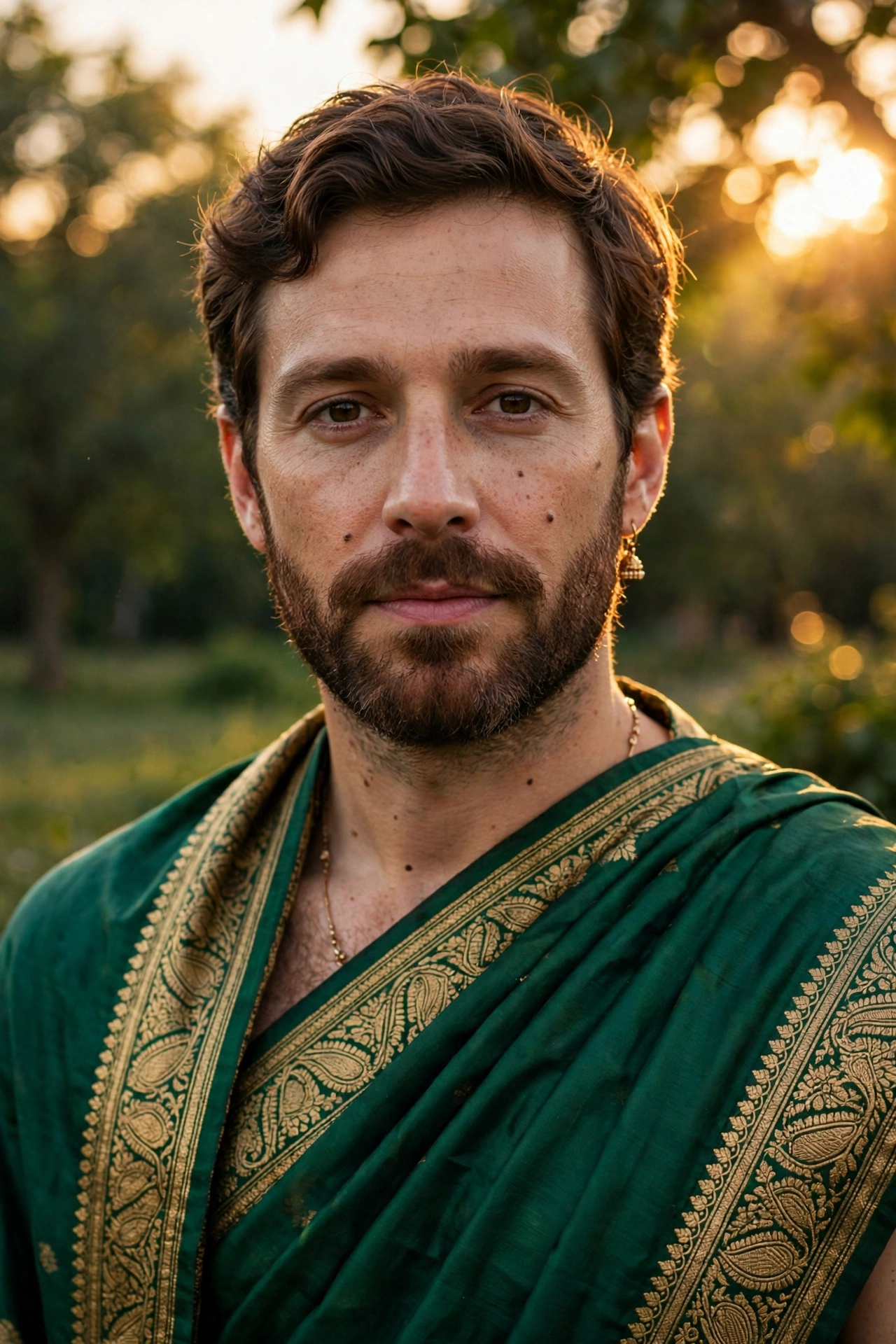
Transform my uploaded photo into an elegant cinematic Indian saree portrait.
Keep my face, identity, facial structure, skin tone, eyes, nose, lips, hairstyle, and natural expression clearly recognizable.
Dress me in a beautiful traditional saree with realistic fabric texture, subtle jewelry, and elegant styling. Place me outdoors during golden hour with warm sunlight filtering through trees and a softly blurred background.
Use realistic natural lighting, golden backlight, subtle lens flare, realistic skin texture, shallow depth of field, soft film grain, and premium Indian fashion photography.
Do not change my identity or make my face look artificial.
9. 🪔 Diwali Glow Portrait
AI Prompt
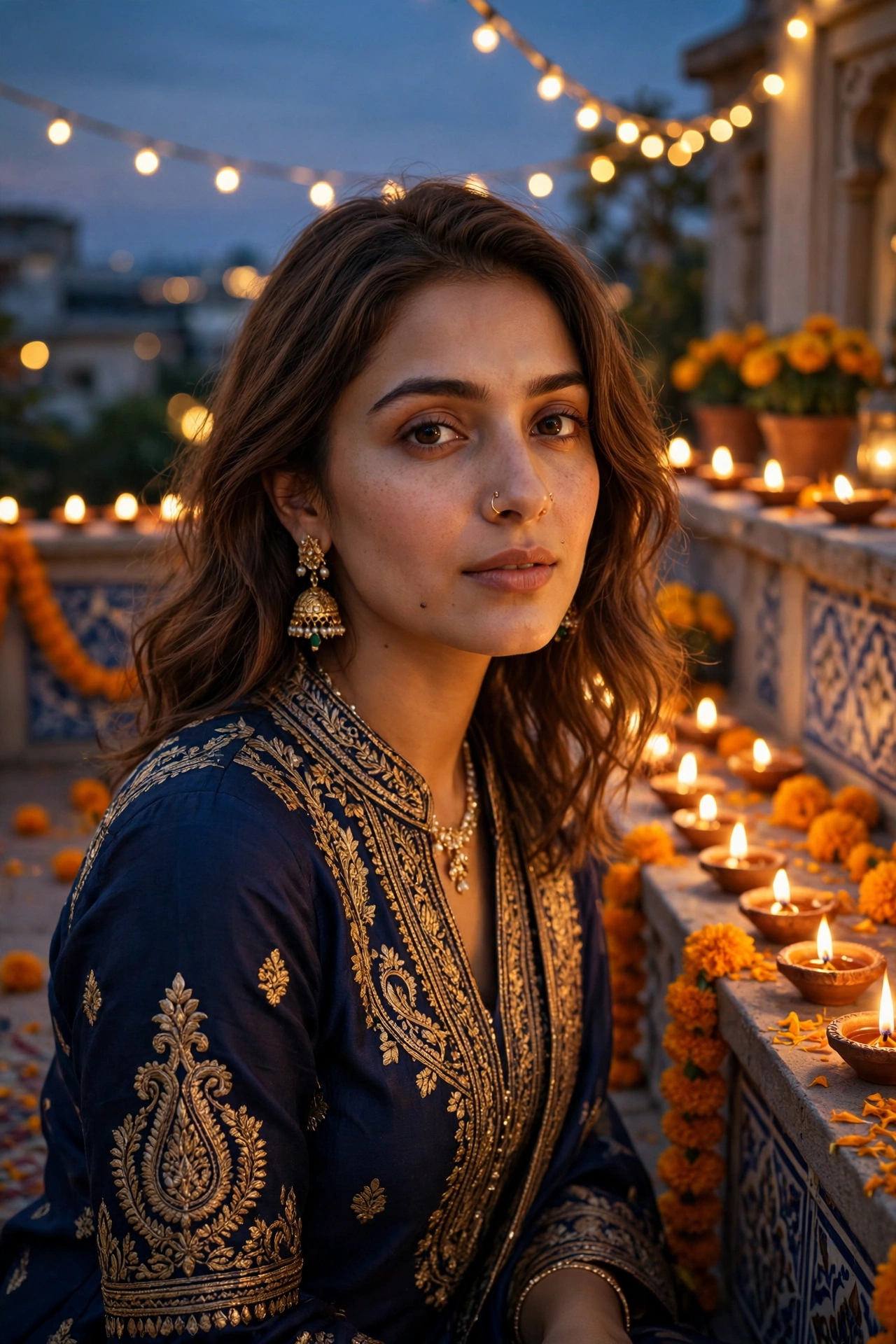
Transform my uploaded photo into a beautiful cinematic Diwali portrait.
Keep my exact identity, face, facial structure, skin tone, eyes, nose, lips, hairstyle, and natural expression unchanged.
Dress me in elegant traditional Indian clothing with tasteful jewelry. Place me on a decorated terrace surrounded by glowing diyas, subtle marigold flowers, warm fairy lights, and a beautiful evening sky.
Light my face naturally with the warm glow of nearby diyas while keeping realistic skin texture and natural shadows.
Use cinematic photography, warm golden lighting, realistic bokeh, detailed fabric textures, subtle film grain, and a premium festive atmosphere.
Avoid excessive fake bokeh, plastic skin, unrealistic lighting, facial changes, or cartoon effects.
10. 🧸 3D Collectible Figure
AI Prompt
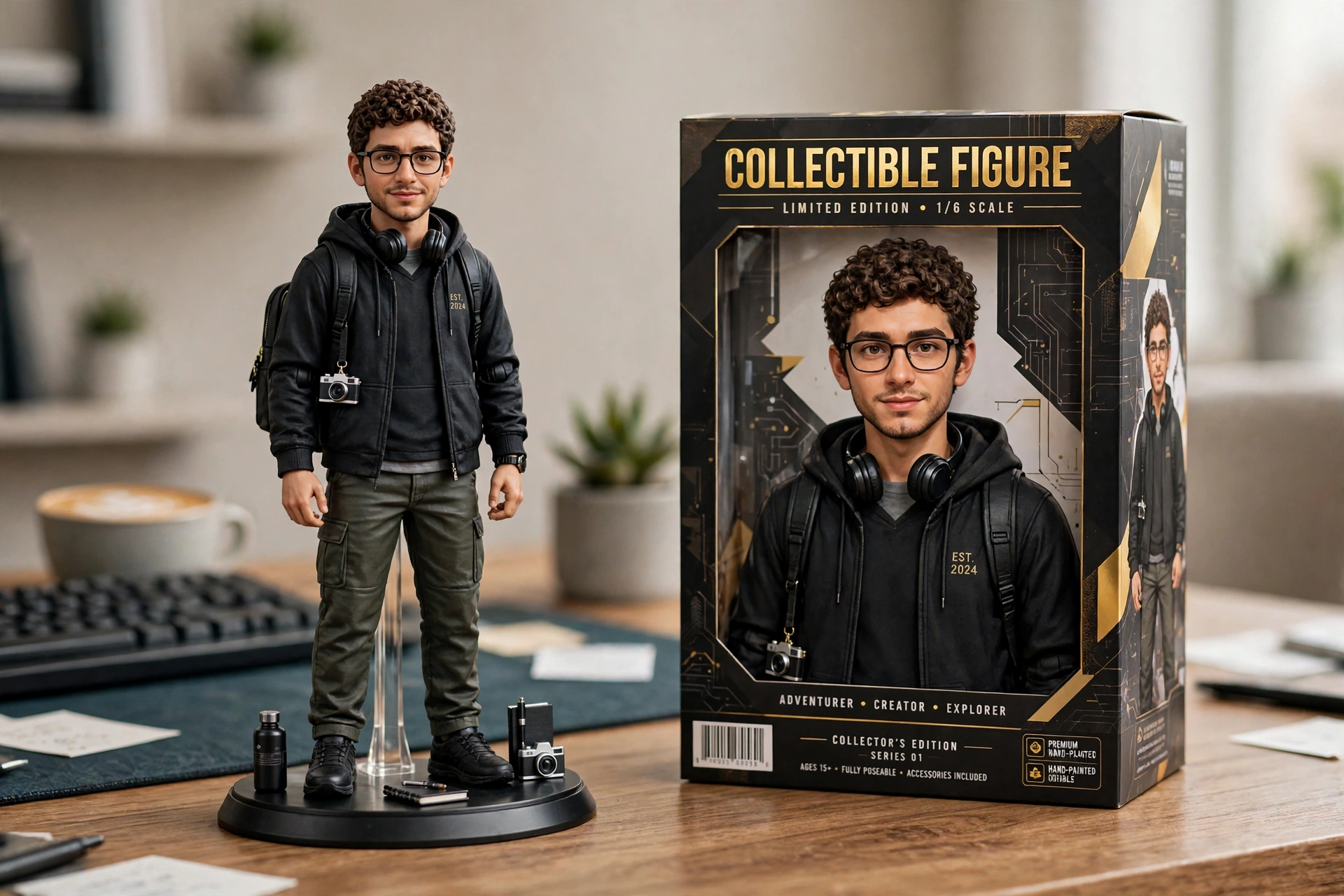
Turn my uploaded photo into a premium realistic 3D collectible figure of myself.
Use my uploaded photo as the main identity reference. Keep my face, hairstyle, recognizable facial features, and overall appearance consistent.
Create a highly detailed collectible figure standing on a small display base on a stylish desk. Place a realistic collectible toy box beside it featuring artwork inspired by the person in the uploaded photo.
Include realistic molded plastic, detailed clothing, miniature accessories, studio lighting, natural shadows, realistic reflections, and premium product photography.
Make it look like a professionally photographed collectible figure rather than a flat cartoon.
Keep the person’s identity recognizable.
11. 🎬 Fake Movie Poster
AI Prompt
Turn my uploaded photo into a premium cinematic movie-poster portrait.
Keep my exact face, identity, facial structure, skin tone, hairstyle, and natural expression recognizable.
Place me in a dramatic cinematic environment that matches a modern thriller movie. Use atmospheric lighting, realistic shadows, cinematic depth of field, subtle fog, detailed surroundings, and professional film composition.
Make the portrait look like an official high-budget movie promotional photograph.
Leave clean negative space around the composition for movie title and credits, but do not add random text or logos.
Use realistic skin texture, cinematic color grading, subtle film grain, and professional photography.
12. 🖤 Black & White Editorial
AI Prompt
Transform my uploaded photo into a high-fashion black-and-white editorial portrait.
Preserve my identity, facial structure, skin tone, eyes, nose, lips, hairstyle, and natural expression.
Use dramatic studio lighting with strong highlights and soft shadows. Create a clean editorial background and sophisticated fashion styling.
Convert the image into rich monochrome with realistic skin texture, deep blacks, detailed highlights, subtle film grain, and professional magazine photography.
Keep the face natural and recognizable. Avoid excessive retouching, plastic skin, distorted features, or an artificial AI appearance.
13. 📸 Direct-Flash Night Portrait
AI Prompt
Turn my uploaded photo into a candid direct-flash night portrait.
Keep my face, hairstyle, outfit, body proportions, and identity exactly the same.
Darken the background into deep evening tones and use a strong on-camera flash that naturally illuminates my face and clothing.
Add realistic flash highlights, subtle shadows behind the subject, slight film grain, natural skin texture, mild digital noise, and candid party-photo energy.
The image should feel like a spontaneous photograph taken at night with a compact digital camera.
Keep the result ultra-sharp and photorealistic. Do not change my facial features or outfit.
14. 🤠 Cowboy Western Portrait
AI Prompt
Transform my uploaded photo into a cinematic modern Western portrait.
Keep my exact face, identity, facial structure, skin tone, hairstyle, eyes, nose, and lips recognizable.
Dress me in realistic Western clothing with a denim jacket, boots, and a classic cowboy-inspired hat. Place me in a dusty Western town during golden hour with wooden buildings and distant mountains.
Use warm sunlight, natural shadows, cinematic depth of field, realistic dust particles, subtle film grain, and professional Western photography.
Keep the result photorealistic and stylish rather than costume-like or cartoonish.
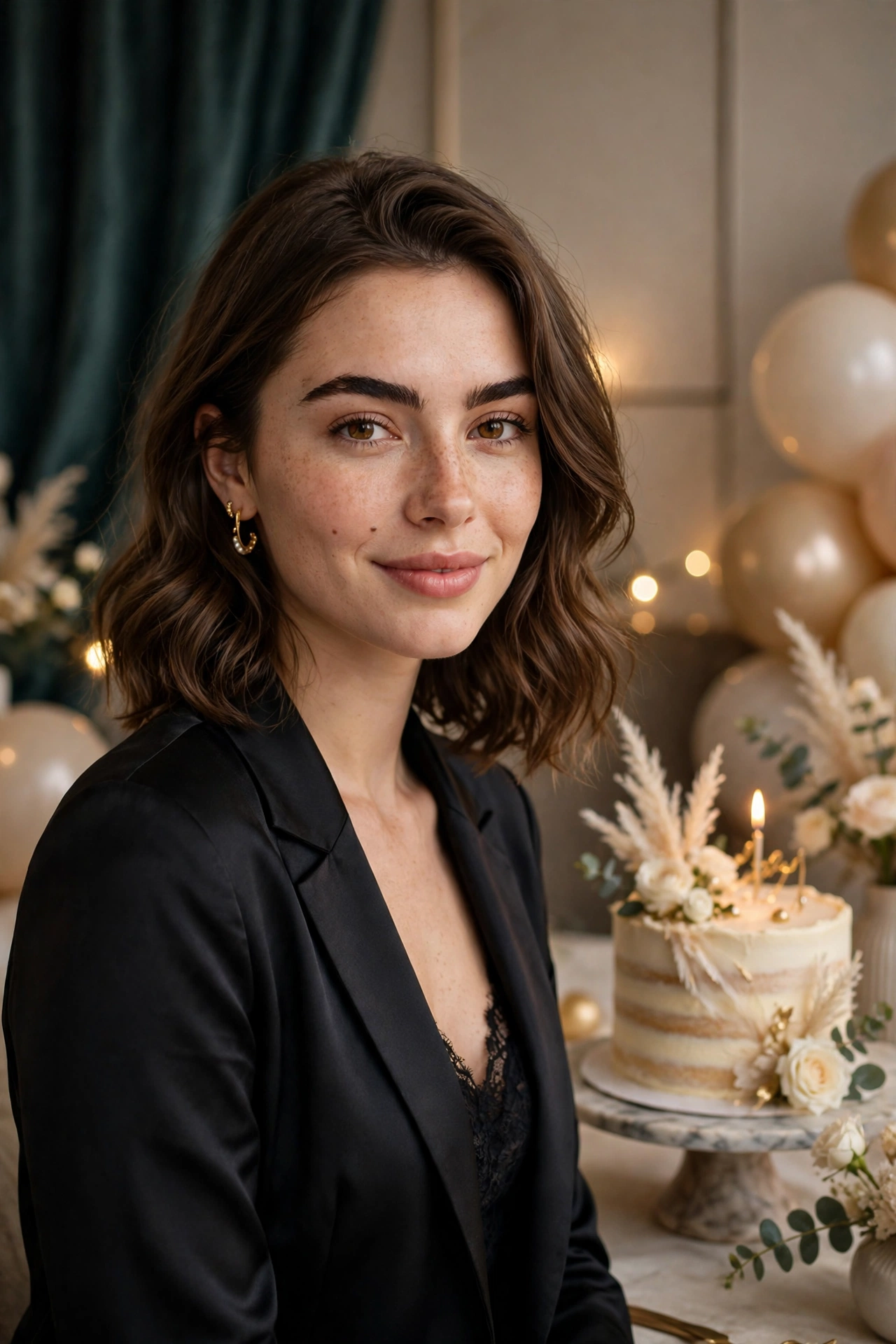
15. 🎂 Birthday Editorial Portrait
AI Prompt
Transform my uploaded photo into a stylish luxury birthday photoshoot.
Keep my exact identity, face, facial structure, skin tone, hairstyle, eyes, nose, lips, and natural expression.
Place me in an elegant birthday setup with a beautiful cake, tasteful balloons, soft warm lights, subtle flowers, and a sophisticated background.
Dress me in a stylish outfit suitable for a premium birthday photoshoot.
Use professional editorial photography, realistic skin texture, soft studio lighting, shallow depth of field, detailed clothing, and natural shadows.
Keep the image photorealistic and elegant. Avoid excessive decorations, distorted hands, plastic skin, or changing my face.
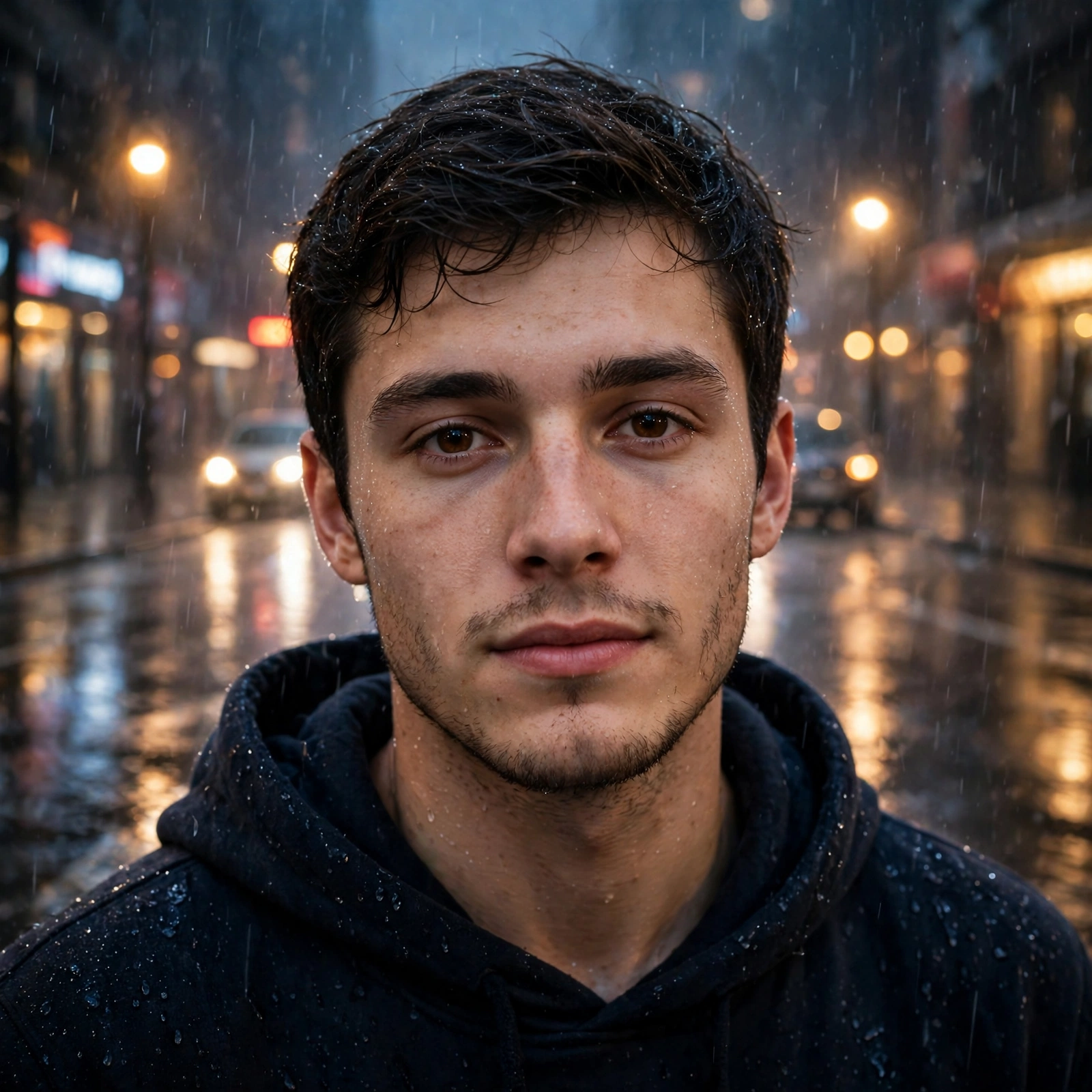
16. 🌧️ Cinematic Rain Portrait
AI Prompt
Transform my uploaded photo into a cinematic rainy-night portrait.
Keep my face, identity, facial structure, skin tone, hairstyle, and natural expression unchanged.
Place me on a realistic city street during a gentle evening rain. Add wet pavement reflections, soft streetlights, blurred car lights, realistic raindrops, and subtle atmospheric mist.
Use cinematic lighting, shallow depth of field, realistic skin texture, wet hair details, subtle film grain, and professional movie photography.
Make the scene emotional and natural rather than overly dramatic.
Do not alter my identity or create an artificial-looking face.
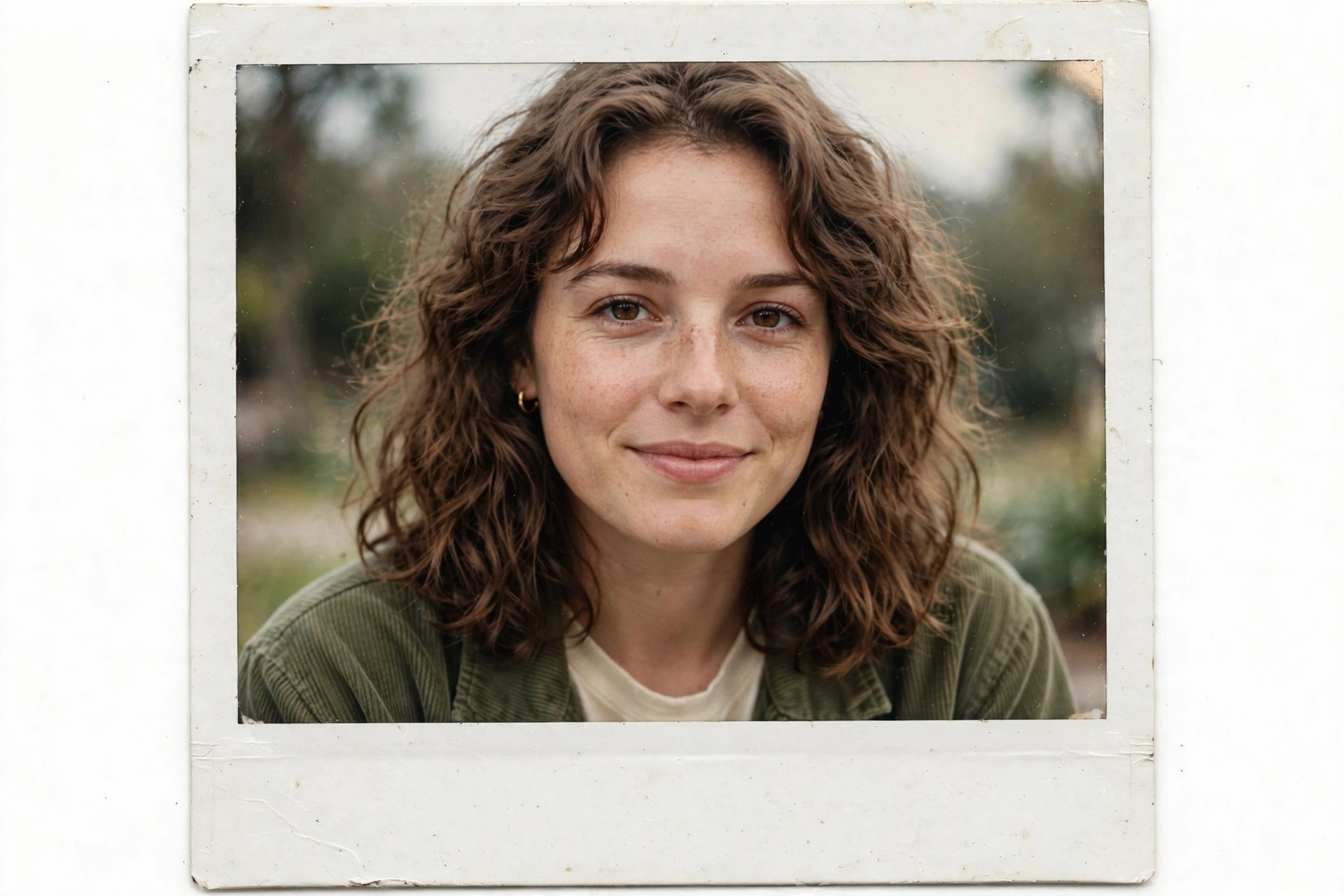
17. 📷 Vintage Polaroid
AI Prompt
Turn my uploaded photo into a realistic vintage Polaroid photograph.
Keep my exact identity, face, facial structure, skin tone, eyes, nose, lips, hairstyle, and expression recognizable.
Use soft natural lighting, slightly faded colors, subtle film grain, authentic instant-film texture, mild exposure variations, and a slightly imperfect candid composition.
Add realistic Polaroid framing and a natural photographic feel.
The final image should look like a genuine instant photograph from the 1990s rather than a modern digital photo with a filter.
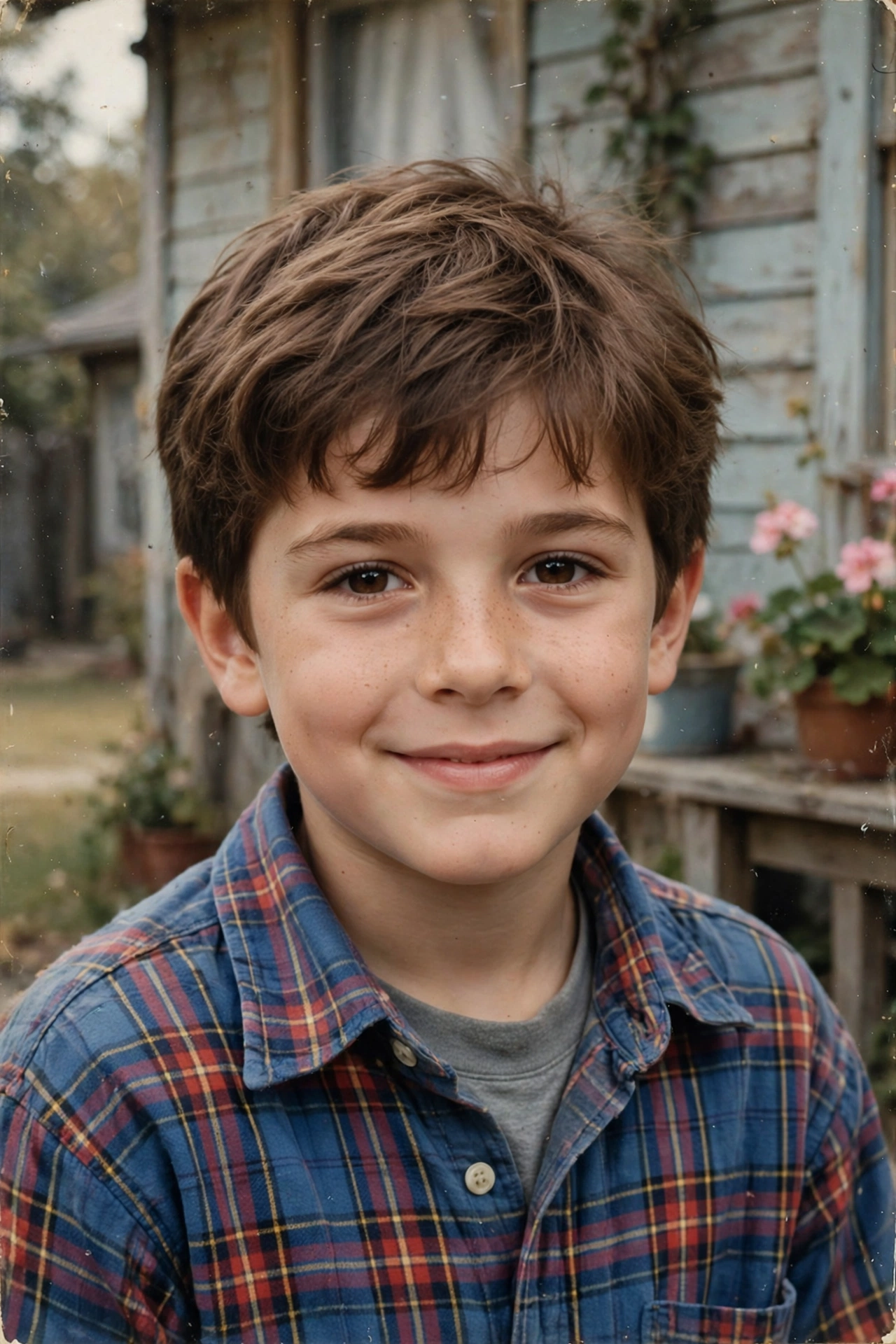
18. 👶 Childhood Self Portrait
AI Prompt
Create a realistic childhood version of me using my uploaded photo as the identity reference.
Preserve recognizable characteristics from my current face while naturally adapting them to an age-appropriate childhood appearance.
Create realistic child proportions, natural childhood clothing, an authentic hairstyle, and a warm nostalgic environment.
Make the photograph look like a genuine old family photograph with soft natural lighting, subtle film grain, faded colors, slight softness, and realistic analog-camera imperfections.
Do not create a random child’s face. The younger version should clearly resemble the person in my uploaded photo.
Keep the result photorealistic and emotionally natural.
19. 🧑🎨 Chibi 3D Avatar
AI Prompt
Transform my uploaded photo into a cute premium 3D chibi avatar.
Keep my identity recognizable through my hairstyle, face shape, skin tone, clothing details, and distinctive features while naturally adapting the proportions into a polished chibi character.
Give the character a slightly oversized head, expressive eyes, detailed hair, cute proportions, glossy 3D materials, soft studio lighting, and a clean pastel background.
Make it look like a professionally rendered collectible character rather than a flat cartoon.
Keep the character visually recognizable as the person in the uploaded photo.
20. 🌅 Dreamy Rooftop Portrait
AI Prompt
Transform my uploaded photo into a dreamy cinematic rooftop portrait at sunset.
Keep my exact face, identity, facial structure, skin tone, hairstyle, eyes, nose, lips, and natural expression recognizable.
Place me on a modern rooftop overlooking a beautiful city skyline during golden hour. Add soft clouds, warm sunlight, gentle wind in my hair, subtle city lights beginning to appear, and realistic atmospheric depth.
Use professional fashion photography, natural skin texture, warm backlighting, shallow depth of field, subtle lens flare, realistic film grain, and cinematic color grading.
Keep the image elegant, realistic, and natural rather than overly edited or AI-looking.
How to Choose the Right Prompt for Your Photo
With twenty styles on this page, the easiest way to begin is to match the prompt to the photo you already have and the mood you want. If your photo is a simple everyday portrait, the Black & White Editorial and Direct Flash Night prompts give it a strong magazine feel without changing your look too much. Festive photos pair naturally with the Diwali Glow and Cinematic Saree prompts, while the Halloween Cinematic and Pumpkin Patch prompts are made for the spooky season. Couples can start with the Cinematic Couple Sunset prompt, and anyone who wants something playful can try the 3D Collectible Figure, the Fake Movie Poster or the Chibi 3D Avatar. Retro lovers have the 80s Street, 90s Disposable Camera, 70s Indian Retro and Vintage Polaroid styles. Pick one style that suits your photo, generate it, and only then move to the next. Trying one clear concept at a time always gives a cleaner result than mixing many ideas together.
Small Habits That Make Every AI Result Better
Good results start before you paste the prompt. Begin with a clear, well lit photo where your face is fully visible, because the AI reads your features from that picture and a blurry or dark source will always give a weaker result. Natural light works better than heavy filters, so a photo taken near a window is a great starting point. When the first result comes back, look closely at the hands, the eyes and any jewellery, since these small details are where AI pictures most often slip. If something looks off, generate once more instead of starting over, because every new generation is a fresh attempt and often fixes the mistake on its own. You can also ask the AI for one small change at a time, like softer light or a warmer tone, rather than rewriting the whole prompt. Finally, save your favourite result at the largest size the app offers, so it stays sharp when you post it.
Frequently Asked Questions
Yes. Every prompt on this page is completely free to copy and use. There is no sign up and nothing to pay.
Copy any prompt from this page, open ChatGPT or Gemini, upload your own photo, and paste the prompt with it. The AI will create the new look while keeping your photo as the base.
Yes, these prompts are written to keep your face, facial features, and natural expression unchanged. For the best match, use a clear front facing photo with good lighting.
Yes. Every prompt here is written to work in both ChatGPT and Gemini, so you can use whichever app you already have.
Yes. The results are perfect for profile pictures, social media posts, and status photos, and you can use them anywhere for your own personal use.
No. You do not need any editing skills or paid apps. Just copy a prompt, paste it with your photo, and the AI does the rest.