Eye Color & Macro Prompts

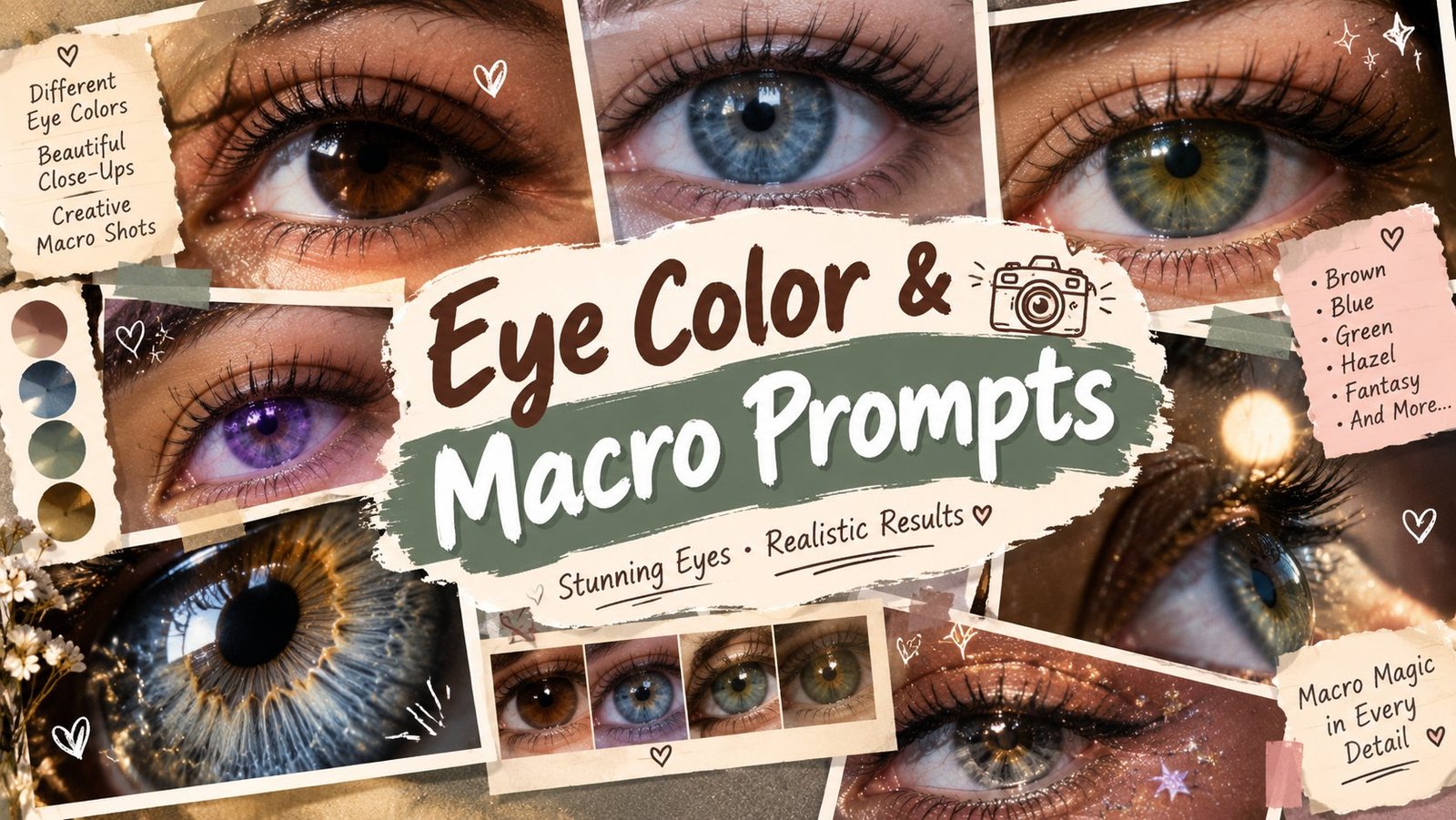
No two irises in the world are exactly alike, and macro photography proves it. This page collects five prompts that zoom right into the eye, revealing the fibers, flecks and colour patterns that a normal photo never shows. There are prompts for brown, hazel, blue and green eyes, plus one that frames both eyes together. Copy a prompt, pair it with a clear close up of your own eyes in ChatGPT or Gemini, and see your iris the way a professional macro lens would capture it.
Eye Color & Macro Prompts

Why Macro Eye Photos Look So Striking

An iris is full of tiny radial fibers, colour layers and flecks that the naked eye simply cannot take in at normal distance. Macro detail turns that hidden pattern into the whole picture, which is why these photos stop thumbs on any feed. The prompts on this page ask for professional macro lighting and tack sharp focus while protecting the most important thing, your real iris colour, so the result looks like an enhanced photograph of your eye, never an invented one.

1. Brown Iris Universe
AI Prompt
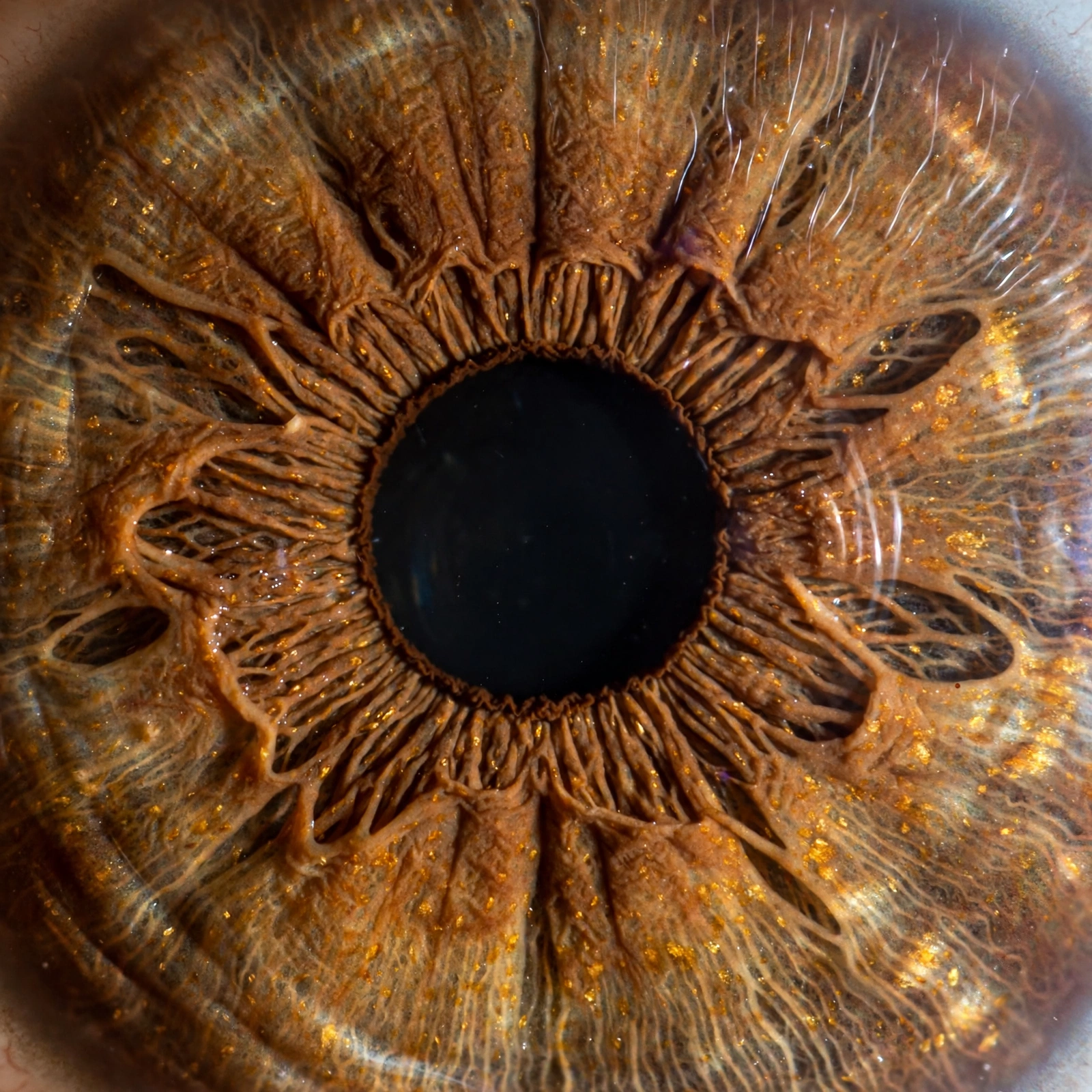
Create an extreme macro photograph of my natural brown iris, revealing intricate radial fibers, warm amber flecks, fine pupil details, and realistic reflections. Use professional macro lighting and tack-sharp focus. Preserve my actual iris color and avoid inventing patterns that make the eye look artificial.
Brown Iris Universe

2. Hazel Color Depth
AI Prompt
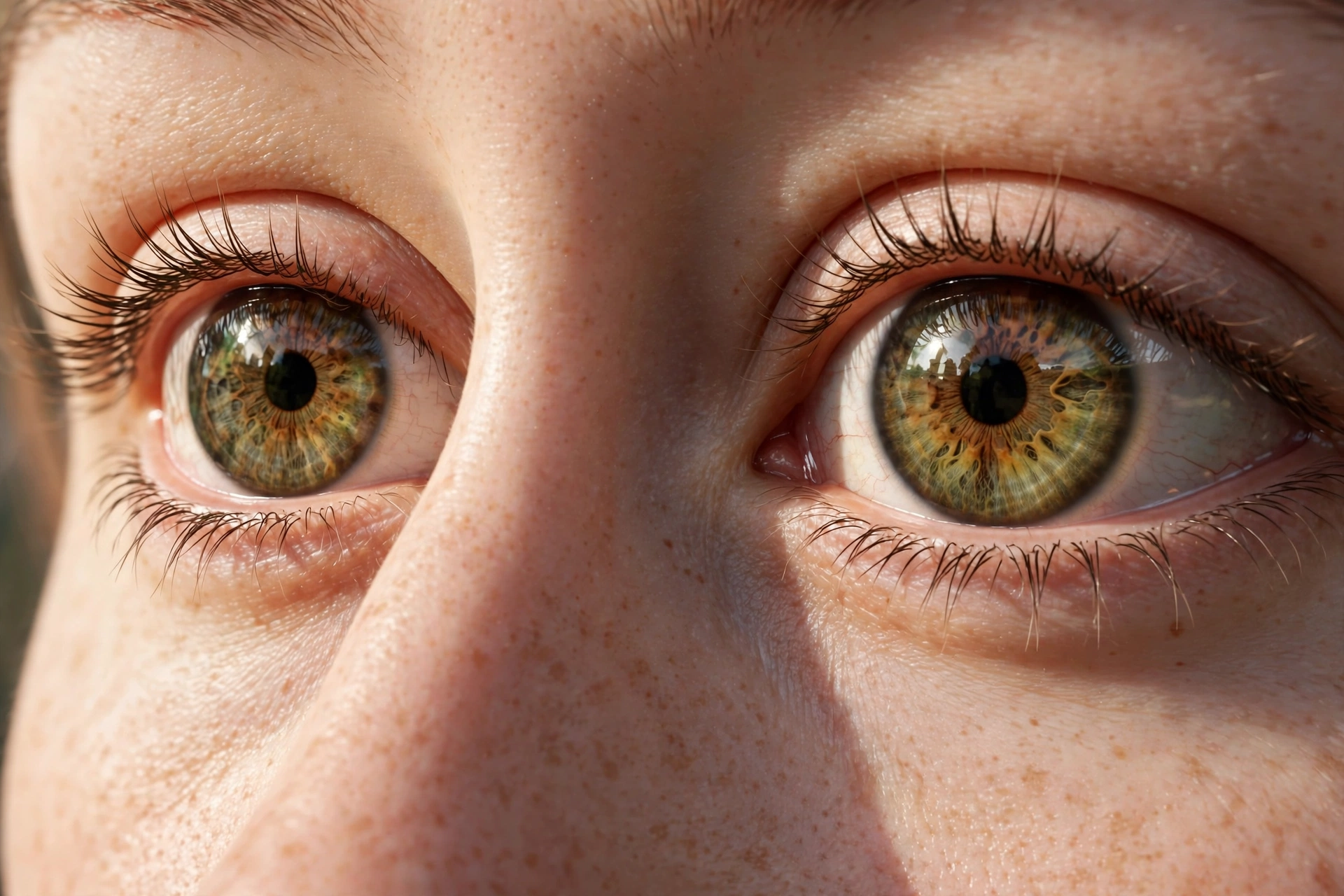
Generate a photorealistic macro portrait of my hazel eyes with their natural brown and green color variations clearly visible. Add soft side lighting, detailed iris fibers, realistic catchlights, and individual eyelashes. Preserve my original eye color, shape, and identity.
Hazel Color Depth

3. Blue Iris Detail

AI Prompt
Create a high-resolution macro photograph emphasizing the intricate natural patterns of my blue iris, subtle tonal variations, crisp pupil, and delicate eyelashes. Use clean studio illumination, realistic reflections, and precise focus without changing my original eye color or shape.
Blue Iris Detail

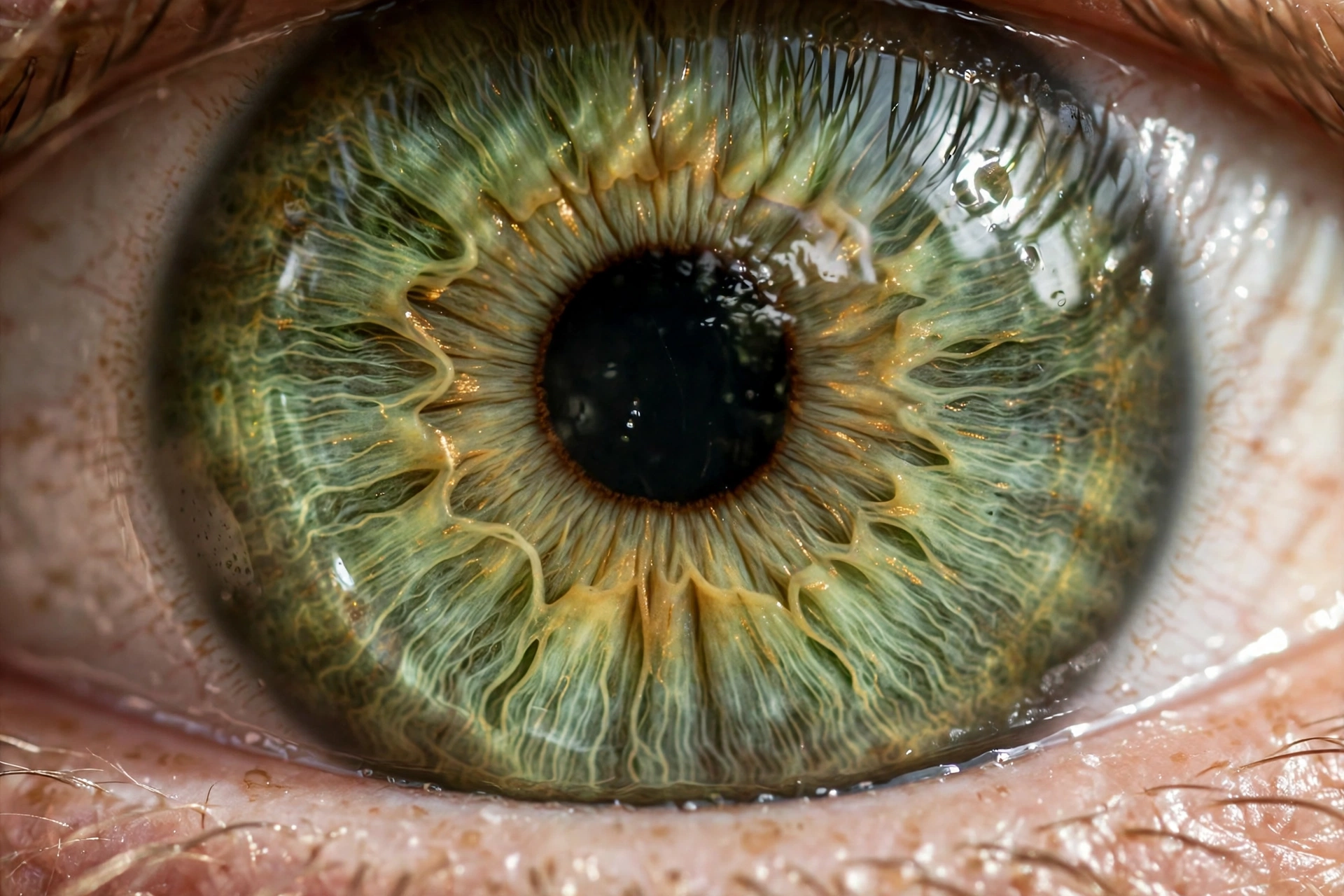
4. Green Iris Texture
AI Prompt
Enhance the photographic detail of my naturally green iris with visible fine fibers, subtle golden variations where naturally present, and realistic light reflections. Use professional macro photography, sharp focus, and authentic skin texture. Do not alter the iris color or create artificial glowing eyes.
Green Iris Texture

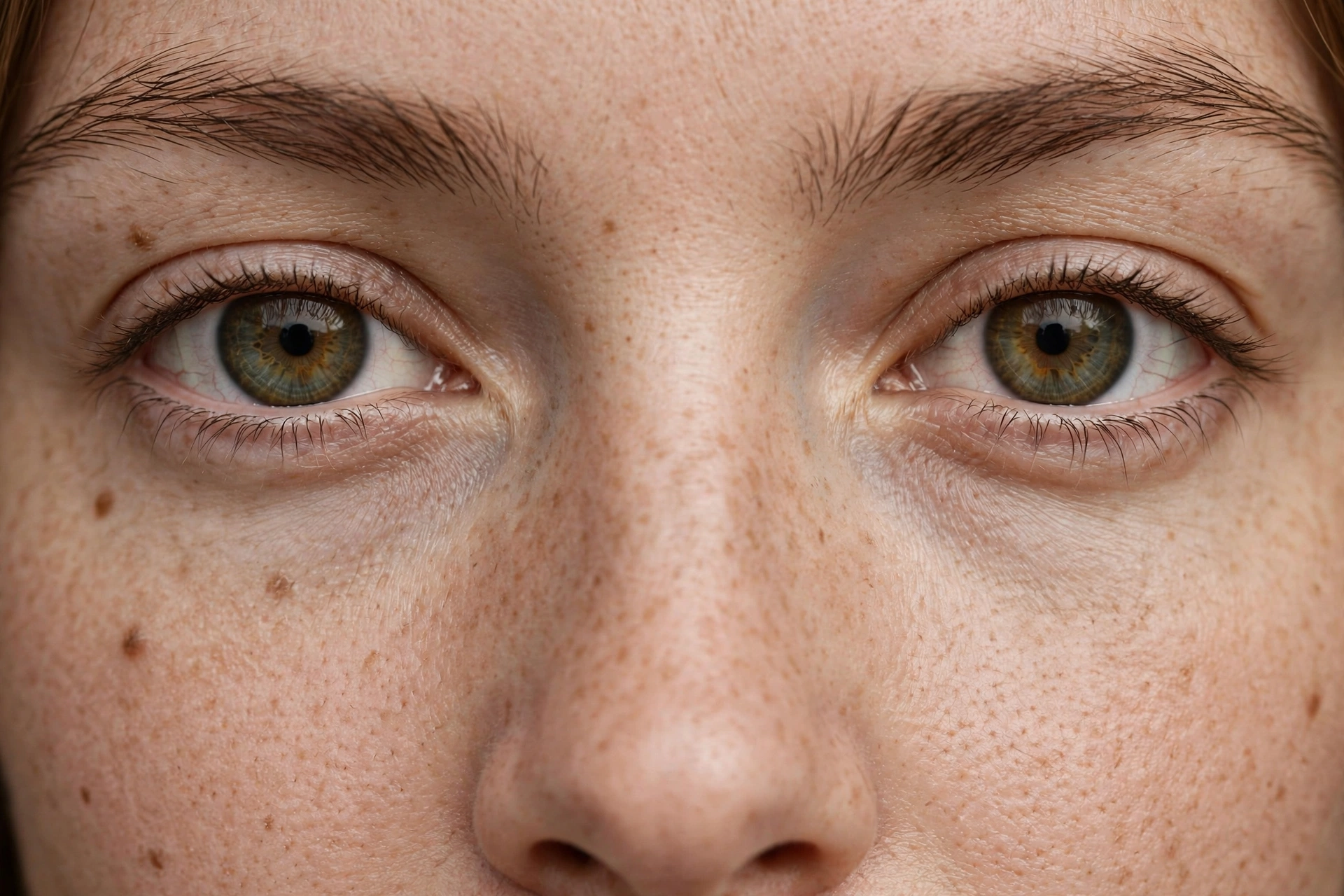
5. Both Eyes Symmetry
AI Prompt
Create a detailed, front-facing macro portrait showing both of my eyes with natural symmetry, realistic iris patterns, defined eyelashes, and soft even lighting. Preserve any natural differences between the eyes, original eye color, eyebrow shape, and identity. Use photorealistic beauty photography, not a digitally perfected or artificial look.
Both Eyes Symmetry

The Five Macro Looks on This Page

Brown Iris Universe fills the frame with a natural brown iris, warm amber flecks and all. Hazel Color Depth is for eyes that shift between brown and green, showing both colours with their natural variations. Blue Iris Detail brings out the intricate patterns and tonal changes inside a blue iris under clean studio light. Green Iris Texture highlights fine fibers and the golden variations that appear naturally in green eyes. Both Eyes Symmetry steps back slightly to frame both eyes together, keeping their natural small differences instead of perfecting them away.

Getting a Sharp Macro Result

Macro detail can only come from a detailed starting photo, so begin with the sharpest close up you have, taken in good light with your eyes wide open and looking at the camera. Avoid screenshots and compressed images, as they lose exactly the fine detail these prompts build on. If your first result looks soft, regenerate rather than switching prompts, and keep your face straight to the camera so both the focus and the reflections stay natural.

Your Iris Is One of a Kind

Scientists who study iris recognition have found that the pattern of a human iris is so detailed that even your left and right eyes have different patterns, and identical twins do not share one either. That is what makes a macro eye photo such a personal picture. It is not a generic pretty eye, it is a pattern that exists only once, and it belongs to you.

Frequently Asked Questions

They are copy and paste instructions that turn a close up of your eyes into an extreme macro style photo, showing the fibers, flecks and patterns inside your iris in sharp detail.

No. Each prompt is written to preserve your actual iris colour and to avoid inventing patterns that make the eye look artificial. Pick the prompt that matches your natural eye colour for the most honest result.

Use your sharpest close up, taken in good light with your eyes open and facing the camera. Blurry or heavily compressed photos cannot produce fine macro detail.

Yes, the Both Eyes Symmetry prompt is made for that. It frames both eyes together with soft even lighting and keeps the natural small differences between them.

Yes. Upload a clear eye close up, paste the prompt that matches your eye colour, and send. Both tools can produce the macro look.

Yes, all five prompts on this page are free to copy and use with your own photos.