Cinematic & Vintage Eyes Prompts
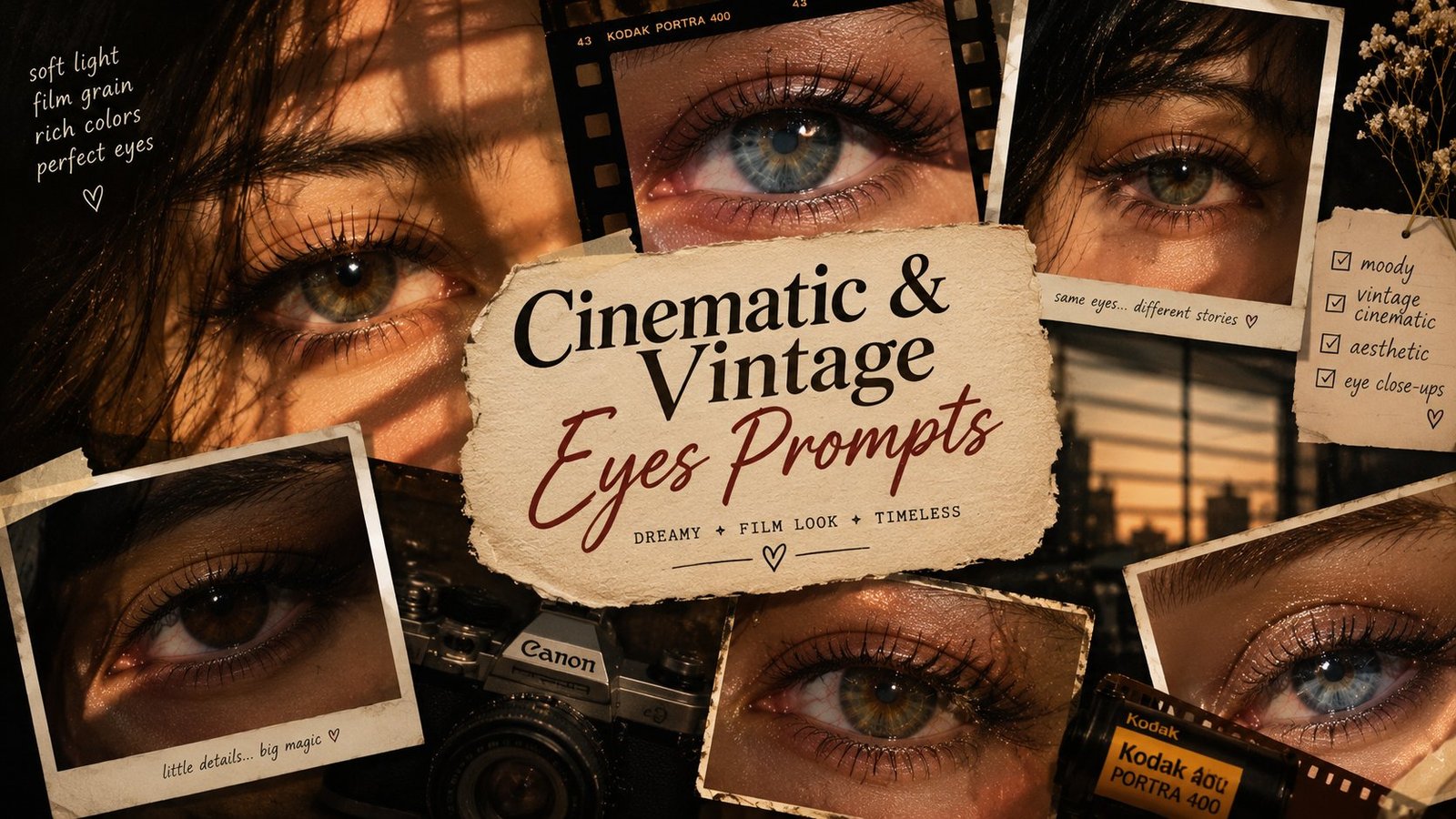
Old cameras had a way of making eyes look unforgettable, and these prompts bring that feeling back. On this page you will find five vintage and cinematic eye looks, from the bright flash of an early 2000s digital camera to warm 35mm film, a retro magazine cover style, a cosy Y2K bedroom mood and a cool blue tinted finish. Copy any prompt, use it with your own photo in ChatGPT or Gemini, and your eyes keep their real shape and colour while the whole picture takes on a film era mood.
Why Vintage Eye Photos Feel So Timeless
Modern phone photos are sharp and clean, and that is exactly why the vintage look stands out. A little grain, slightly faded colours and honest flash light make a photo feel like a real moment instead of a polished shoot. Eyes benefit the most from this treatment, because catchlights and natural texture stay visible while the small imperfections of old cameras soften everything around them. These prompts are written to keep that balance, real eyes inside a photo that feels twenty years old in the best way.
1. 2000s Camera Flash
2. Vintage Film
3. Retro Magazine
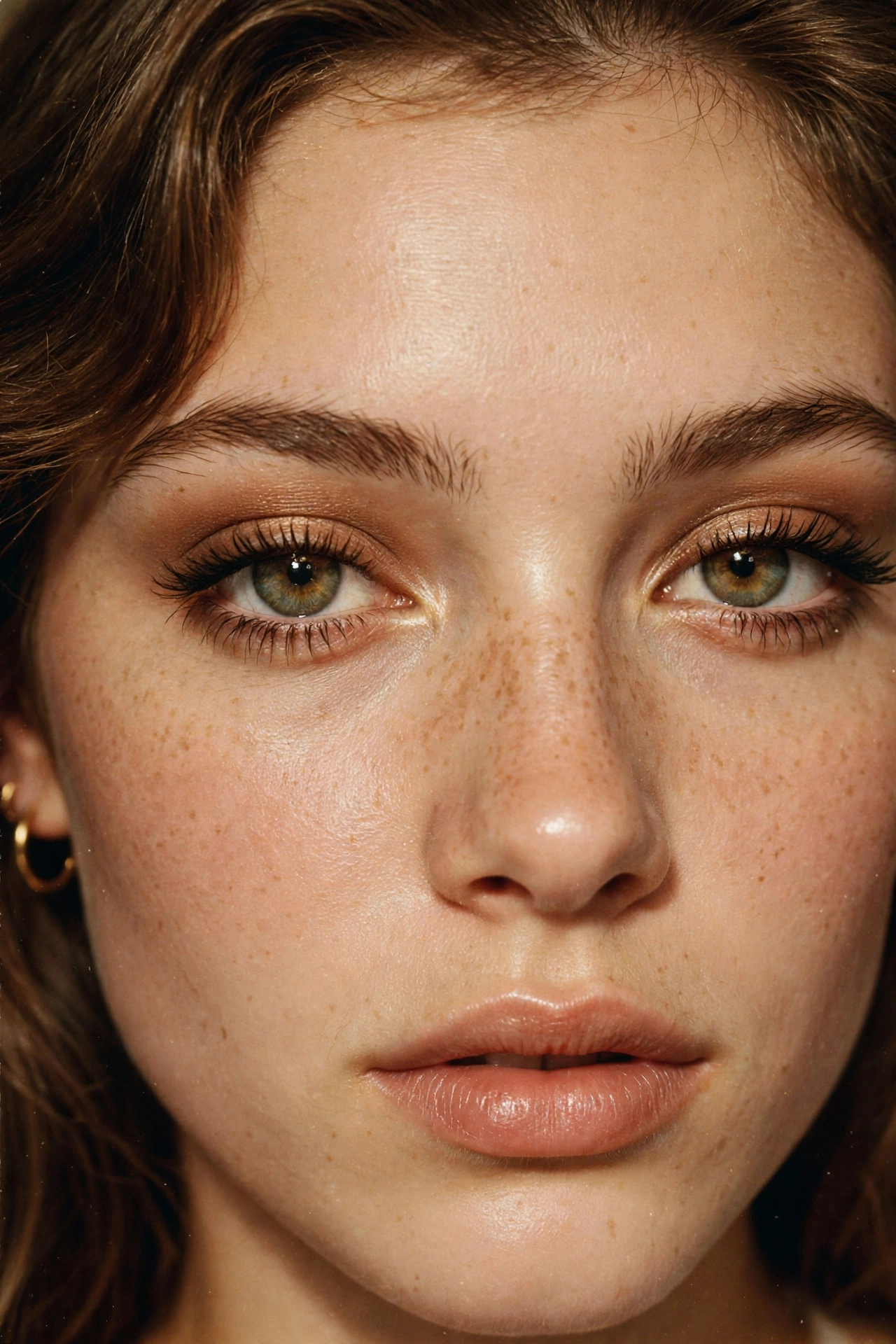
4. Nostalgic Bedroom

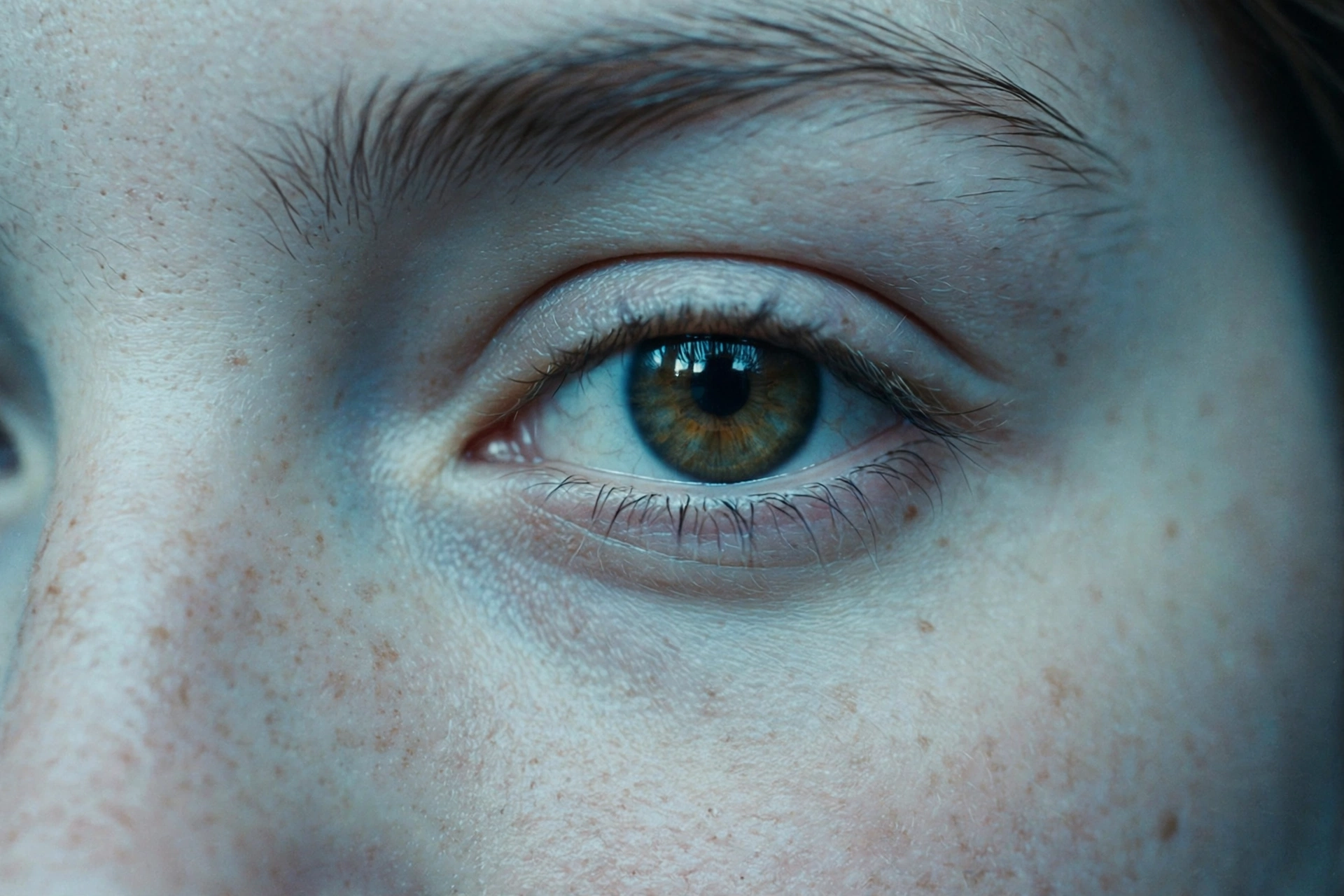
5. Vintage Blue Tint
The Five Looks on This Page
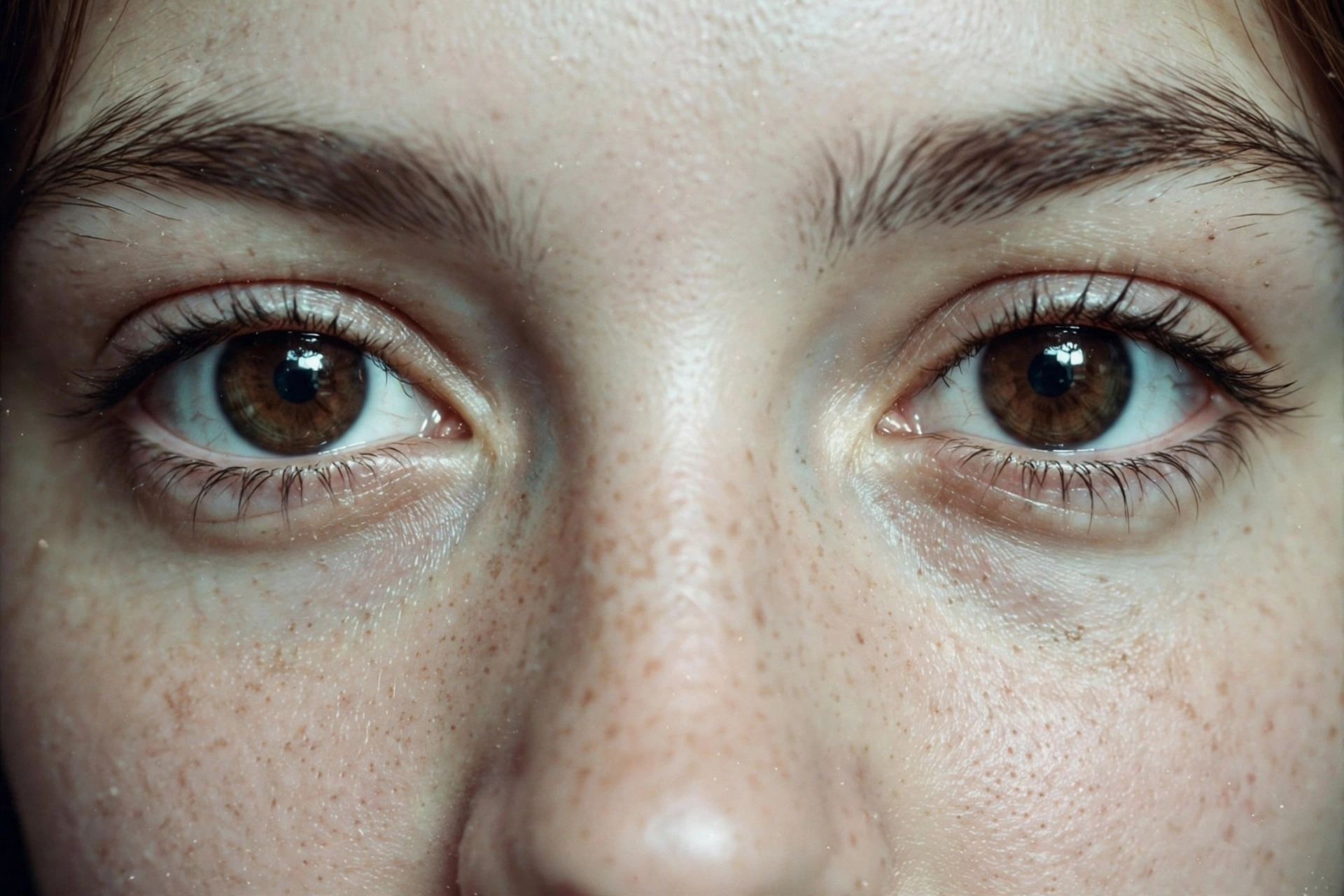
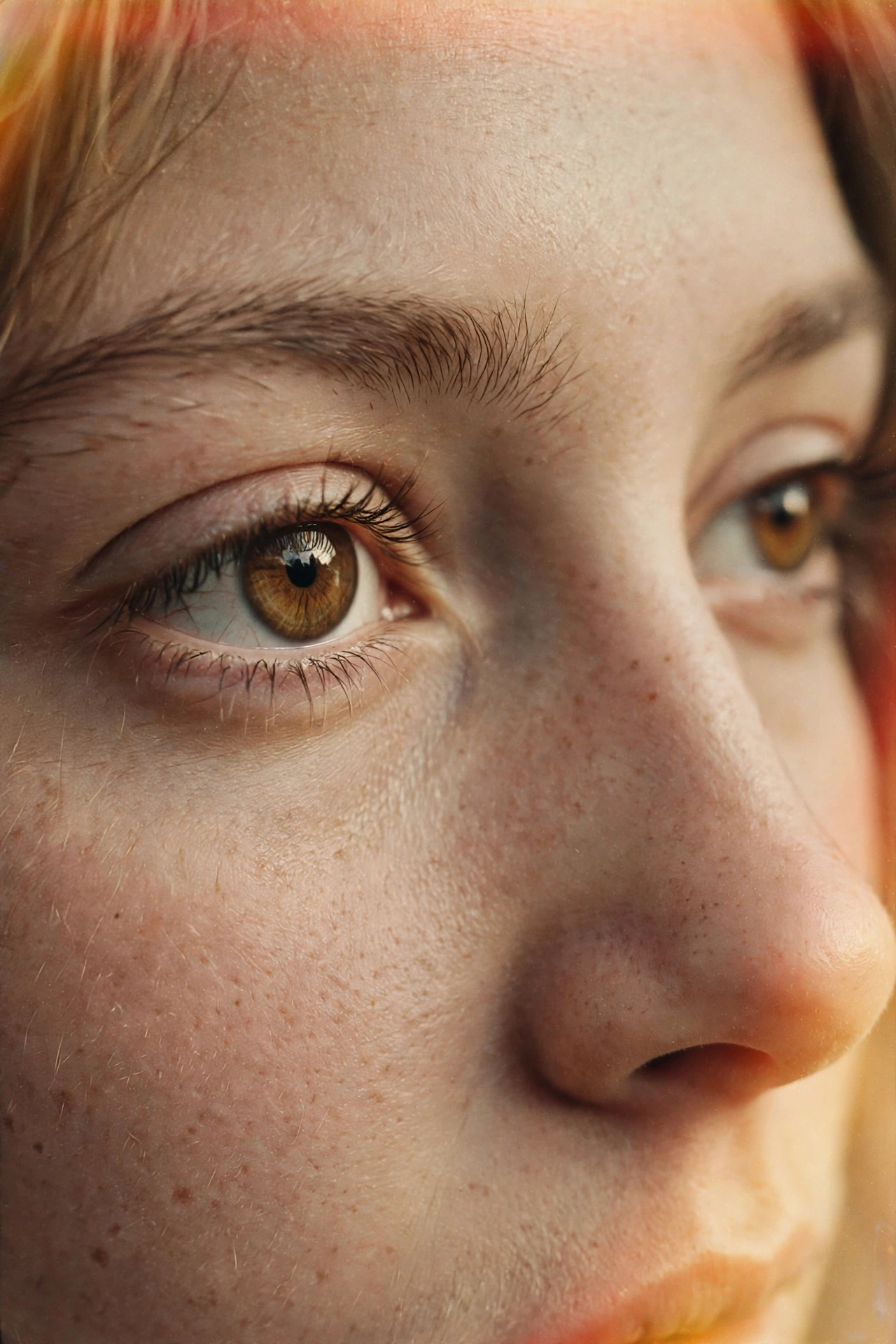
The 2000s Camera Flash prompt gives you that direct flash party photo energy, bright catchlights and candid colours. Vintage Film slows things down with warm faded tones and gentle light leaks, like a frame from an old family album. Retro Magazine is the polished one, an early 2000s beauty cover mood with defined lashes and soft flash. Nostalgic Bedroom is candid and cosy, warm lamp light with a compact camera flash over it. Vintage Blue Tint cools everything down, a faded early digital finish that suits night photos and thoughtful expressions.
Choosing the Right Photo for a Vintage Restyle
Start with a photo where your eyes are already clear and well lit, because vintage effects add grain and fading on top of whatever is there. Close ups and half close ups work best. Avoid photos that are already very dark or heavily filtered, as the extra grain can muddy the details. If your photo has busy colours in the background, the film and blue tint prompts calm them down nicely, while the flash prompt works best on plainer backgrounds.
Match the Era to the Hour
Daylight photos love film. The Vintage Film and Retro Magazine prompts shine on daytime shots, where their warm tones and soft light feel natural.
Night photos love flash. The 2000s Camera Flash and Vintage Blue Tint prompts were made for evening pictures, giving dark photos a bright, candid energy instead of more darkness.