
Latest Cinematic Background Prompts
This page brings you the latest cinematic background prompts, the movie style scenes people are placing behind their own photos right now. Every prompt here is free to copy. Just paste it with your photo in ChatGPT or Gemini, and your ordinary picture gets a grand cinematic background while you stay exactly yourself in the frame.
Why Cinematic Backgrounds Make Every Photo Look Like a Film
The purpose of these prompts is simple: to give your normal photo a rich and beautiful cinematic background without any editing skills or paid apps. You just copy a prompt from this page and paste it with your own photo in ChatGPT or Gemini. The prompt works like ready instructions for the AI. It tells the AI exactly which scene, lighting and mood to build behind you, while you stay the same in front. Instead of spending hours searching for backgrounds and editing them in, one copy and one paste places you inside a stunning film style scene in seconds. It is perfect for profile pictures, posters and social media posts.
How to Use These Cinematic Background Prompts
- Copy a prompt: Pick the cinematic background style you love and copy its prompt.
- Open ChatGPT or Gemini: Open the AI app or website you use for photo creation.
- Upload your photo and paste: Add your own photo and paste the copied prompt with it.
- Generate and save: Let the AI create your new photo, then save it and share it anywhere you like.
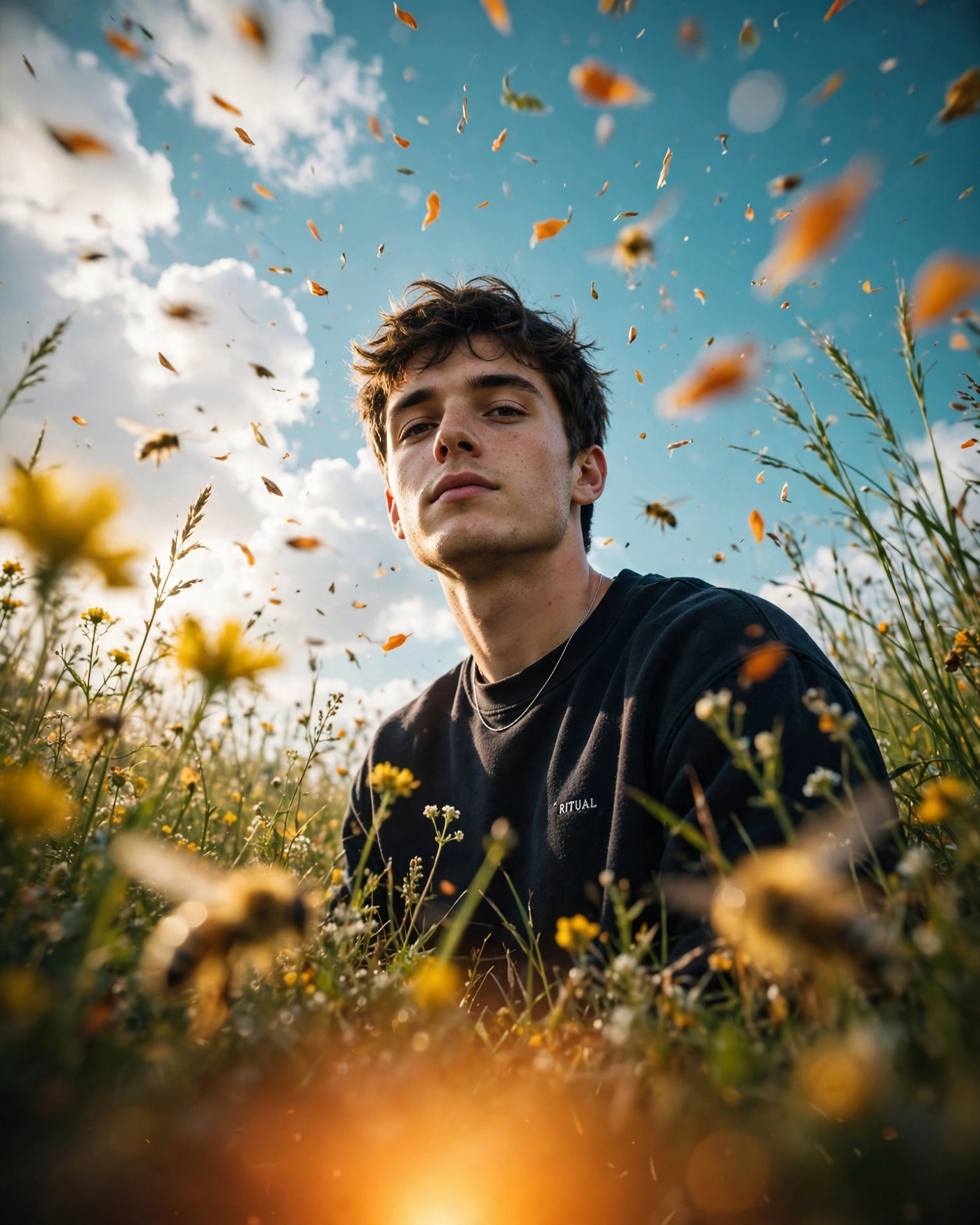
1. Cinematic Yellow Flowers Nature Photo AI Prompt
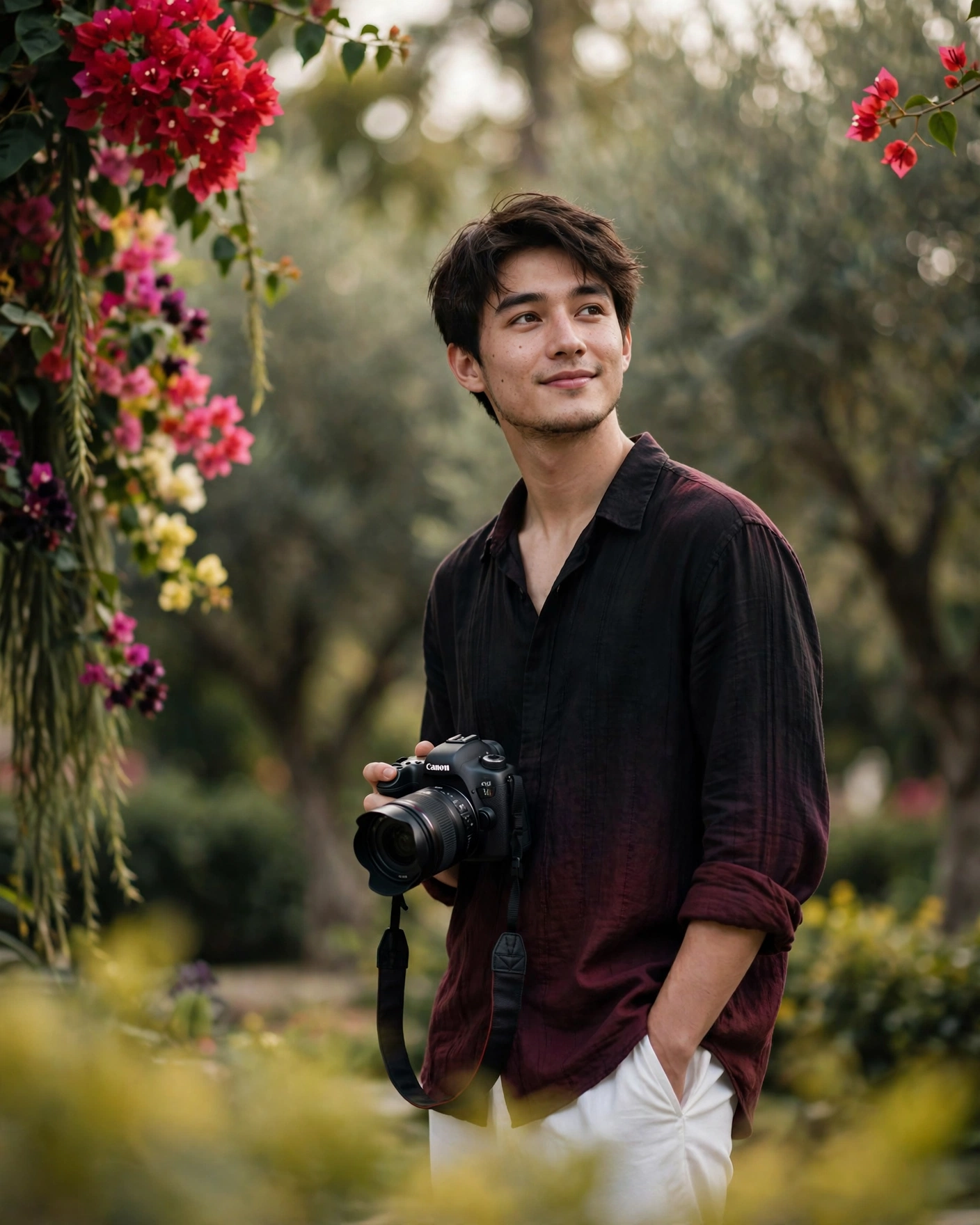
2. Young man with camera
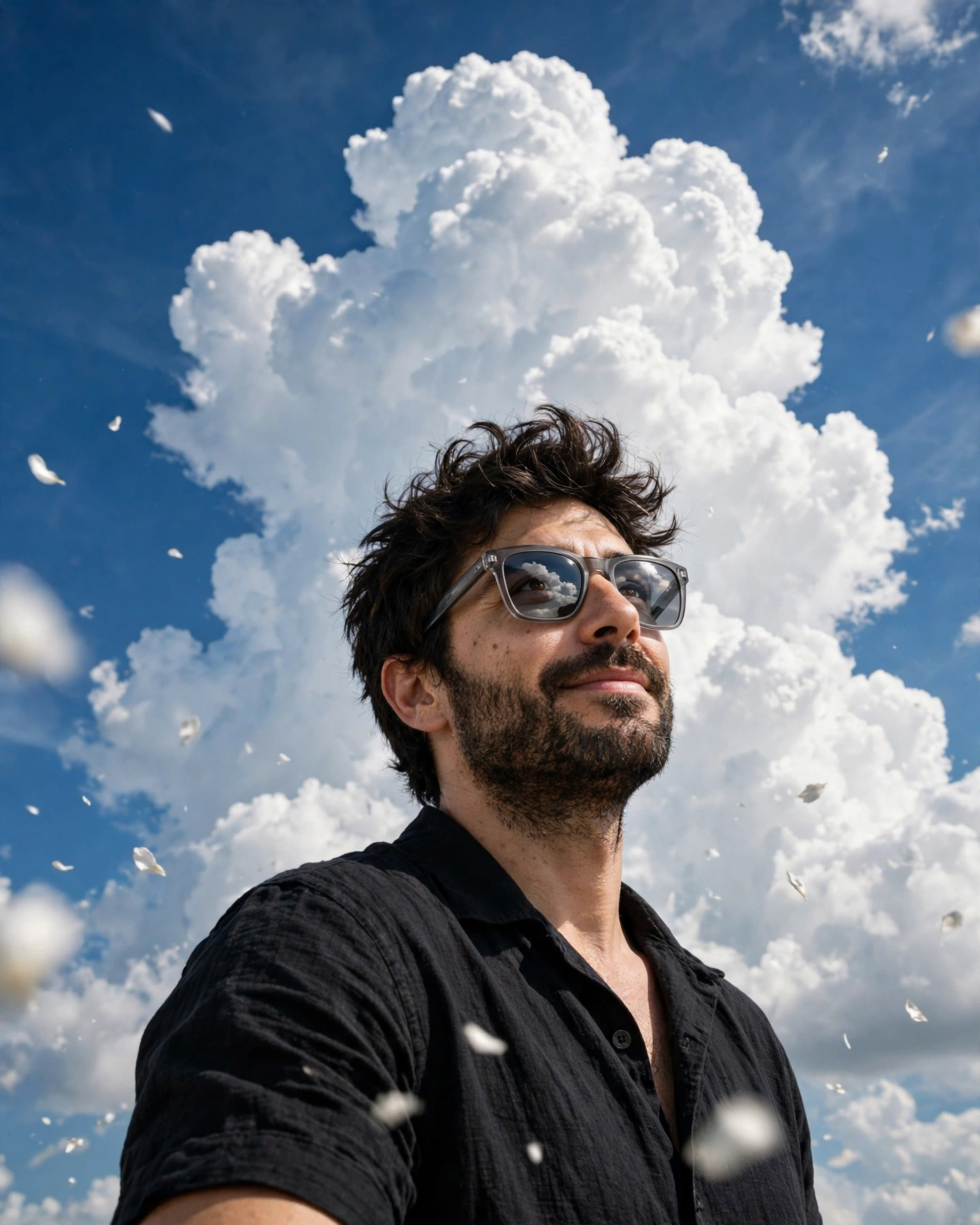
3. Low-Angle Blue Sky Photo AI Prompt
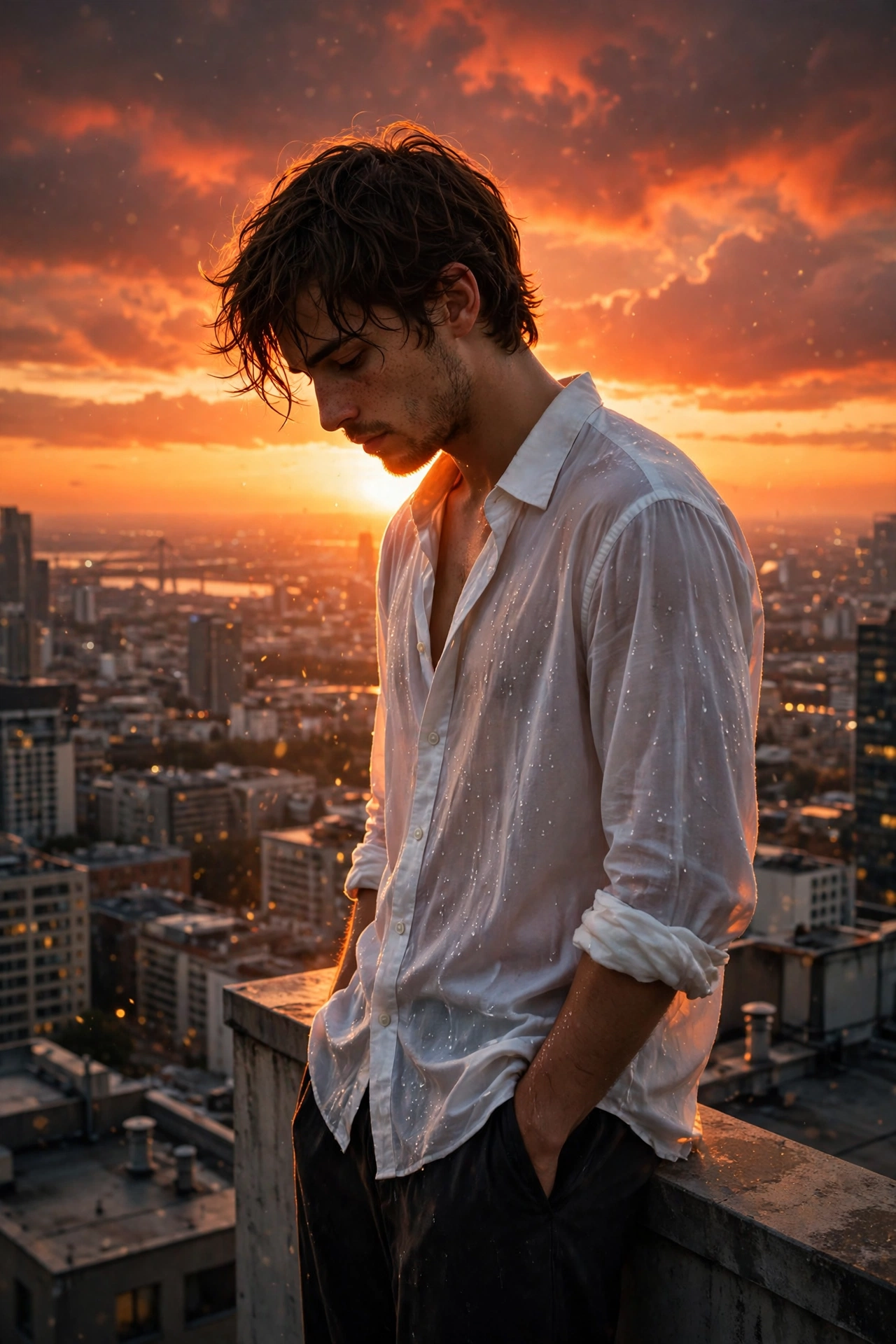
4. Dramatic Sunset Rooftop Contemplative Portrait Prompt
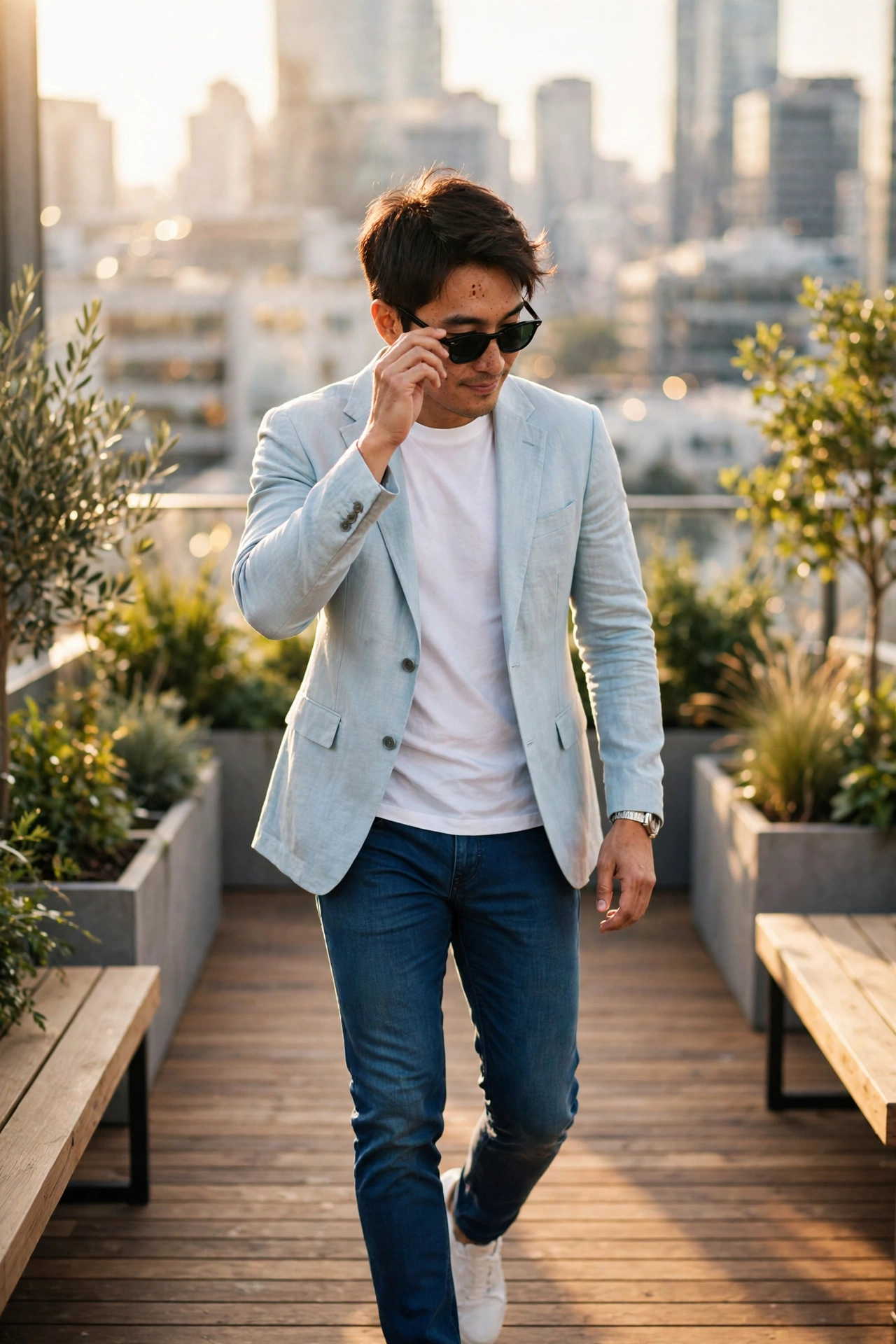
5. Stylish Man Walking Rooftop Fashion Photo AI Prompt
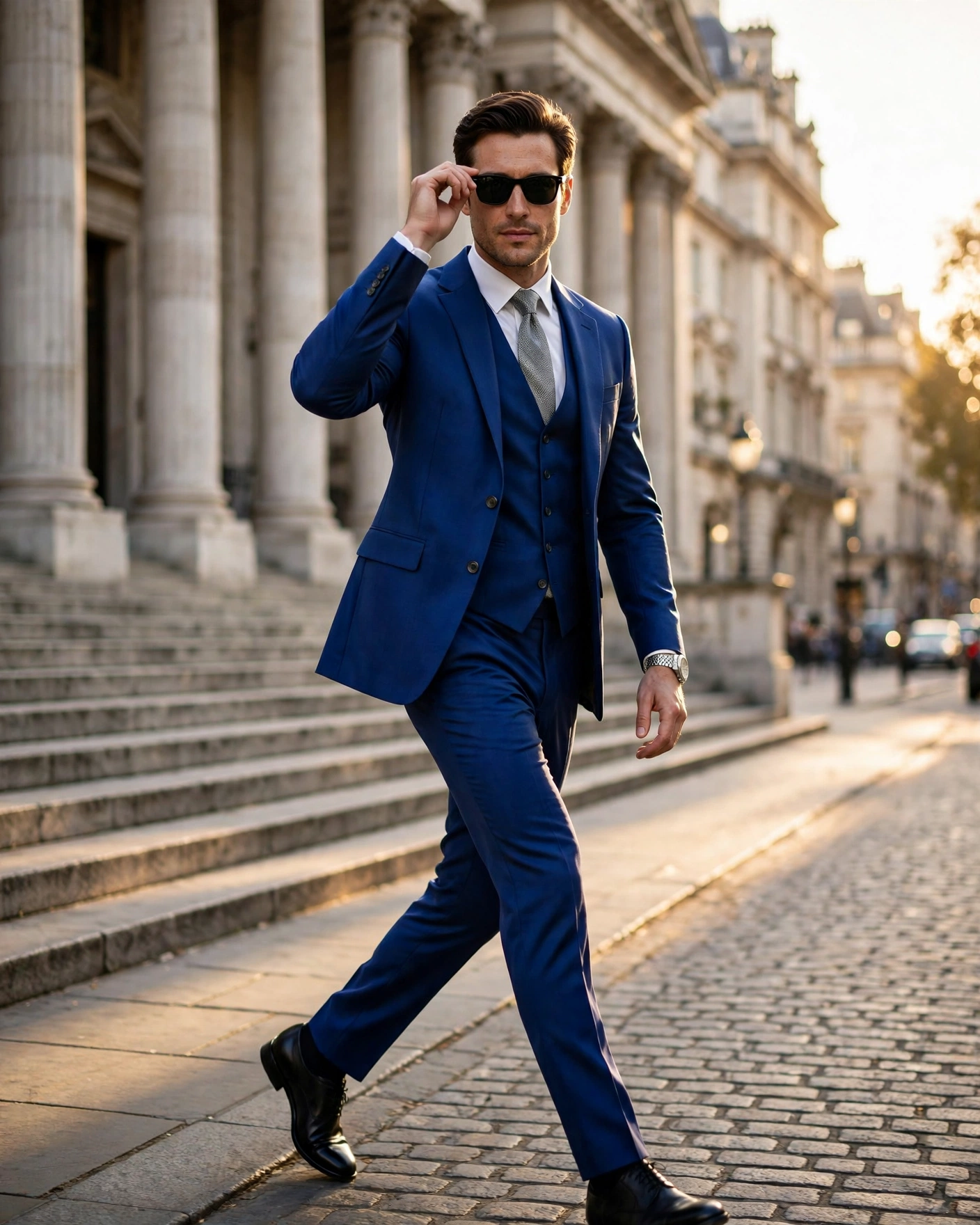
6. Cinematic Street Portrait of a Man in a Blue Suit
7. Cinematic Silhouette Profile Picture AI Prompt

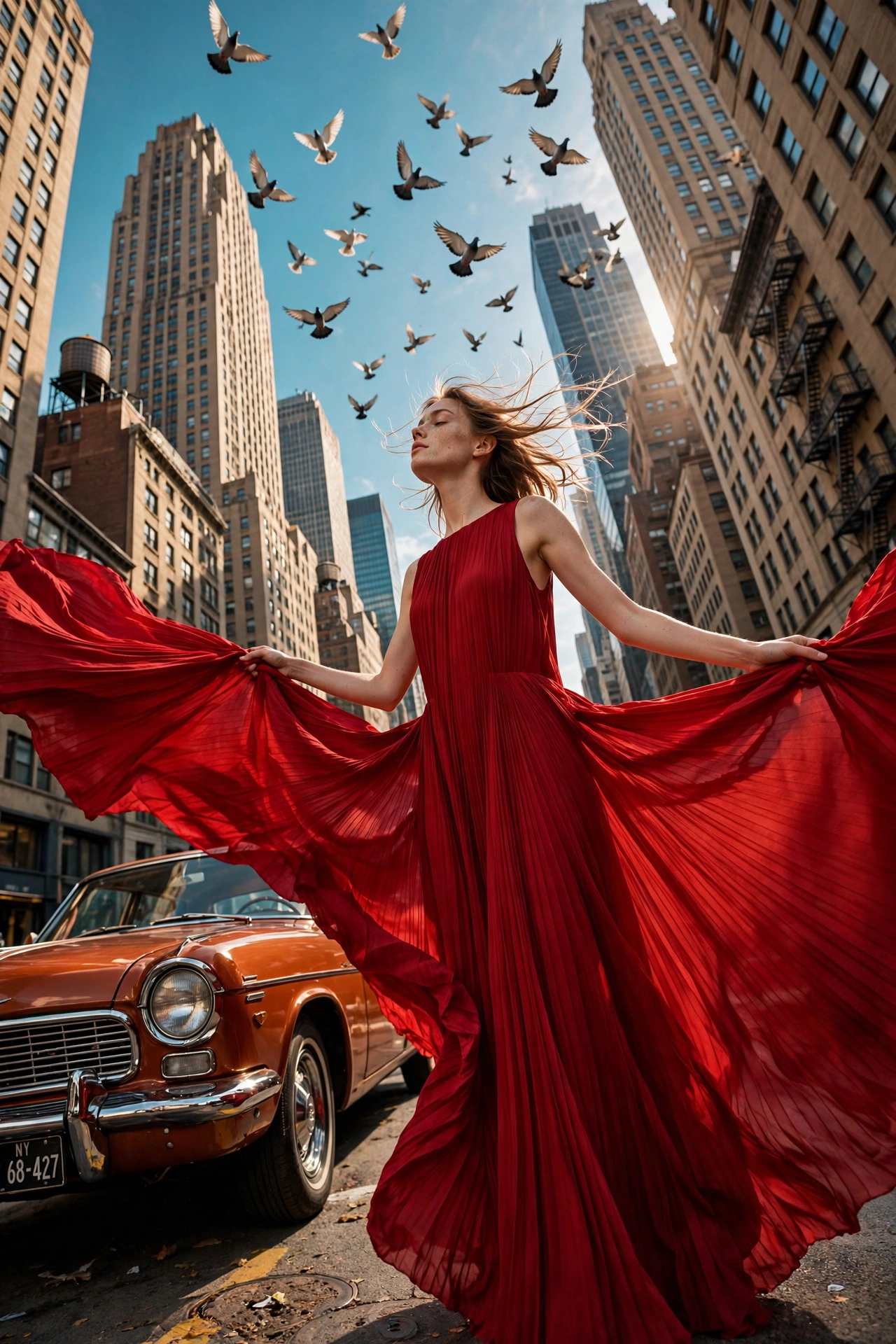
8. NYC Vintage Car Red Dress Editorial Photo Prompt
9. Waiting for the Dawn
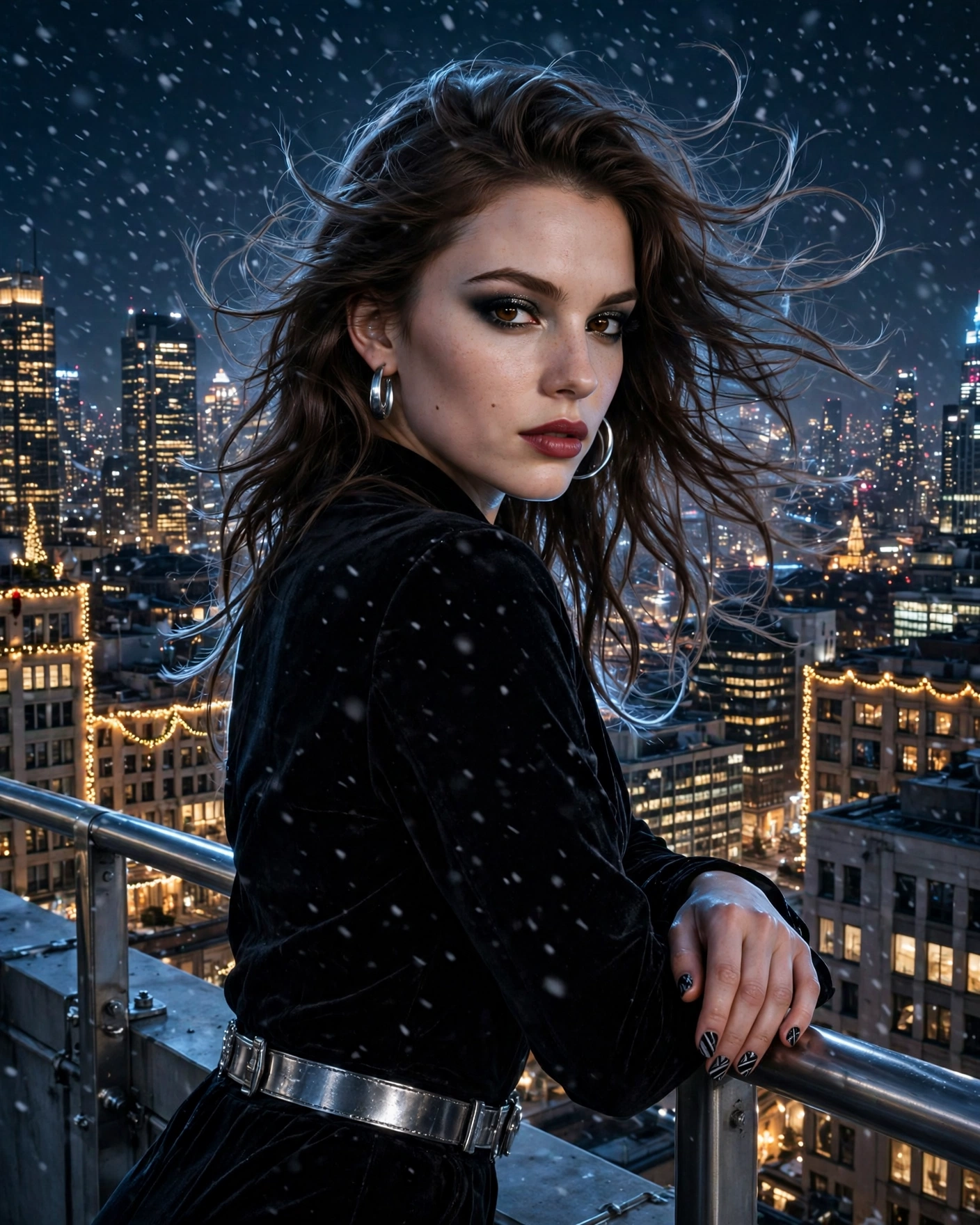
10. Glow
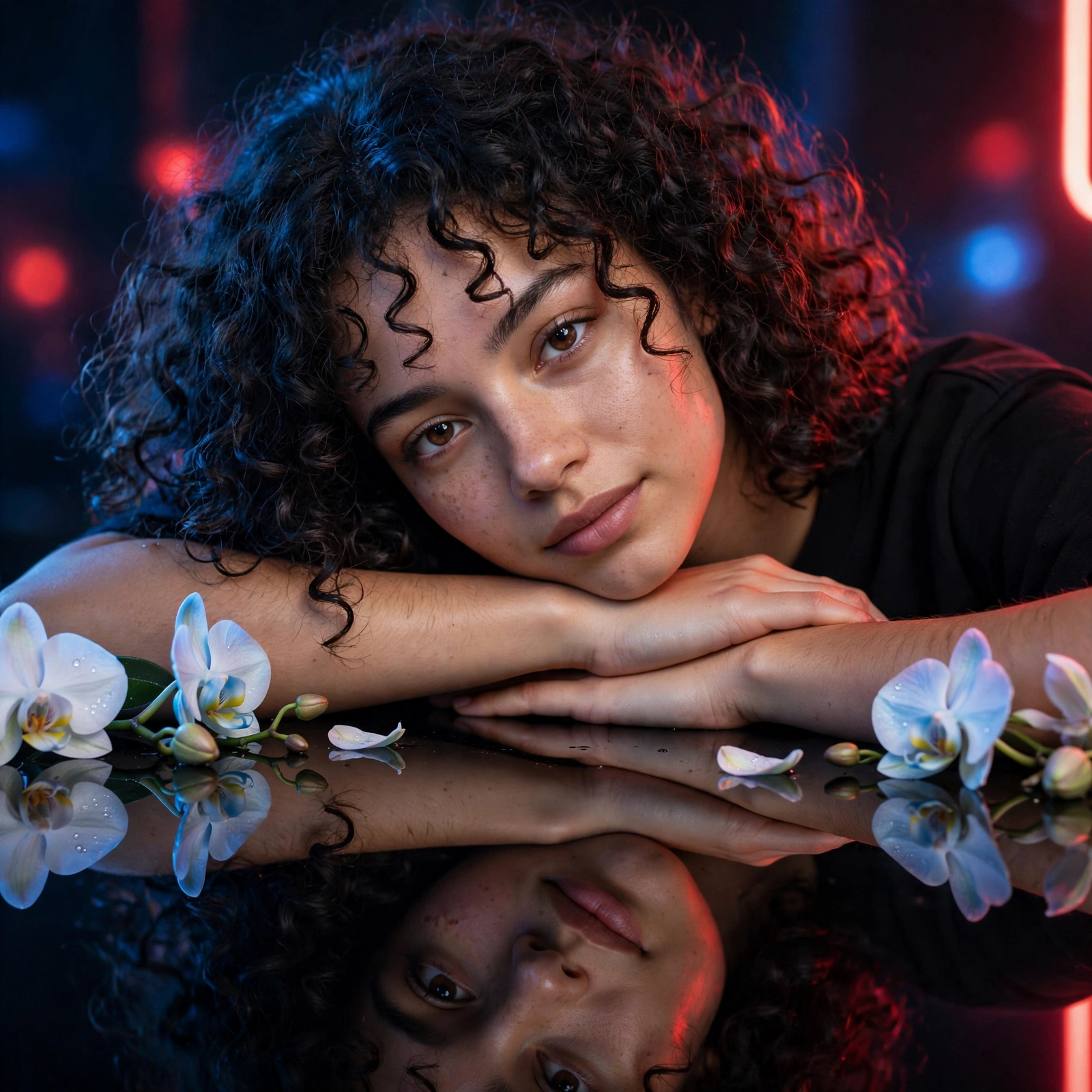
11. The Glowing Butterfly
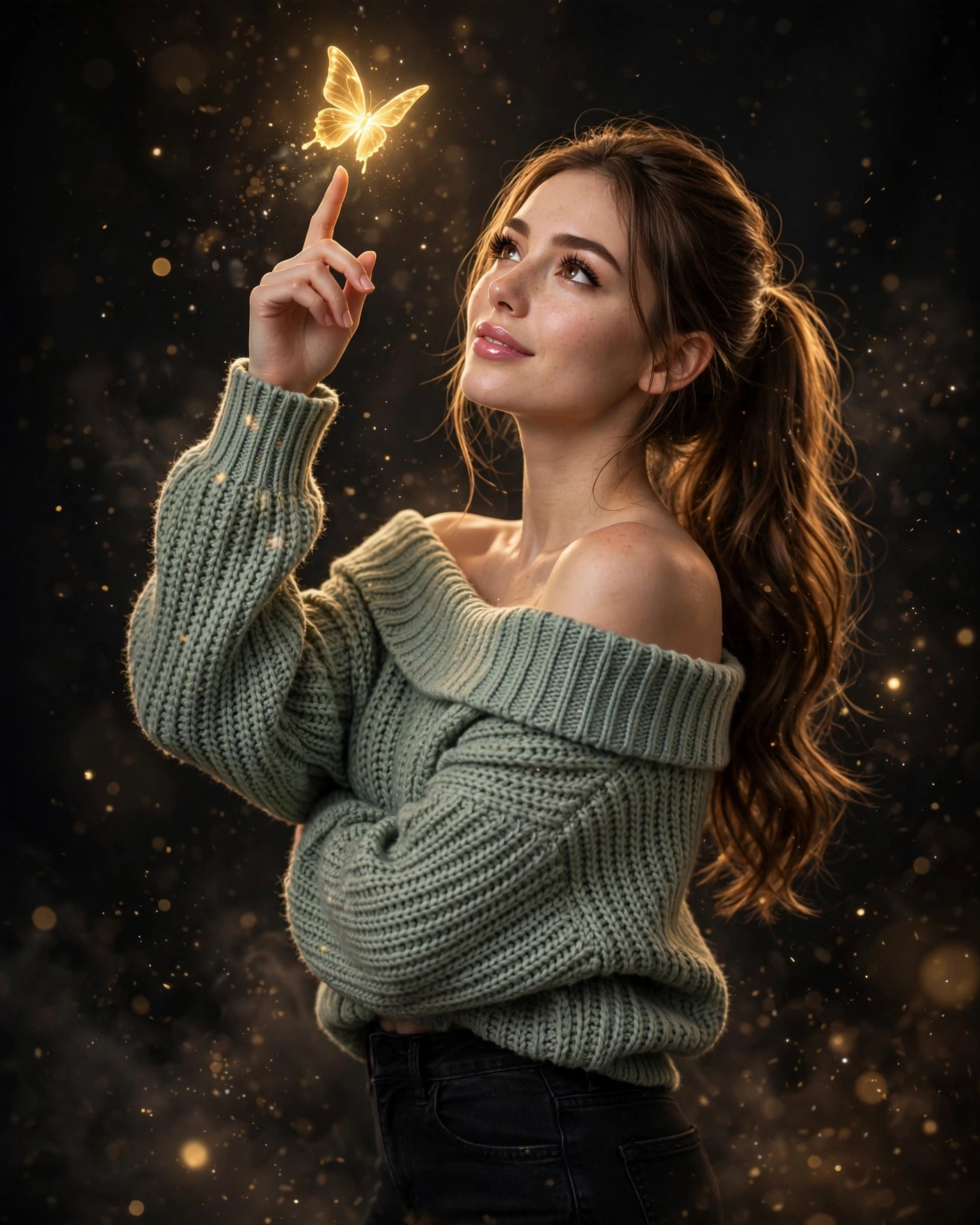
12. Fine-Lined Muse
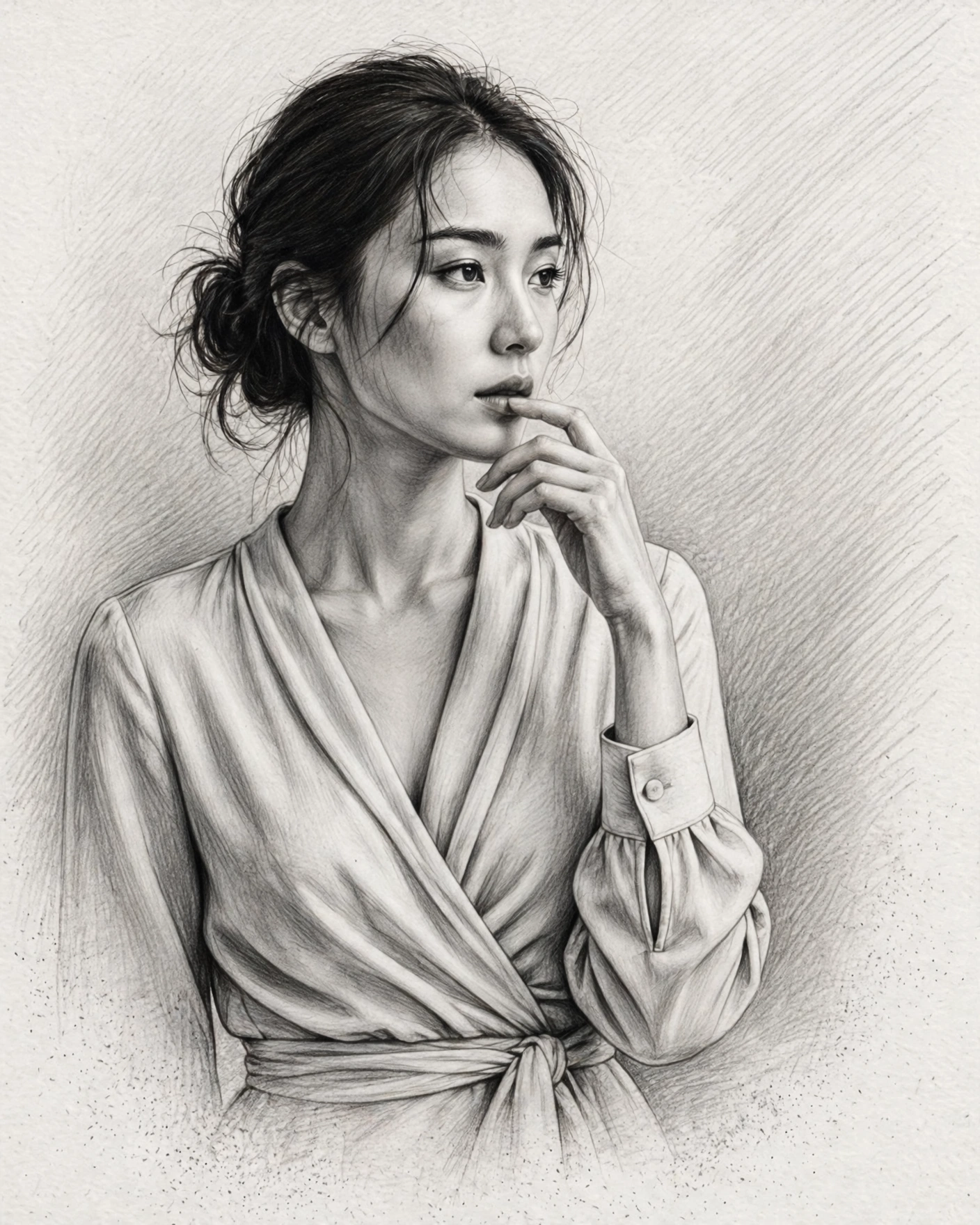
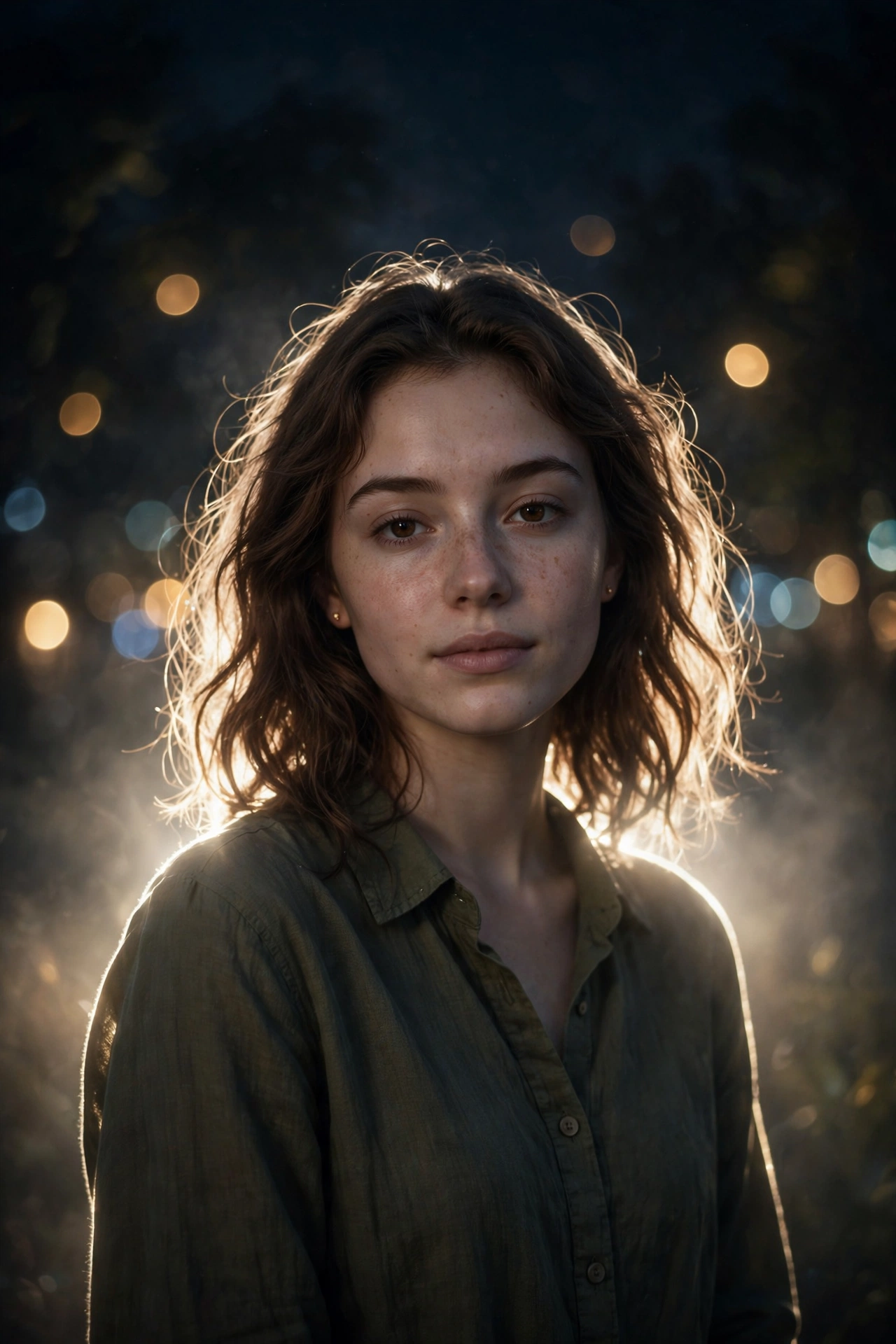
13. Cinematic Night Glow Restyle
What Makes a Background Look Truly Cinematic
A background feels cinematic when it behaves the way film scenes do. The first ingredient is light with direction. Low sunlight, like the golden hour glow in the Sunset Rooftop prompt, wraps around you and separates you from the scene behind you, while the Night Glow prompt uses city light for the same job after dark. The second ingredient is depth. Blurred backgrounds, soft bokeh and a clear distance between you and what is behind you make a flat picture feel like a film frame, which is why so many prompts on this page mention shallow depth of field and portrait lenses. The third ingredient is colour. Warm amber tones against cooler shadows, the classic teal and orange balance of cinema, give even a simple street scene the rich look you see in the Blue Suit and NYC Vintage Car prompts. When light, depth and colour work together, an ordinary photo starts to tell a story.
Matching a Background to Your Outfit and Mood
The best background is the one that agrees with what you are wearing and the feeling you want. Bright, colourful outfits shine against the open sky of the Low Angle Blue Sky prompt or the soft green of the Yellow Flowers prompt, because the scene stays light and lets your clothes carry the colour. Formal wear, like a suit or an evening dress, belongs with the city scenes on this page, the rooftop at sunset, the vintage car street or the quiet confidence of Waiting for the Dawn. If your photo was taken indoors or in the evening, the Night Glow and Silhouette prompts keep the mood honest instead of forcing daylight into a night picture. And when you want the focus to stay fully on you, the Glowing Butterfly and Fine Lined Muse styles turn the background into pure atmosphere. Choose the scene that your outfit would naturally walk into, and the result will always look believable.
The 3-Shot Rule: Turn One Photo Into a Mini Film
Wide shot. Generate your chosen prompt once and keep the full scene, because this becomes the opening frame of your little film.
Medium shot. Crop the same result at the waist, or add the words medium shot to the prompt, and you have the middle frame where the story lives.
Close-up. Crop tight on the face, or add the words close-up portrait, and the last frame lands with the most feeling. Post the three frames in order and your feed stops looking like single photos and starts looking like scenes.