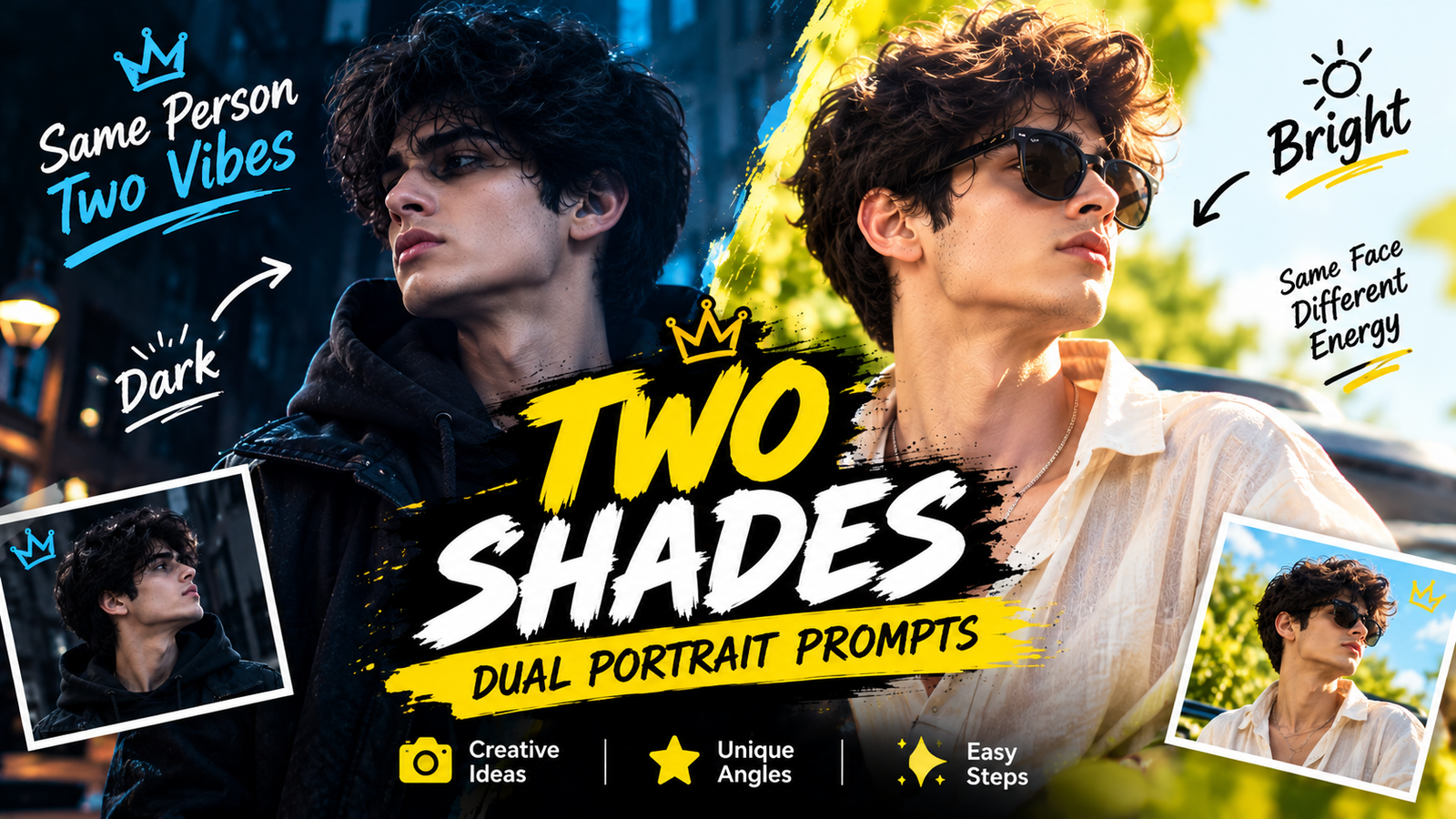
Two Shades Dual Portrait AI Prompts
One photo of you, shown twice in a single frame. That is the two shades idea. A large portrait of you fills the background in one mood, while a second, full colour version of you walks in front, or the frame itself splits into two lights, midnight on one side and golden hour on the other. Copy any prompt on this page, paste it with your own photo in ChatGPT or Gemini, and the tool builds both versions of you in one poster while your face stays yours in both.
Why Two Versions of You Look So Striking
A single portrait shows one mood. A dual portrait shows a contrast, and contrast is what the eye stops for. The background version carries the attitude, big, calm and looking away, while the front version carries the energy, walking straight at the viewer. Splitting the frame into two lights does the same job in another way, one face living in two weathers at once. Because both figures are you, the picture feels like a film poster with a story instead of a plain photo, which is why this style suits profile pictures, posters and dramatic posts.
1. Blue Two Shades Dual Portrait for Her
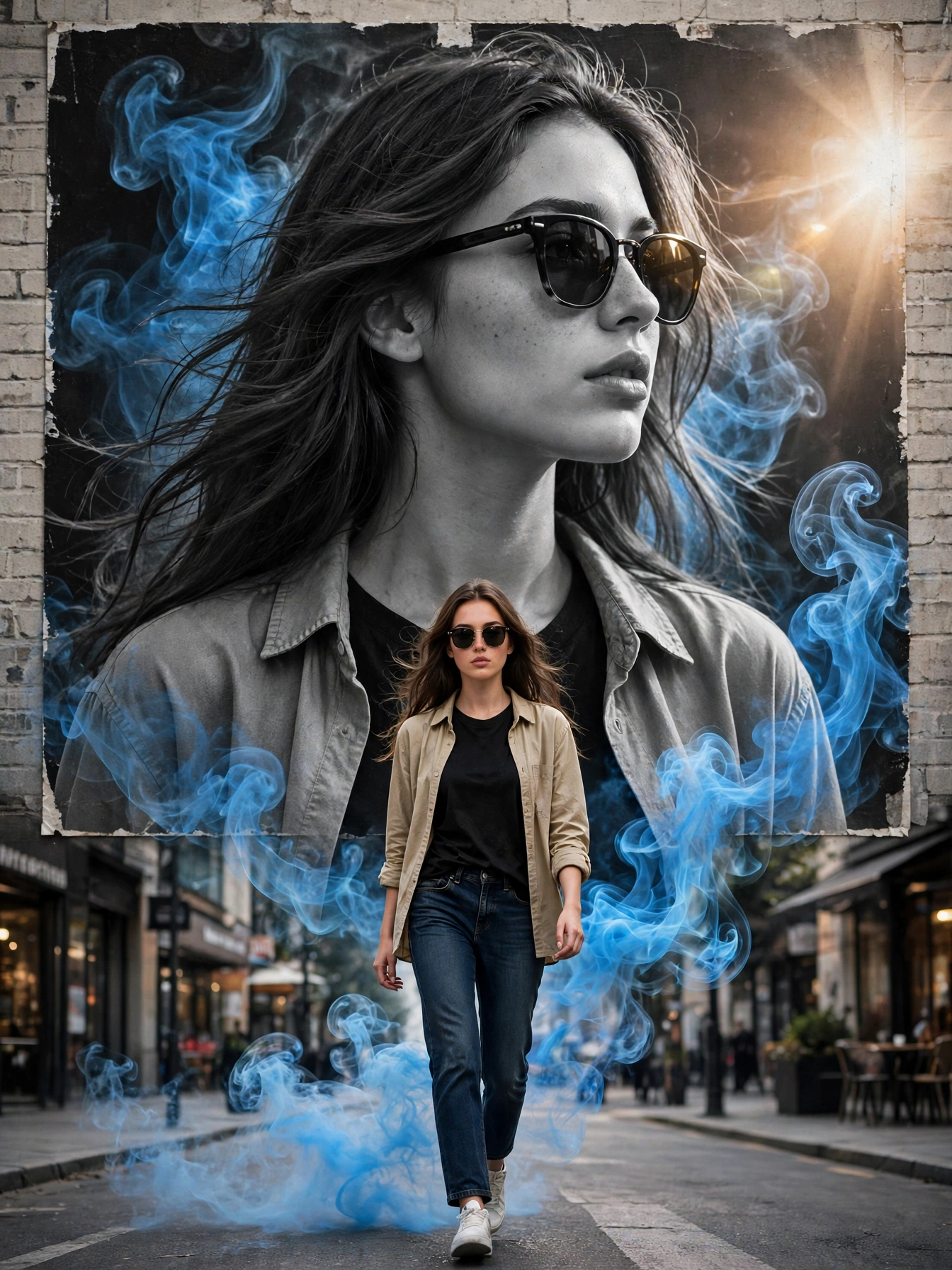
2. Orange Two Shades Dual Portrait for Him

3. Midnight vs Golden Hour
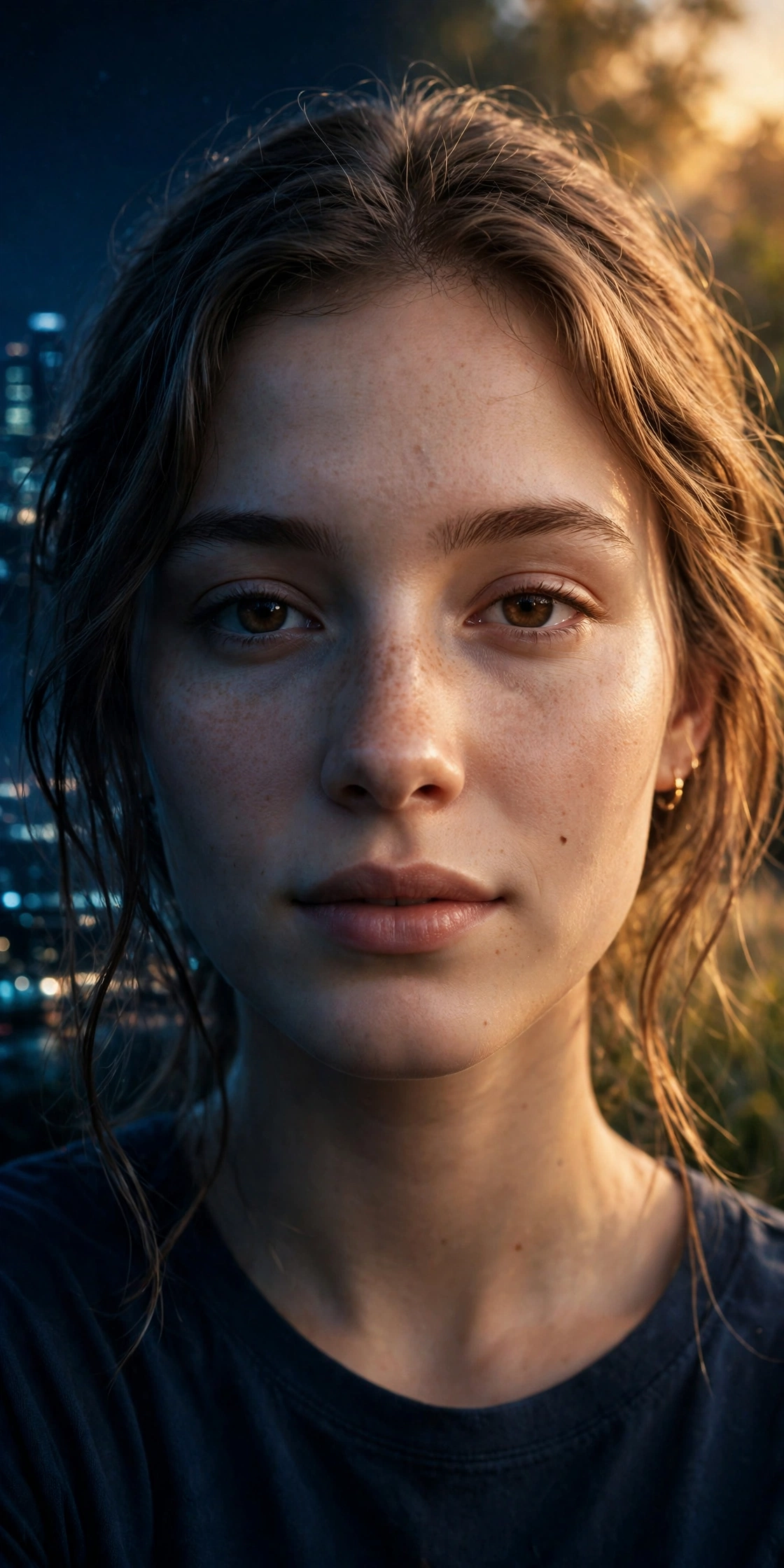
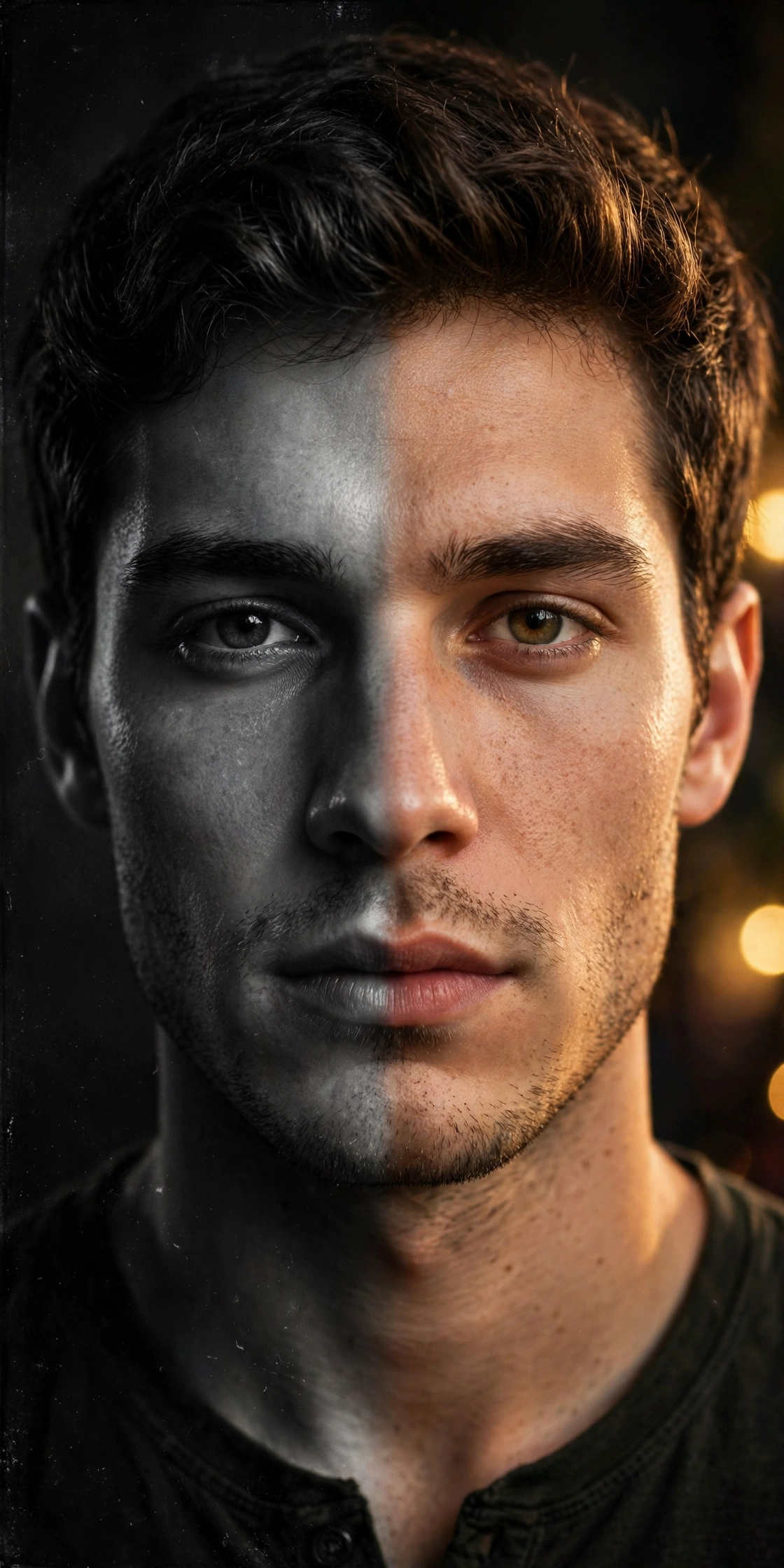
4. Black & White vs Color
The Four Looks on This Page
The blue and orange looks follow the poster formula, a monochrome giant behind and a colour figure in front, with coloured smoke tying the two together. Blue reads cool and calm, orange reads warm and bold. The other two looks split one portrait instead. Midnight against golden hour is a battle of light, deep blue night against warm sunset, blended through the face. Black and white against colour is a battle of eras, classic film on one side and modern colour on the other. Pick the formula first, poster or split, then pick the colours that suit your photo.
Choosing the Right Photo for a Dual Portrait
Dual portraits ask more from your starting photo than single edits, because the tool builds you twice. Use a clear photo where your face is sharp and fully visible, with no sunglasses hiding your eyes unless the look asks for them. A plain or simple background in your photo helps, because the tool replaces it anyway and clutter can confuse the shapes. Full body photos suit the two poster looks, since the front figure walks in head to toe, while closer portraits suit the two split looks, where the face carries the whole frame.
Tips for a Dual Portrait That Looks Like One Poster
Keep one face line. Both versions are built from the same photo, so never mix two different photos of yourself in one prompt, or the two figures will drift apart.
Let the background stay monochrome. The giant portrait behind you works because it is black and white. If it comes back in colour, ask for monochrome or grayscale by name.
Name the smoke colour. Blue and orange smoke are part of the design, not decoration. If the smoke fades, repeat the colour word in a short follow up line.
Match your outfit to the formula. The poster looks were designed around an open shirt over a dark T shirt with sunglasses. Similar clothes in your photo give the tool an easy path.
Check the blend line. On the split looks, zoom into the centre of the face. A good result has no visible seam, only light changing across the skin.
Conclusion
Two shades is the fastest way to turn one ordinary photo into a poster with a story. You bring a single clear picture, the prompt builds your second self, and the contrast between the two does the rest. Start with the colour that feels like you, blue for calm or orange for bold, or split your face between night and day, and post the version your friends have never seen before.