Professional & Corporate AI Photo Editing Prompts
This page brings you professional and corporate AI photo editing prompts, the clean and polished looks people use for LinkedIn profiles, resumes and company pages. Every prompt here is free to copy. Just paste it with your own photo in ChatGPT or Gemini, and an ordinary picture turns into a sharp professional portrait while your face stays completely yours. A good first impression starts with your photo, and these prompts are made to give you that confident, job ready look in seconds.
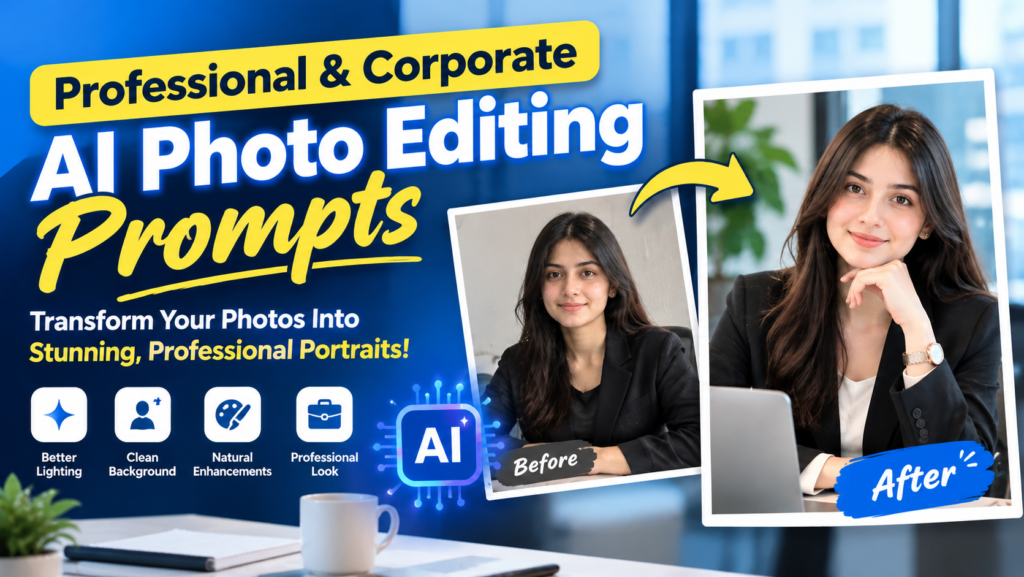
Why a Professional Photo Matters More Than Ever
The purpose of these prompts is simple: to turn your normal photo into a clean, professional portrait without a studio, a photographer or paid editing apps. Your profile photo is often the first thing an employer, a client or a business partner sees, and a clear photo with good light and a tidy background quietly says that you are serious and reliable. You just copy a prompt from this page and paste it with your own photo in ChatGPT or Gemini. The prompt works like ready instructions for the AI. It tells the AI exactly which lighting, background and formal style to apply, so a selfie taken at home comes back looking like a portrait taken in a studio. It is perfect for LinkedIn, CVs, company websites and business profiles.
1. Professional LinkedIn Headshot
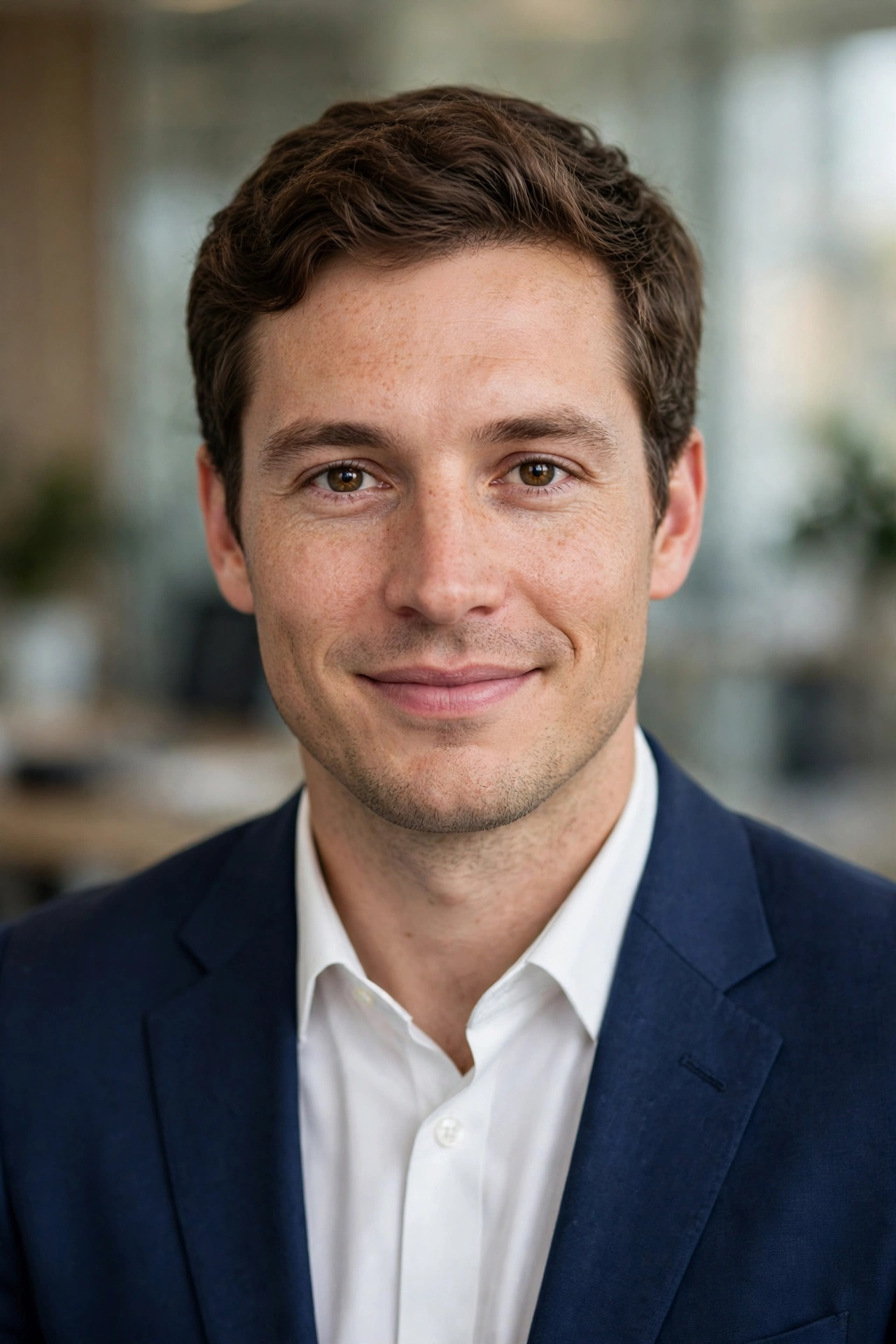
2. CEO / Executive Portrait
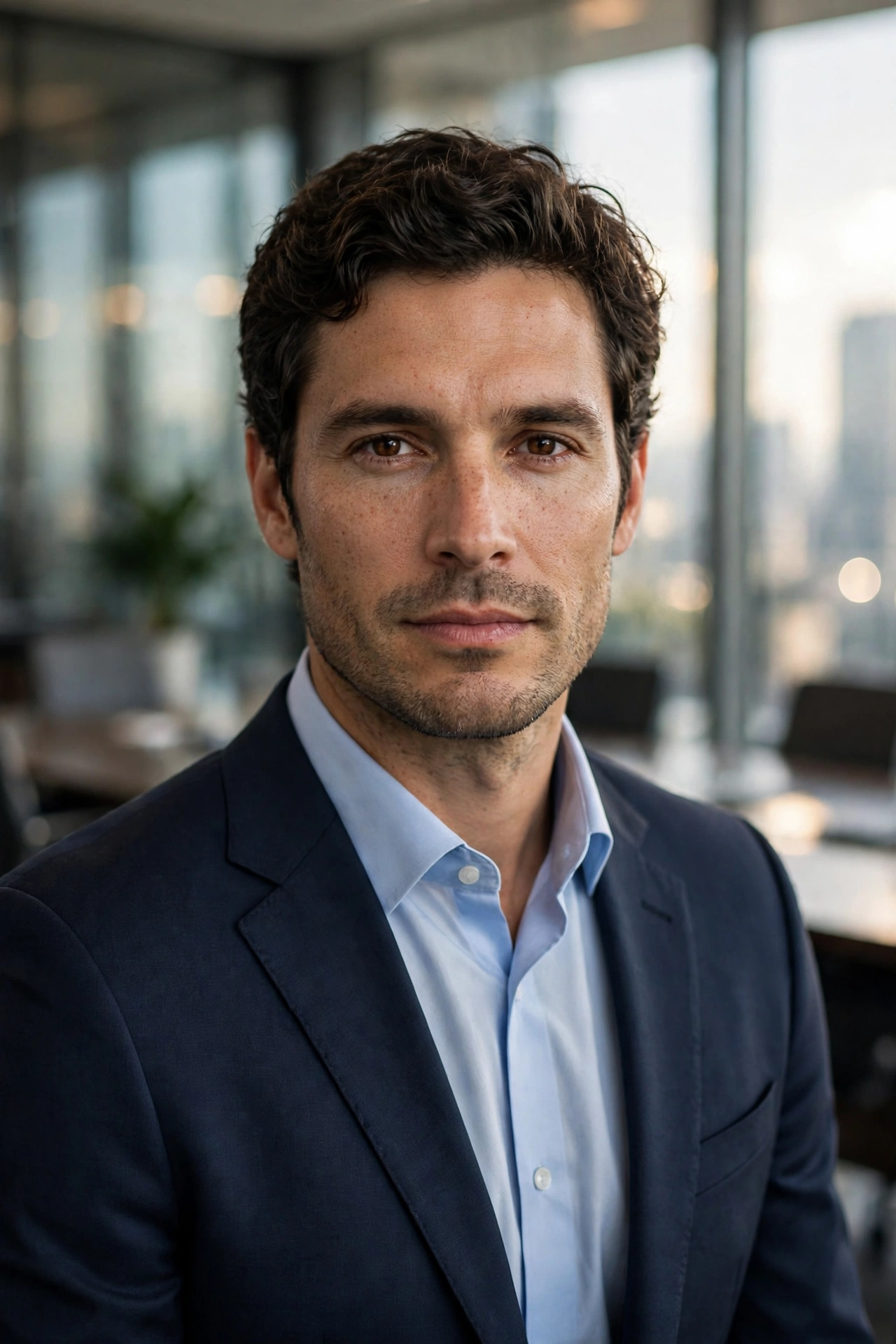
3. Modern Office Professional
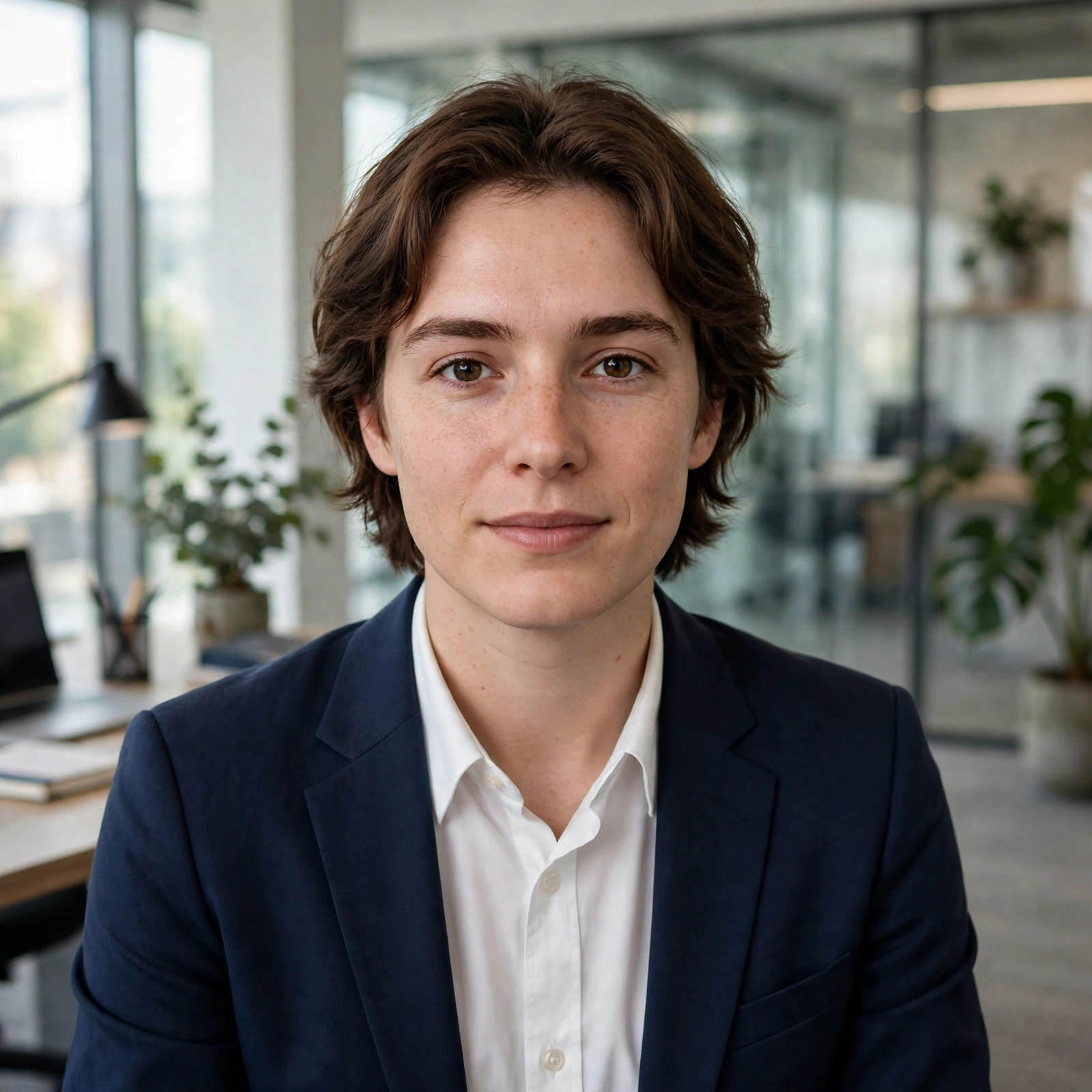
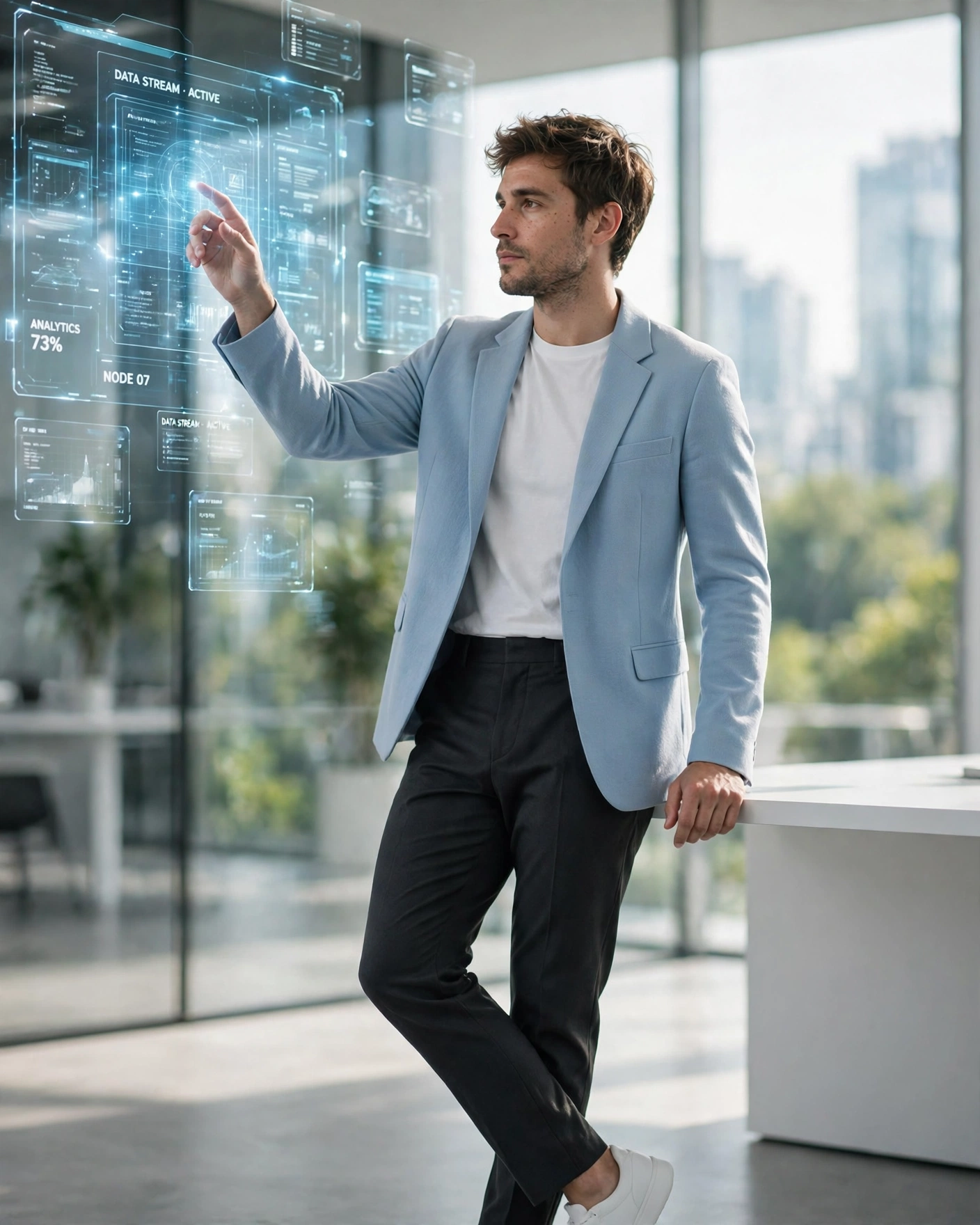
4. Woman Futuristic Holographic Screen Office AI Photo Prompt
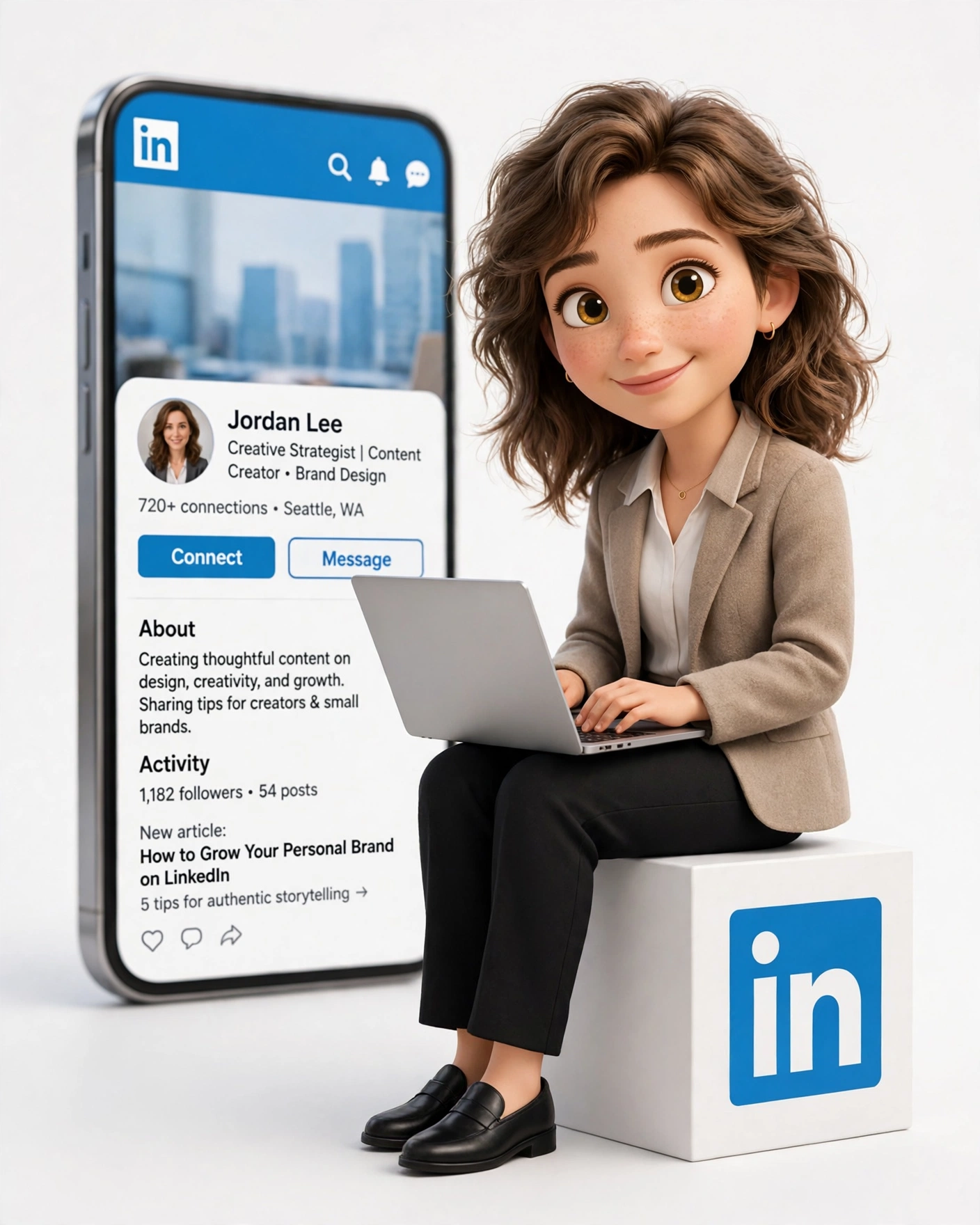
5. 3D Professional Identity
6. Navy Suit Corporate Headshot AI Prompt

7. Professionalism Defined

8. Professional Boss in Dark Wood Room
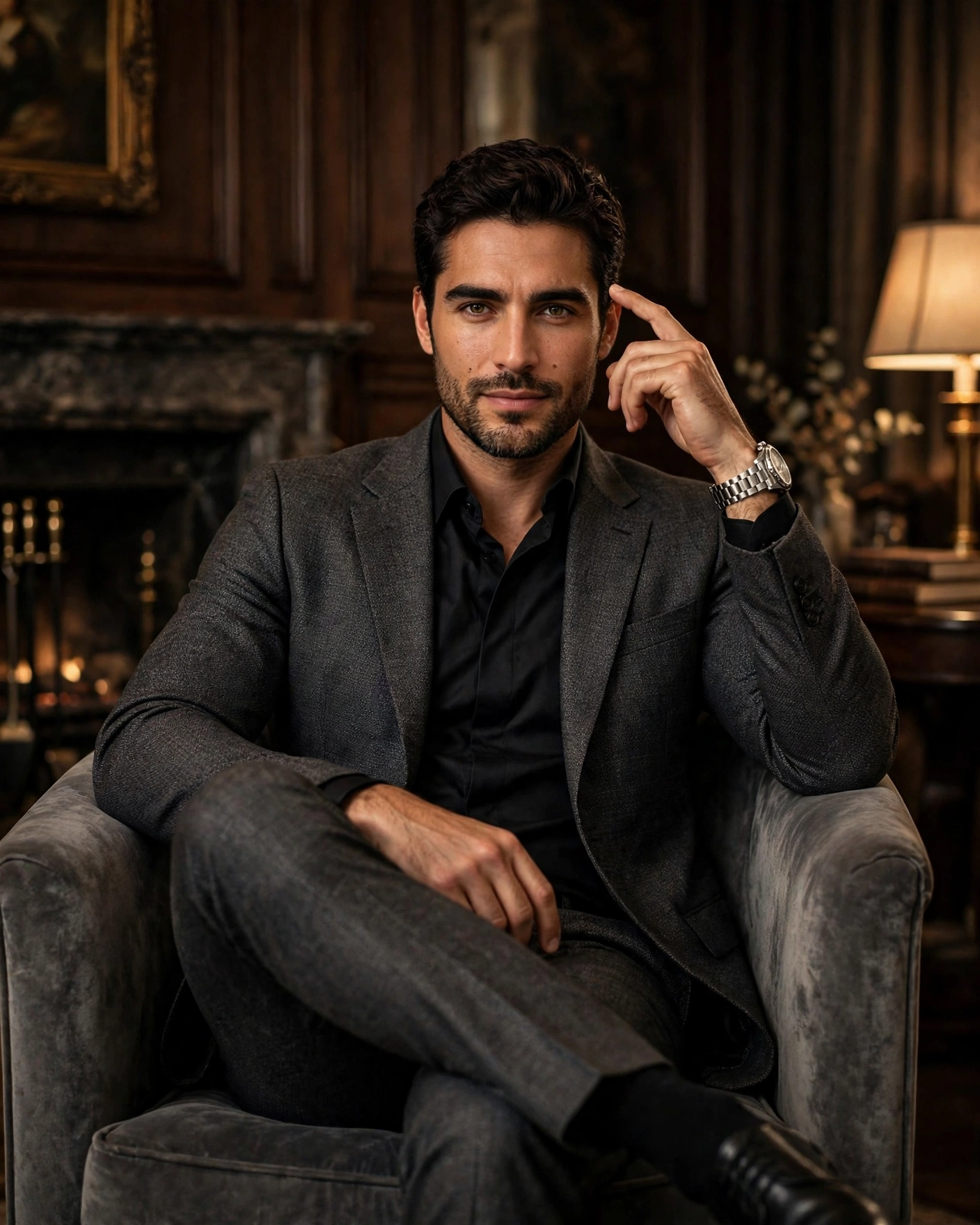
9. Midnight Suit and Shadow
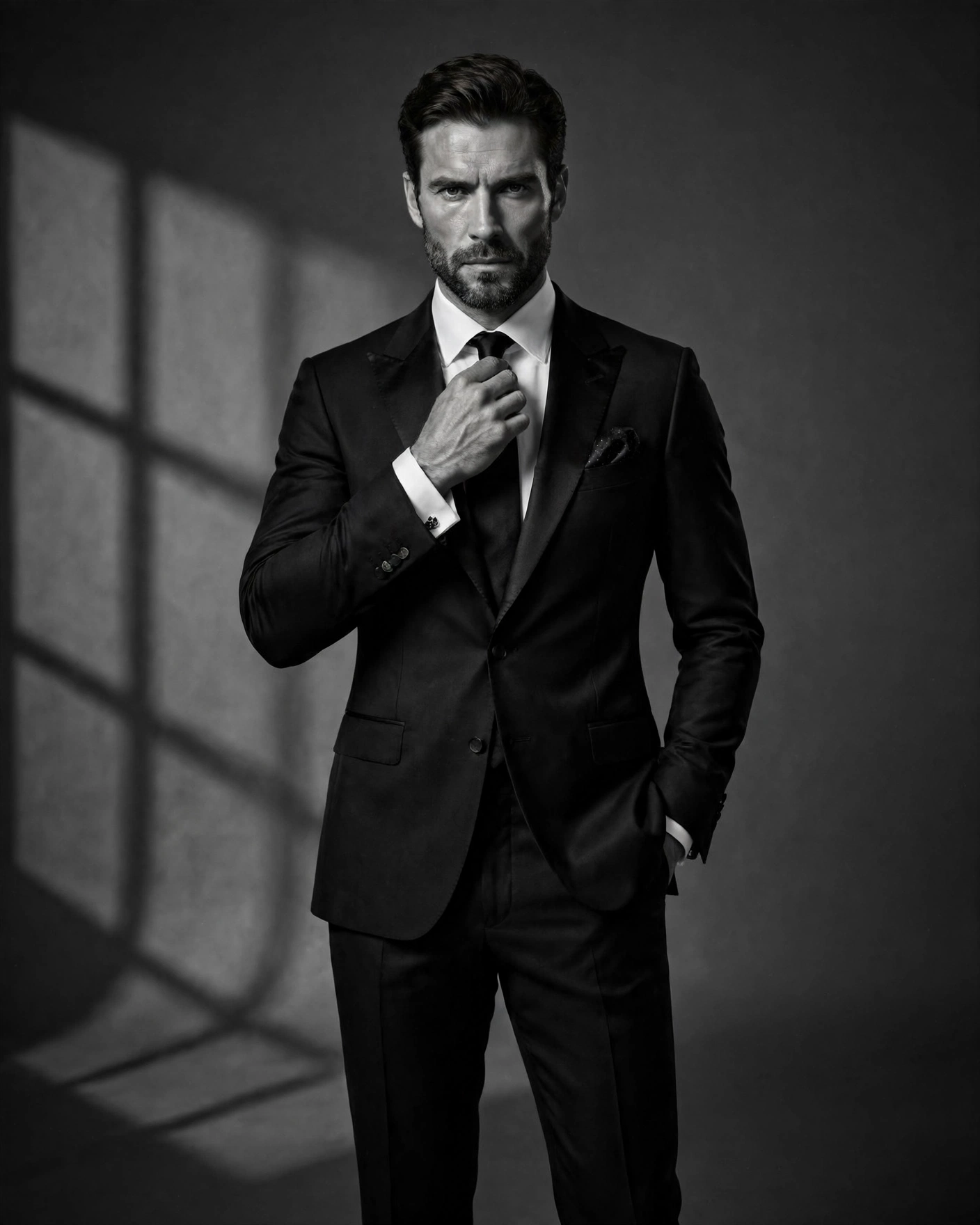
10. Shirt and Tie Corporate

What Makes a Corporate Portrait Look Professional
A professional portrait is built on small details working together. The lighting is soft and even, with no harsh shadows on the face, so you look fresh instead of tired. The background is clean and simple, usually a plain office wall, a soft blur or a neutral colour, because anything busy steals attention from you. Your outfit carries the formal signal, a blazer, a crisp shirt or neat formal wear, kept tidy and well fitted. Your expression matters most of all. A relaxed, confident look with a gentle smile feels trustworthy, while stiff poses feel forced. Finally, the photo stays honest. The best corporate portraits still look like the real person, just on their best day, which is exactly what the prompts on this page are written to do.
Where to Use Your Professional AI Portrait
One good portrait can serve you in many places. On LinkedIn it lifts your whole profile and makes recruiters stop at your name. On a CV or resume it adds a face to your skills and makes your application feel complete. Business owners use the same portrait on their company website, visiting cards and WhatsApp business profile, so clients see one consistent, trustworthy face everywhere. Freelancers and creators use it on portfolios and proposals, where a polished photo quietly supports better work and better rates. You can even keep two versions ready, a formal one for job applications and a slightly relaxed one for social media, both made from a single photo with the prompts above.
What Your Portrait Says Before You Speak
The navy suit look tells people you are steady and safe to trust, which is why it suits client facing roles.
The dark wood office look carries quiet authority, the one people read as the person who decides.
The holographic screen look says you build the future, and it lands best with tech and startup audiences.
The plain shirt and tie look is the honest all-rounder, formal without trying too hard, right for almost any application.